
3 views planned
Vela · Portable workstations
Vela Page 15
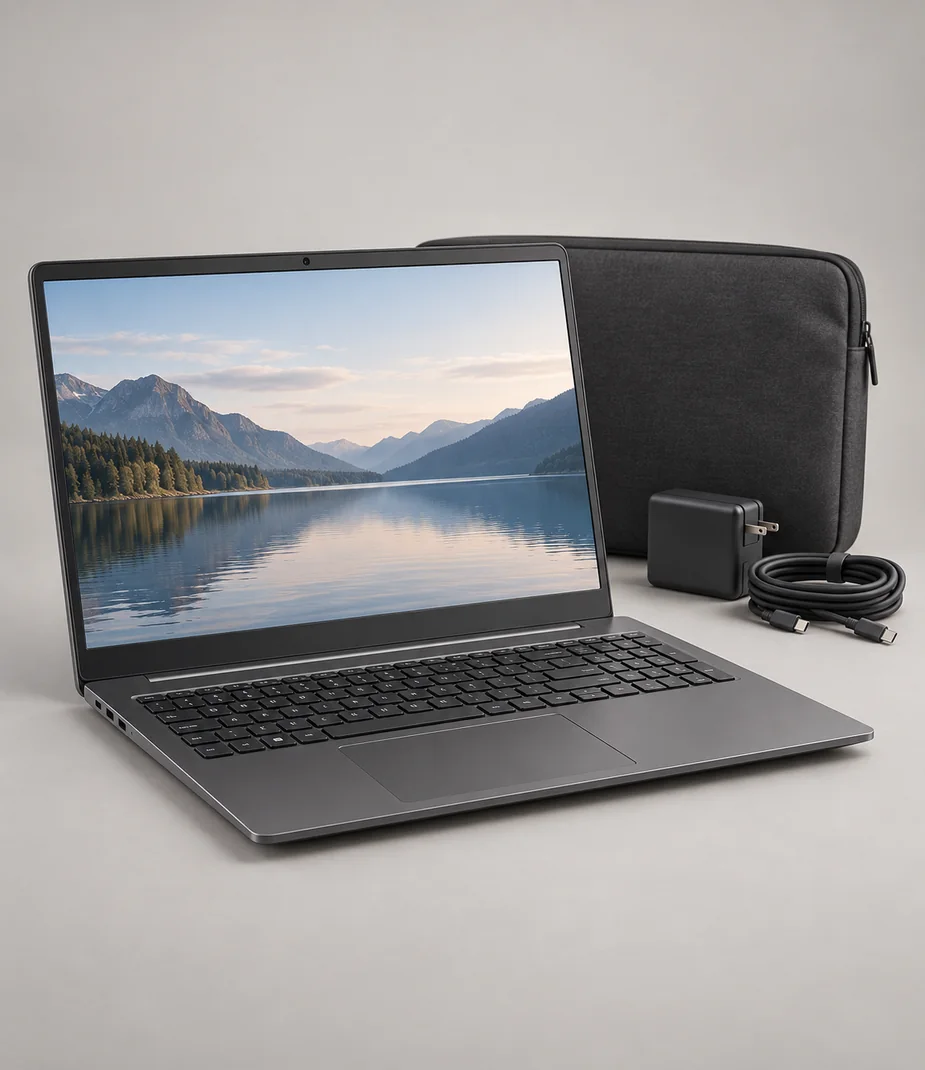
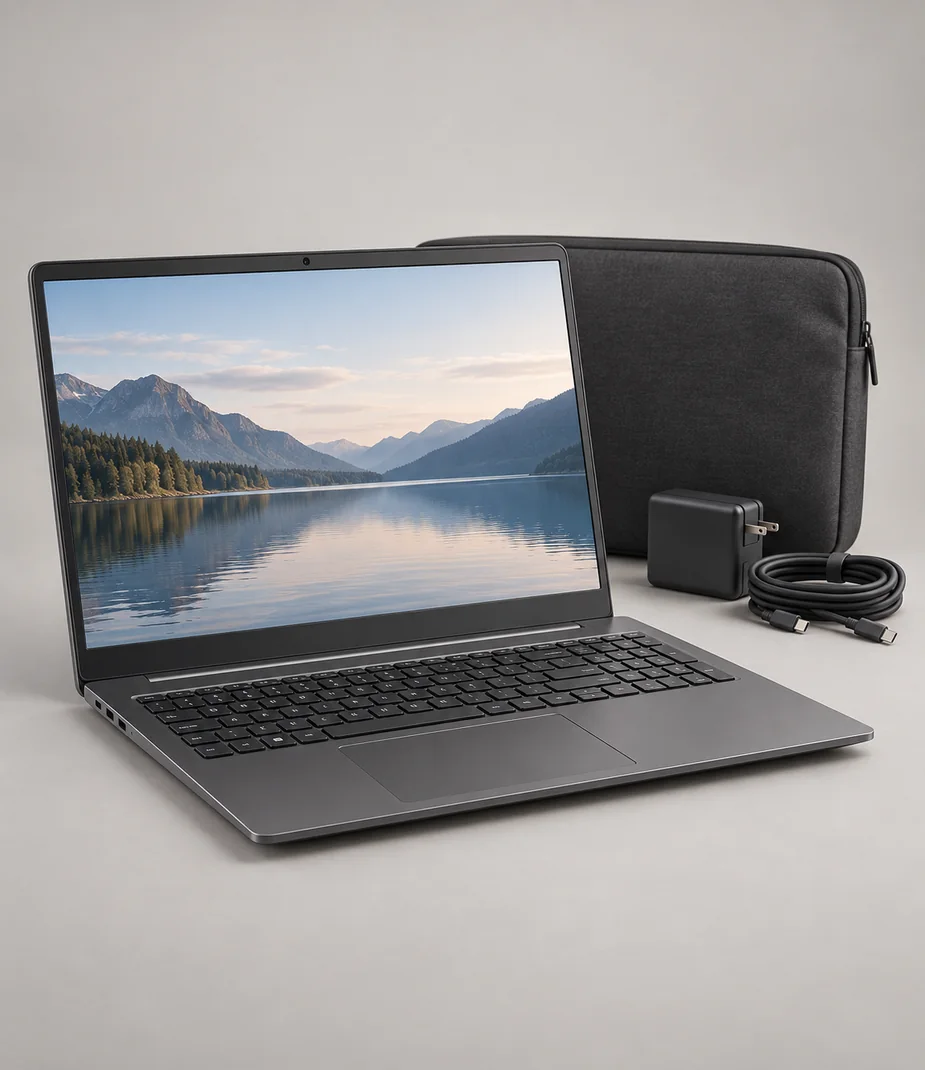
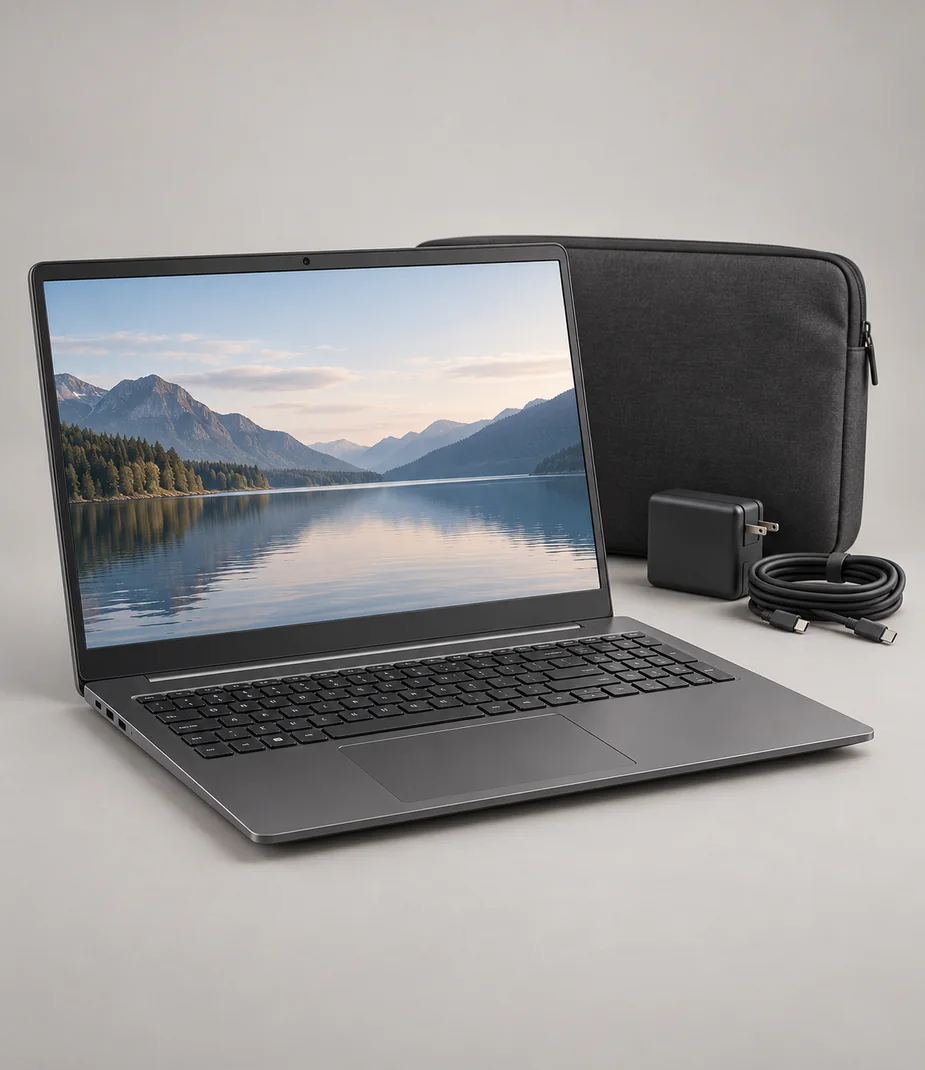
A straightforward document laptop with a full-size keyboard and modest local storage.
€390.00 to buy
A local equipment plan. No stock is reserved and no payment is collected.
A closer look at Vela Page 15
Page 15 is the light-duty choice for a training room, notes or a temporary writing desk. Its four-core processor and 8 GB memory favour a small number of active tasks. The matte 15.6-inch screen is useful for spreadsheets, while the 128 GB drive keeps this configuration focused on documents instead of a large media library.
An HDMI socket makes a classroom screen connection easy to describe, but the display cable is separate. Save a local copy of essential working files before a session. A browser-based workflow still needs its own network and account; the machine is not a substitute for offline preparation.
| Term | Per month | Full rent | Refundable deposit | Due at start |
|---|---|---|---|---|
| 1 month | €22.00 | €22.00 | €70.00 | €92.00 |
| 3 months | €20.90 | €62.70 | €70.00 | €90.90 |
| 6 months | €19.80 | €118.80 | €70.00 | €89.80 |
| 12 months | €17.60 | €211.20 | €70.00 | €87.60 |
Full rent excludes the deposit. The initial amount includes the first month and the deposit. Rental does not become ownership.
What comes with this model
- Vela Page 15
- 45 W USB-C PD supply
- 2 m USB-C charging cable
- Padded computer sleeve
Technical details
- Display diagonal
- 15.6 inches
- Native resolution
- 1920 × 1080
- Processor
- Vela C4 illustrative 4-core processor
- Memory
- 8 GB
- SSD storage
- 128 GB
- Charging
- USB-C PD, 45 W supplied
- External video
- HDMI 2.0; one 4K display at 60 Hz
- Touch display
- No
- Weight
- 1.55 kg
- System
- Vela Workspace 1; fictional software platform
- Gamepad input
- USB HID; application support and mapping required
Questions about this model
Can this computer run an external screen?
Vela Page 15 provides hdmi 2.0; one 4k display at 60 hz. Match that output to the screen input; the charging connector alone is not proof of a video path.
What should I plan around when working away from a desk?
The computer weighs 1.55 kg before its power supply. The 128 GB SSD and 8 GB memory leave little headroom for video projects or virtual machines.
Check this before choosing
Intended uses
- Writing and small spreadsheets
- Training-room presentation preparation
Points to confirm
- The 128 GB SSD and 8 GB memory leave little headroom for video projects or virtual machines.
- Application availability is illustrative; no real operating-system or app license is supplied.
Make a local setup note
A note for your own equipment plan. It is not a published review and is not sent to anyone.
Alternatives to consider
Alternatives illustrate a selection tradeoff; comparison does not imply accessory, media or platform compatibility.
Connections with a reason
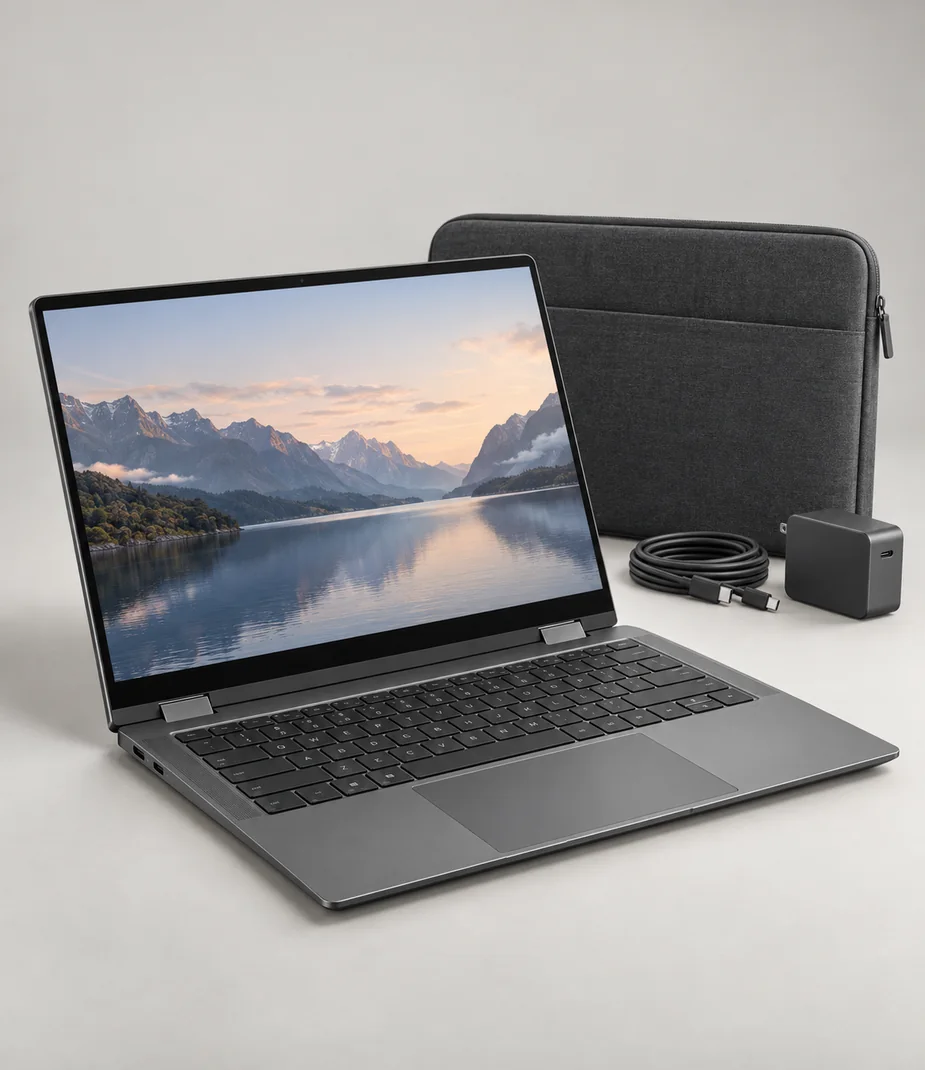
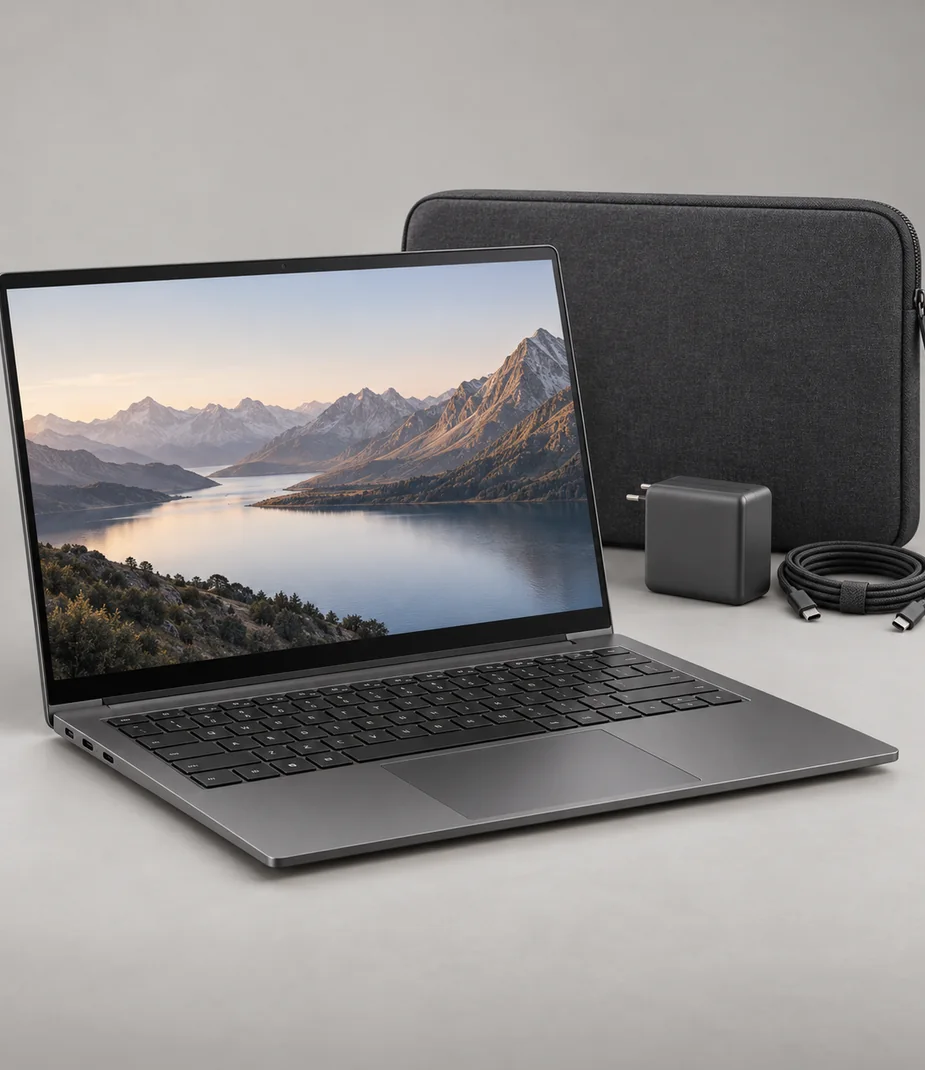
Only the named relationships have been defined. Each link states whether it concerns lens fit, signal, input, companion software or file transfer; no universal same-category compatibility is implied.
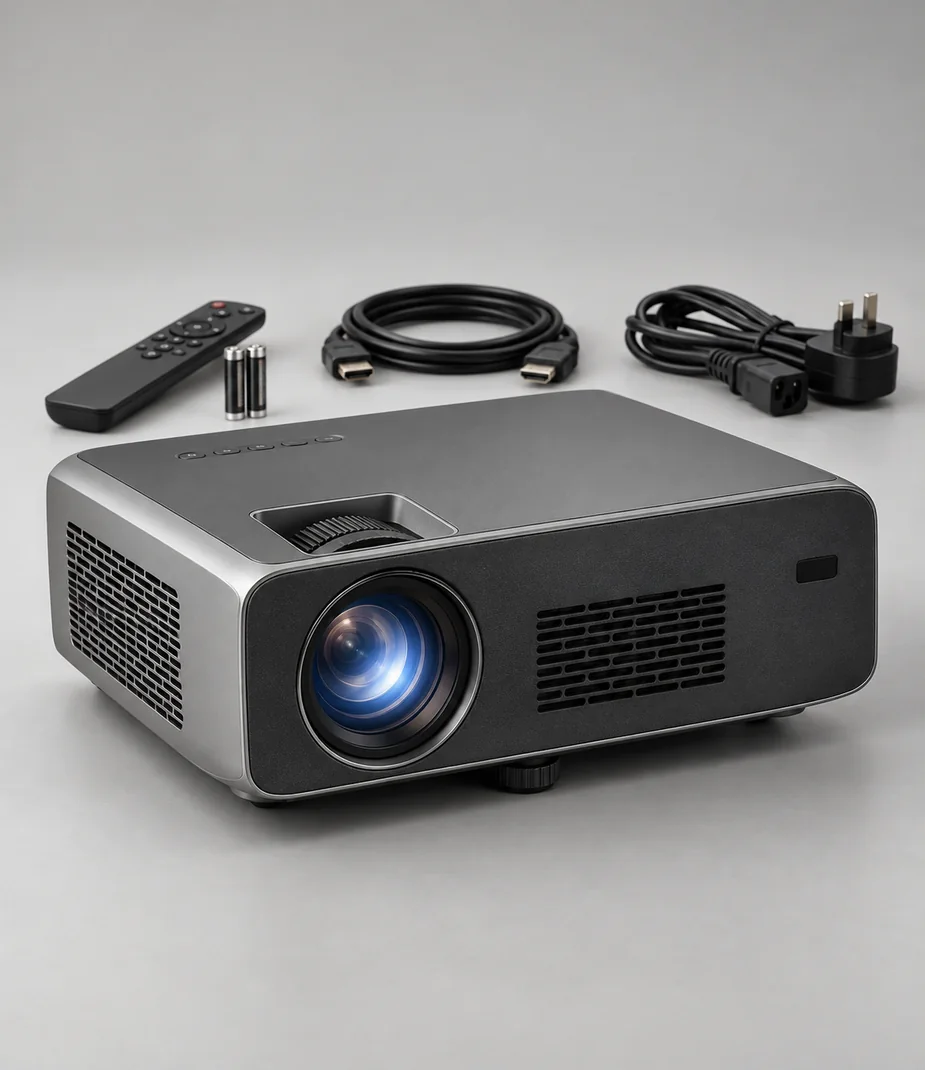
Vela Page 15 sends HDMI 2.0 to Arc Beam 80. The projector scales to its native 1280 × 800 image; the cable does not add 4K detail.
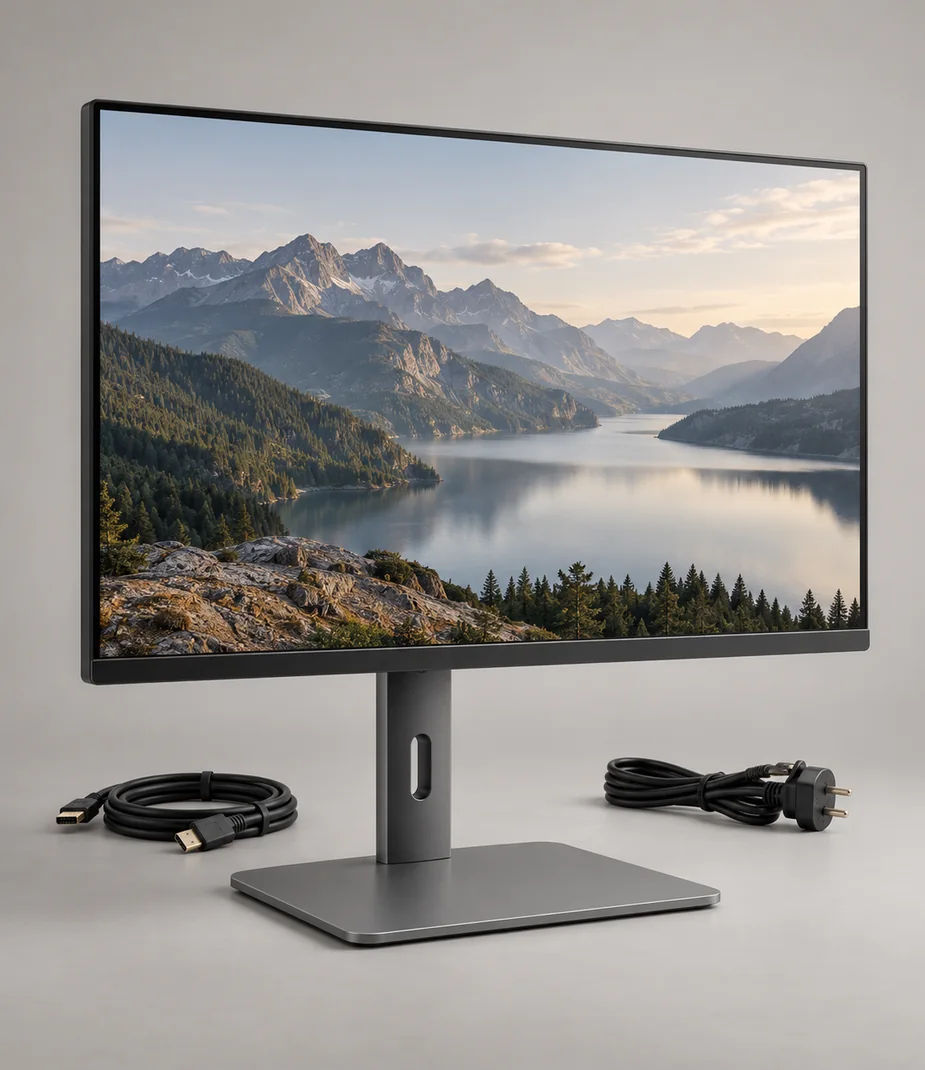
Vela Page 15 has HDMI 2.0 output and Arc Desk 24 accepts HDMI 2.0. The monitor includes the HDMI cable; power remains separate.
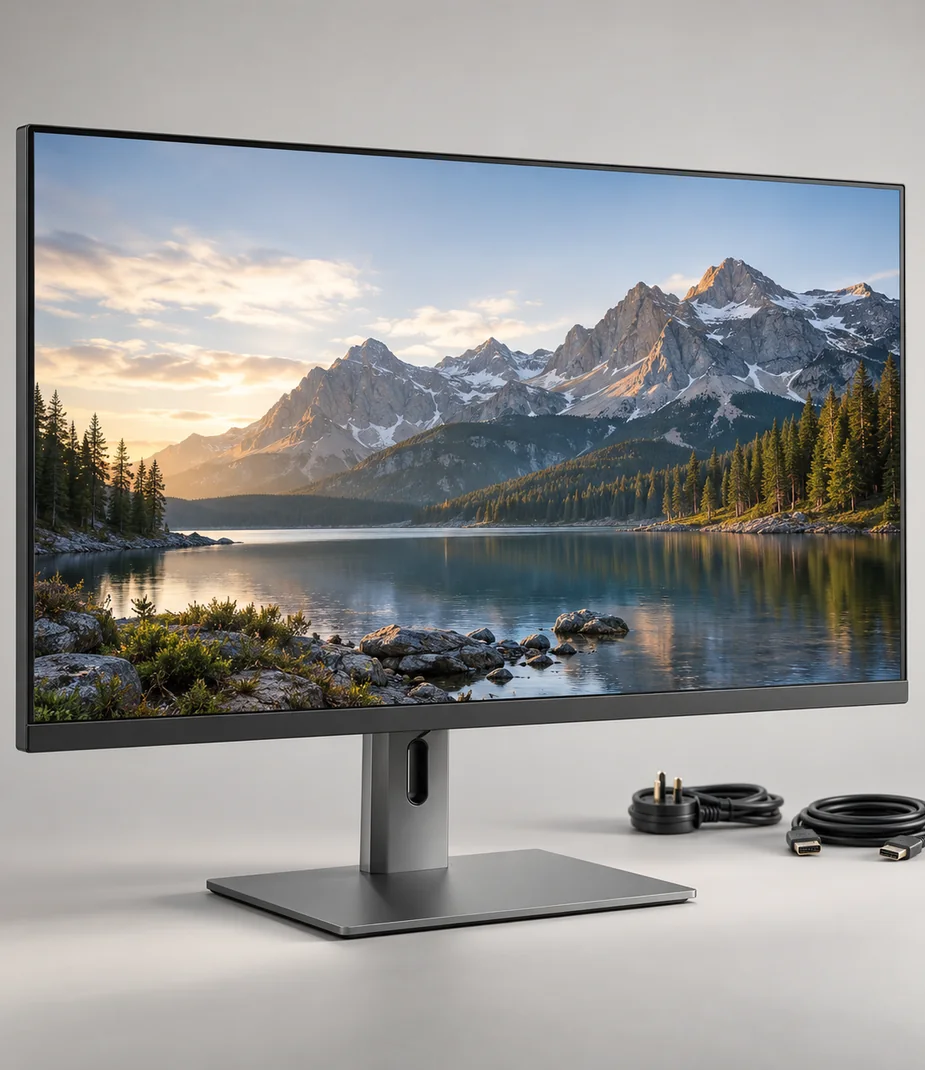
Vela Page 15 has HDMI 2.0 output and Arc Desk 29 accepts HDMI 2.0. The monitor includes the HDMI cable; power remains separate.
Read before assembling the kit
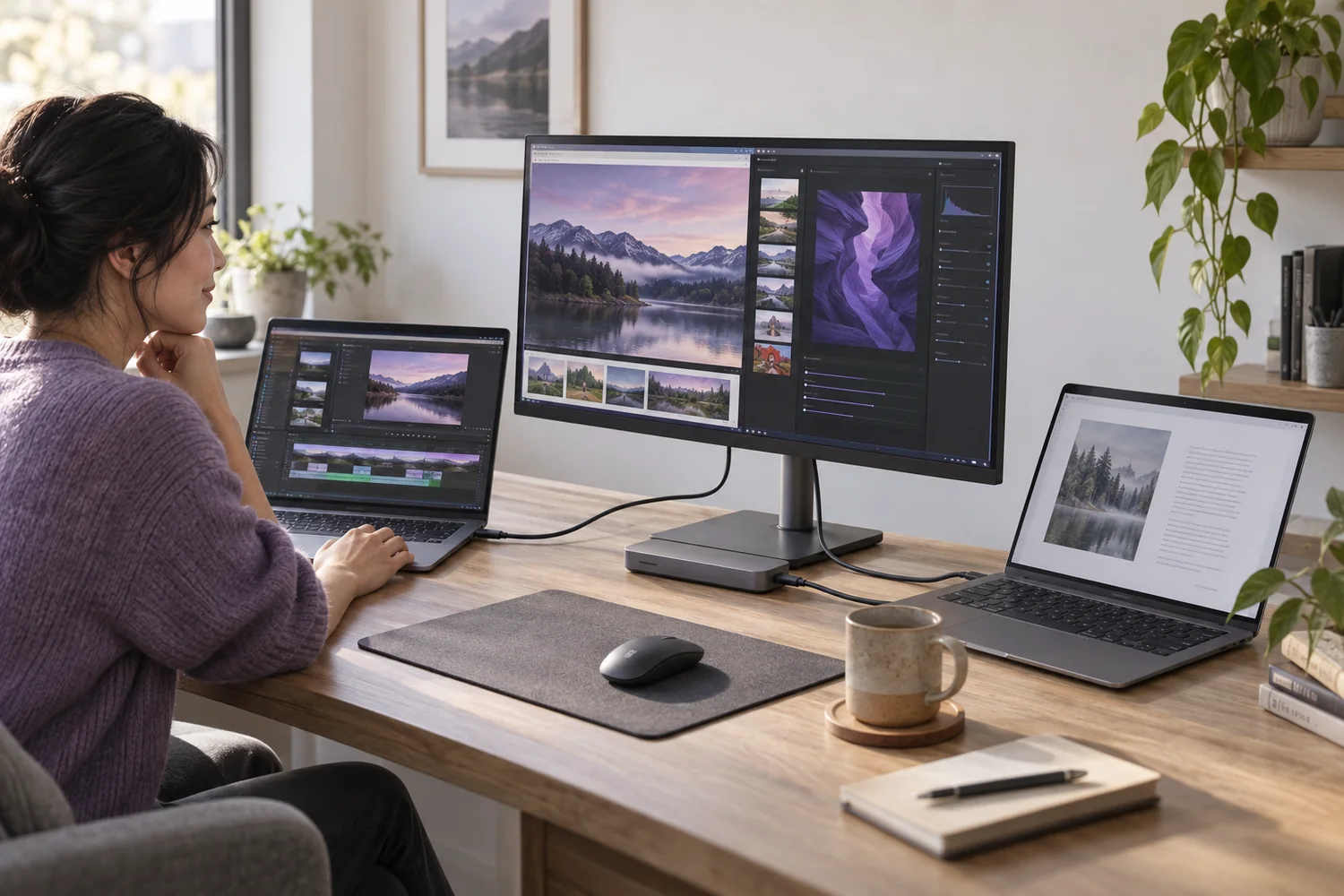
Setup notes
USB-C is the connector, not the complete answer
A single socket can carry different kinds of power, data and video. Check each capability before planning a one-cable desk.
Read the guide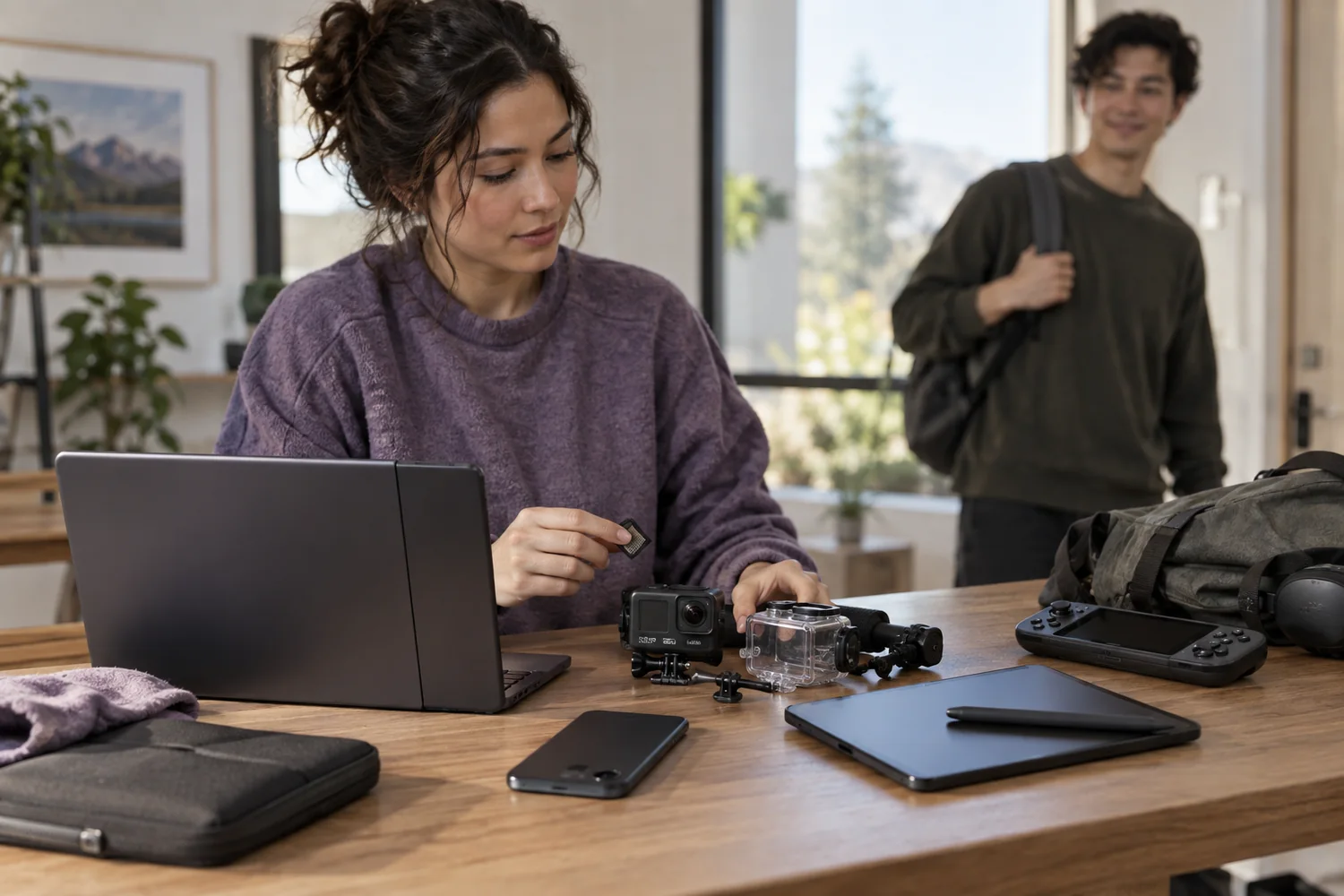
Setup notes
Back up, unlock, then return
A careful handover protects your work and makes the next person's setup possible. Erasure is a sequence, not one button.
Read the guide
Setup notes
Compare the commitment, not just the monthly price
A clear equipment budget separates rent, purchase, refundable deposits and the timing of the first payment.
Read the guide