
The portable studio
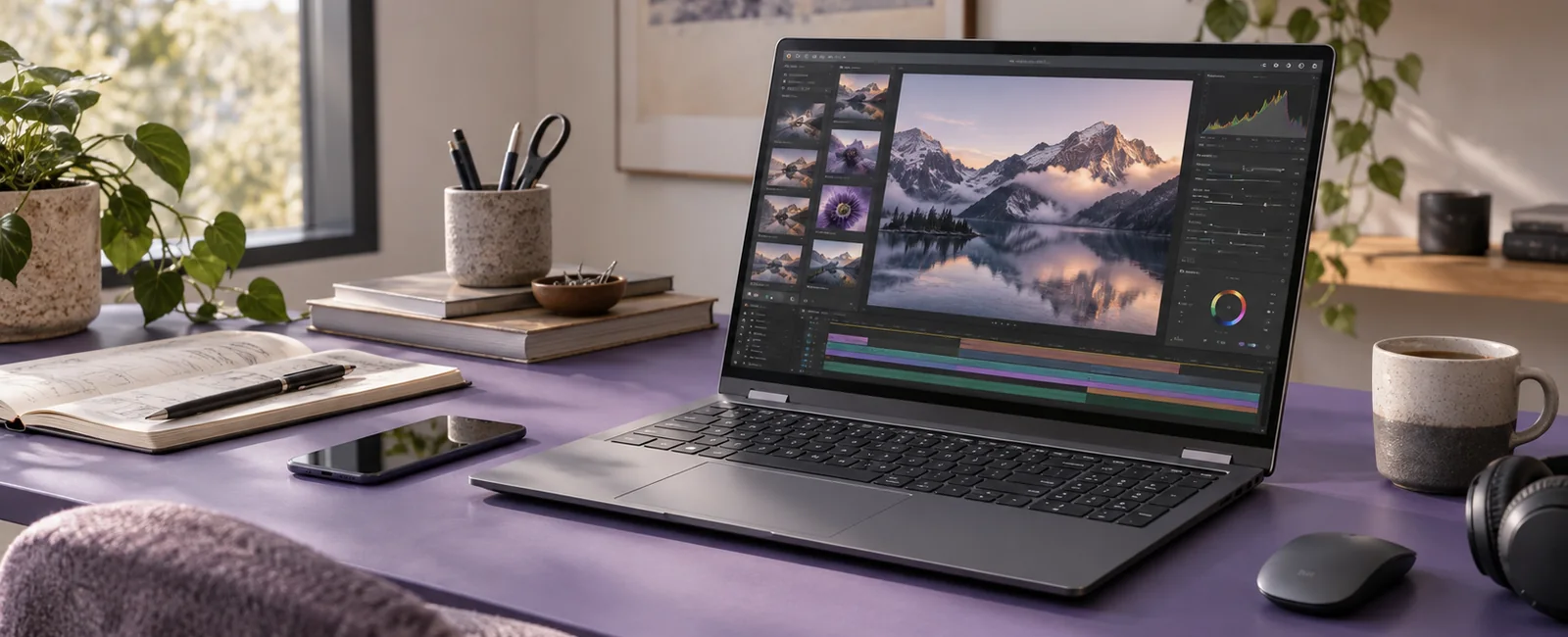
A better setup for the work ahead.
Room to work. Space to move.
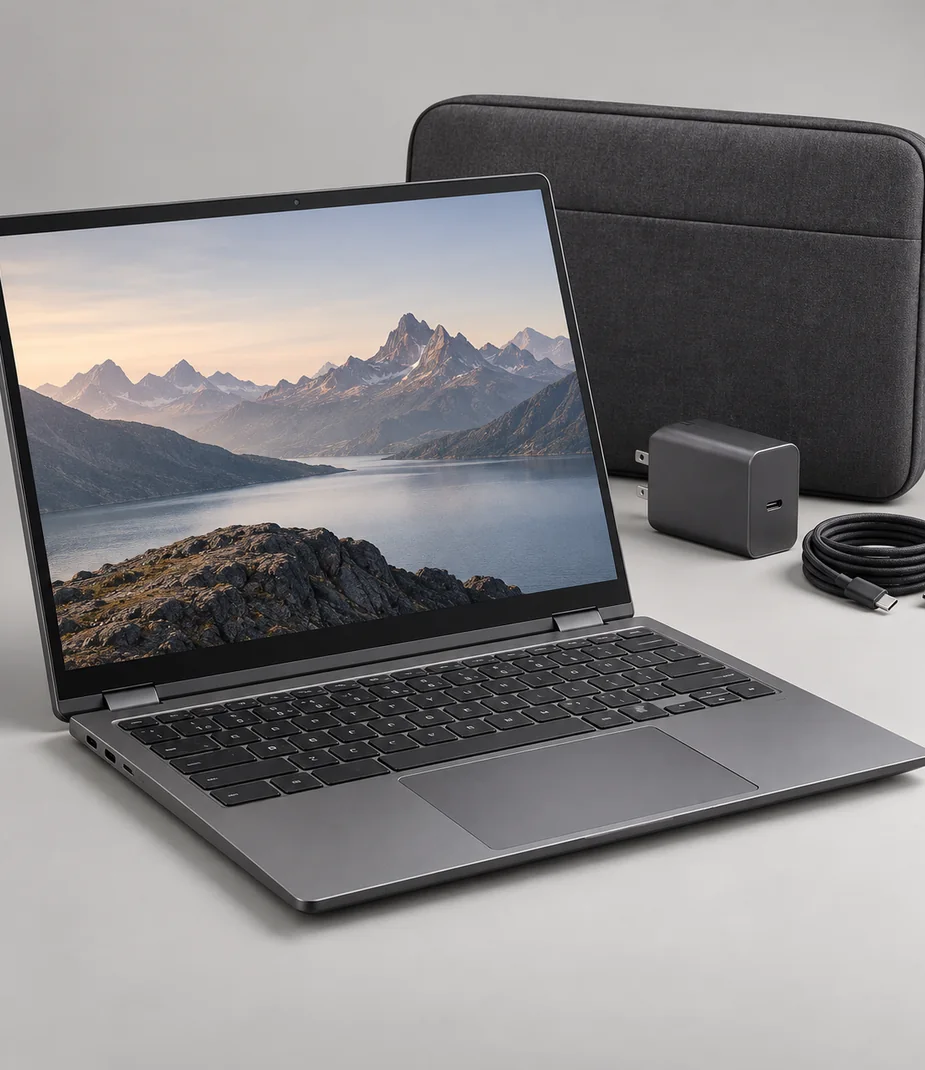
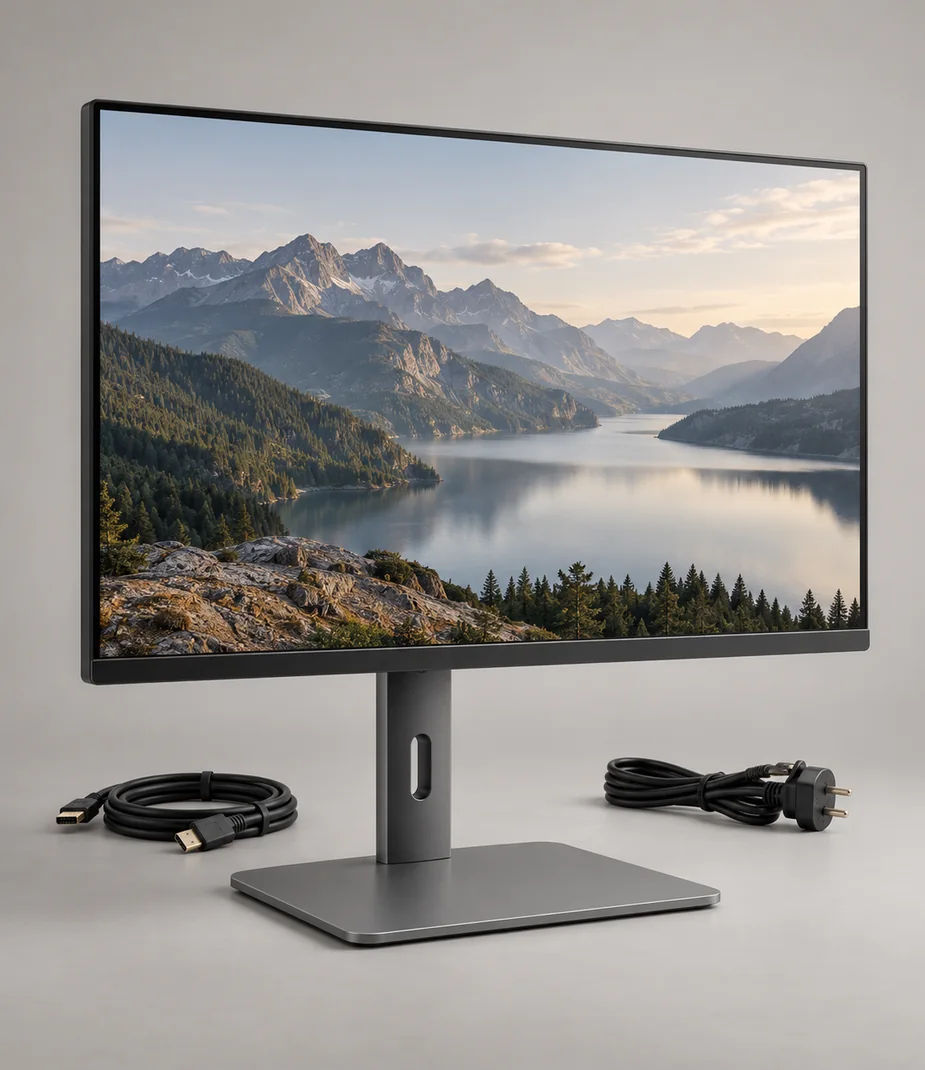
A capable laptop is only one part of a mobile desk. Match its display output to your monitor, leave room for project files and check how much power your charger can provide. Explore the Vela family, then build a list around the way you work.
Explore portable computers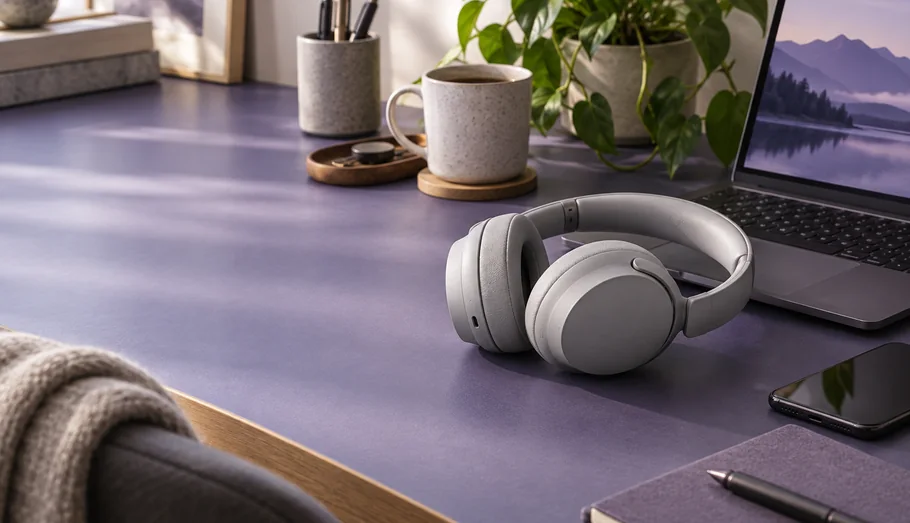

Headphones by fit
Find your listening space
Compare fit, cable options and isolation before choosing headphones for the train, a shared room or a careful edit.
View collection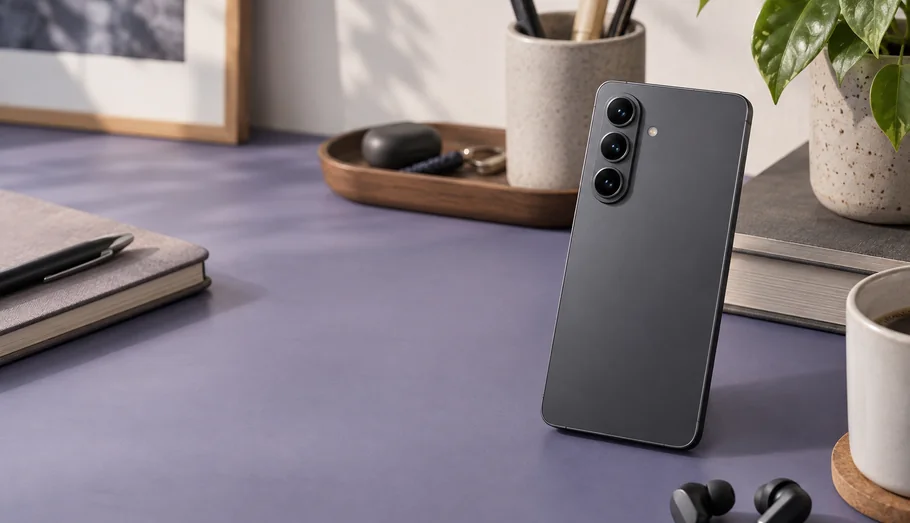
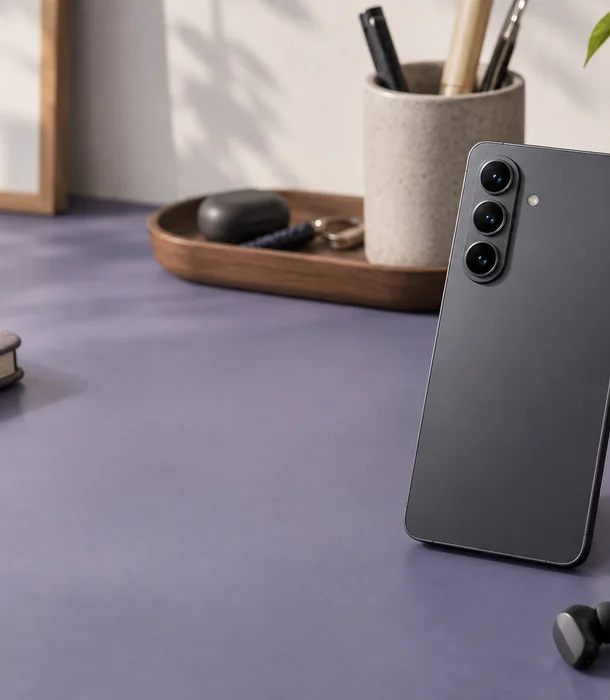
Phones for everyday projects
Carry the right capacity
Choose storage around offline maps, project clips and the files you keep on the device. A larger screen also needs a larger pocket.
View collection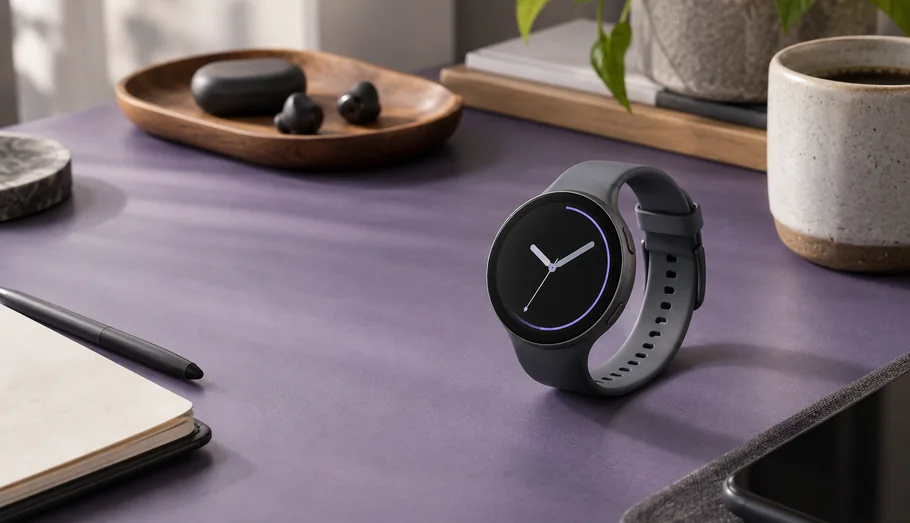
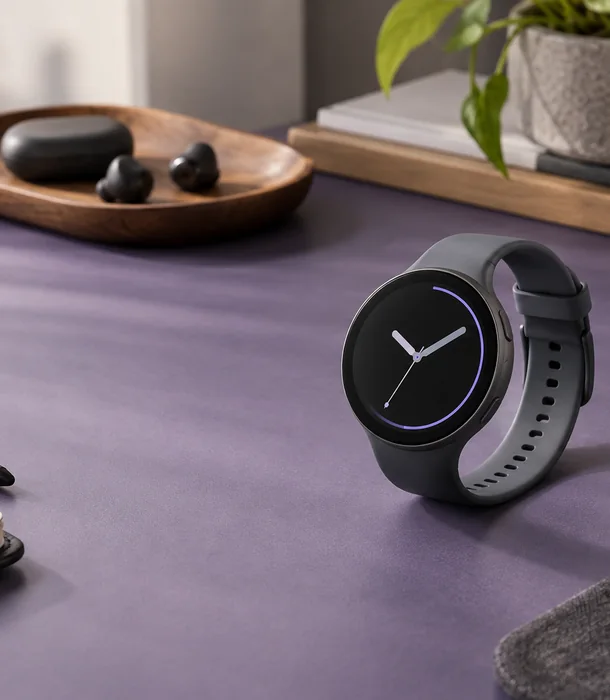
Watches by case & band
Keep the essentials in view
Check the case size, strap and charging routine. Activity estimates are useful prompts, not medical measurements.
View collectionEight ways to build your setup
Start with an equipment family, then narrow the choice using practical specifications. Every category includes selection notes and complete model pages, so you can follow a camera through to its mount or a display through to its inputs.
Choose equipment around what you need to make, show or finish. Compare the ports, the complete kit and the cost of a defined rental term with buying outright. A useful setup starts with the small details that let its parts work together.

Screens & room sound
15 models

Computers for working desks
17 models

Mobile screens & reading
21 models

Play systems & immersive viewing
22 models

Personal & room listening
23 models

Cameras, film & lenses
25 models

Wrist tools & activity notes
17 models

Aerial camera equipment
19 models
See what a longer term changes
One, three, six or twelve months: each term has a stated monthly rate and a full commitment. A lower monthly rate can still mean a larger total. The refundable deposit sits alongside the rent and never counts as a discount.
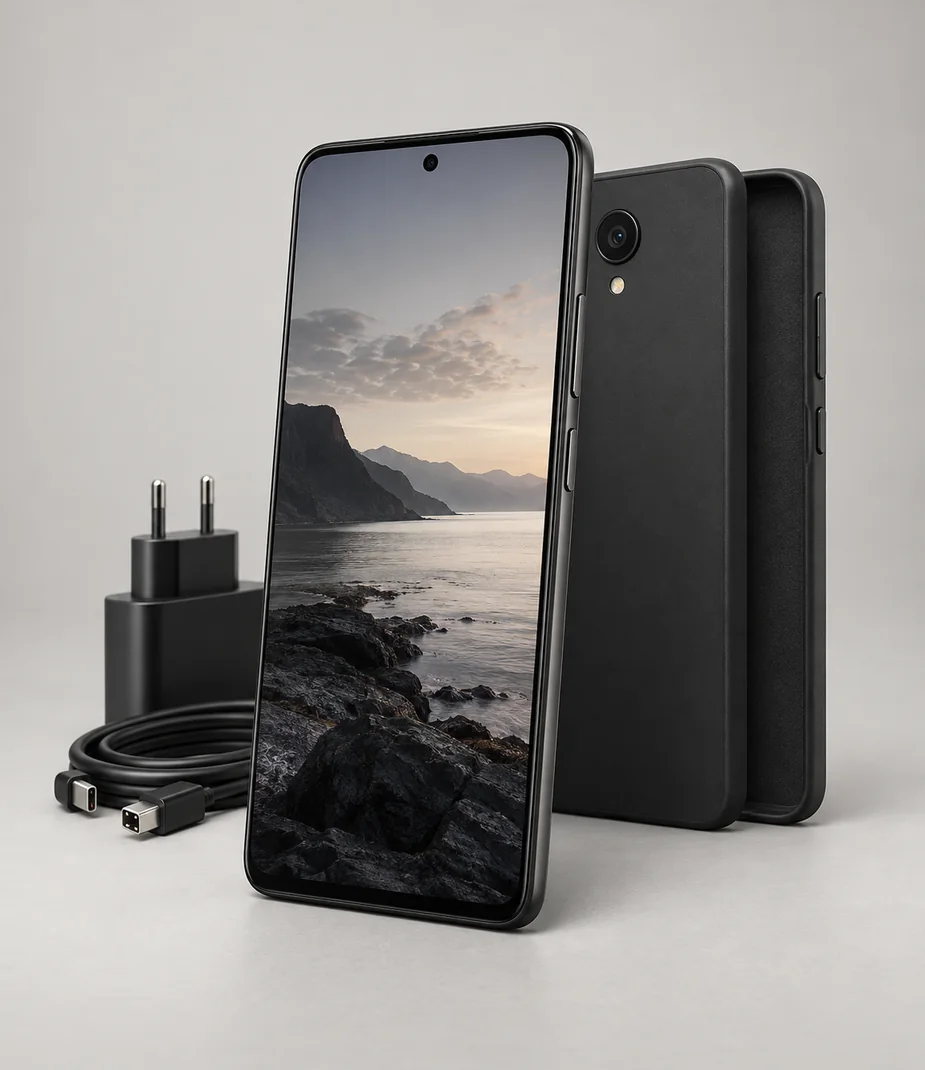
Slate · Phones for everyday projects
Slate Meridian 5 128 Onyx
From €15.20 / month · 12 months
€310.00 to buy
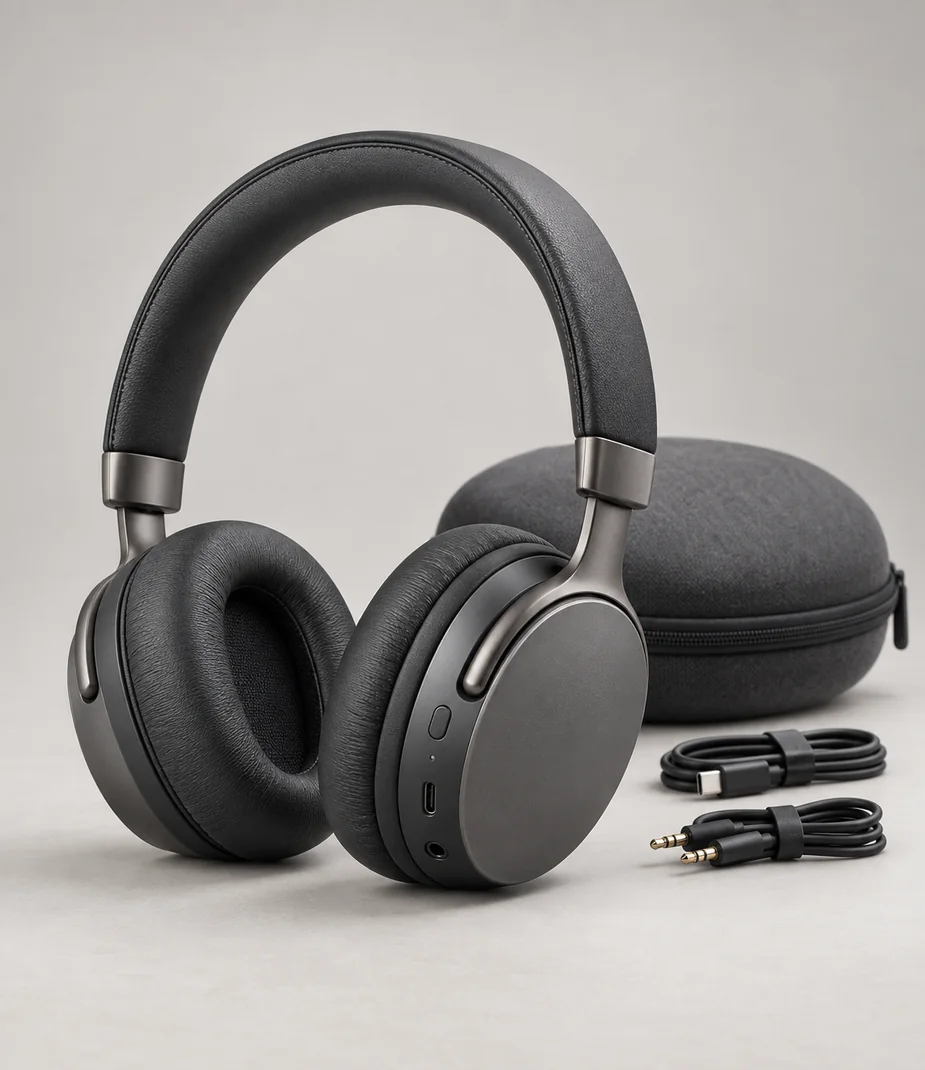
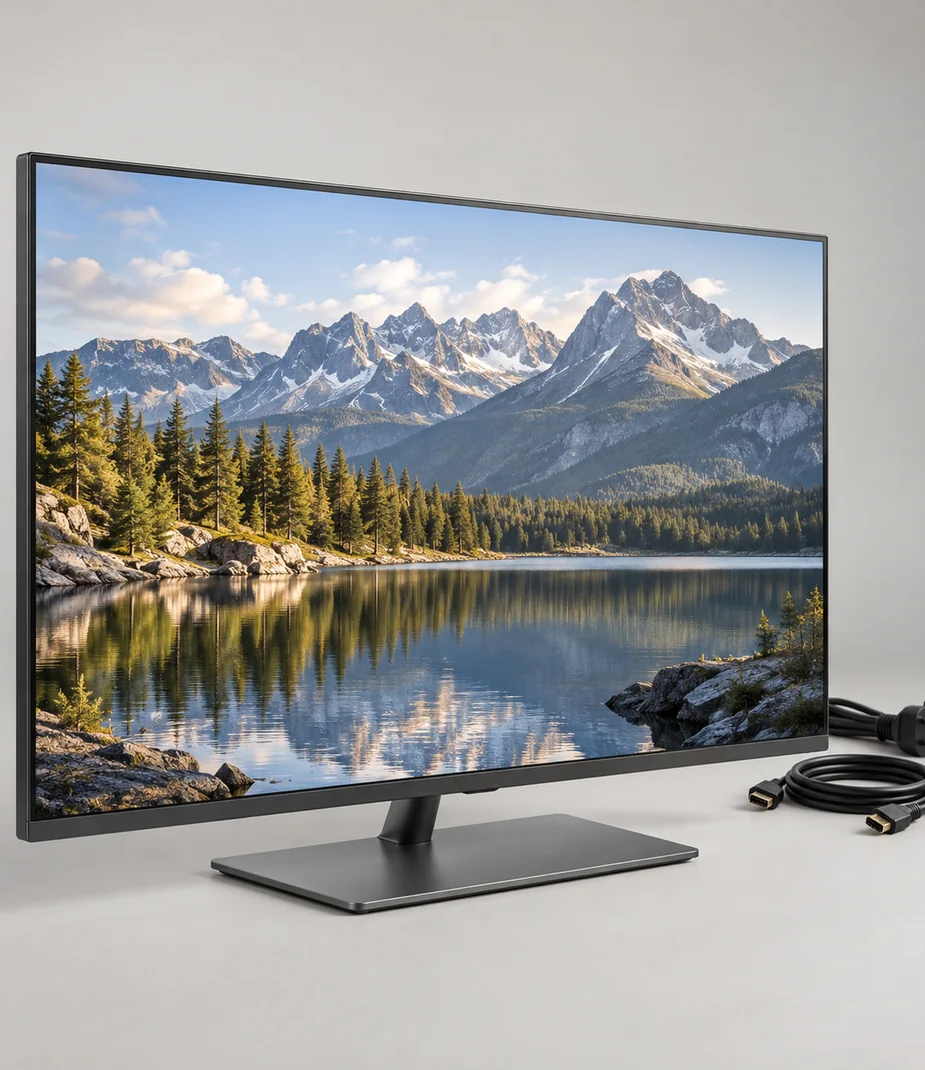
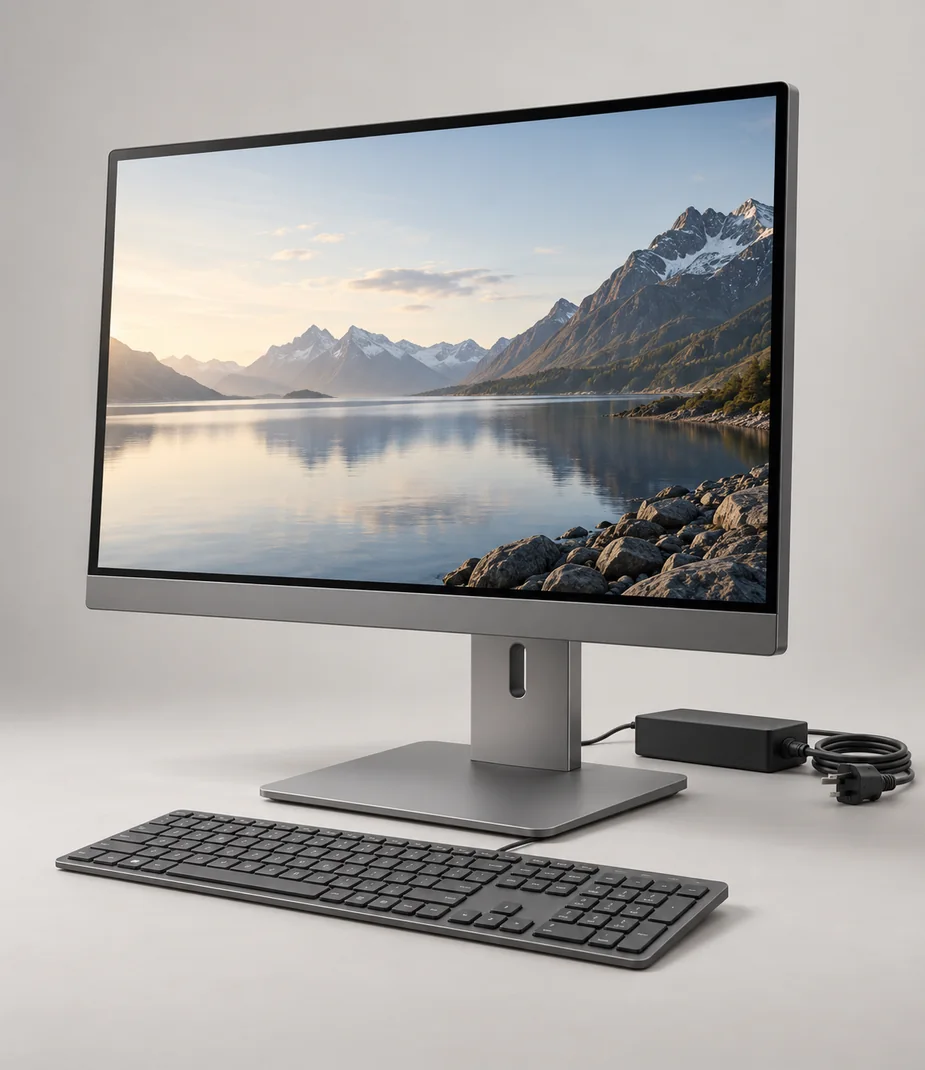
Vela · A complete screen-and-computer desk
Vela Studio 22 M
From €51.20 / month · 12 months
€1,340.00 to buy
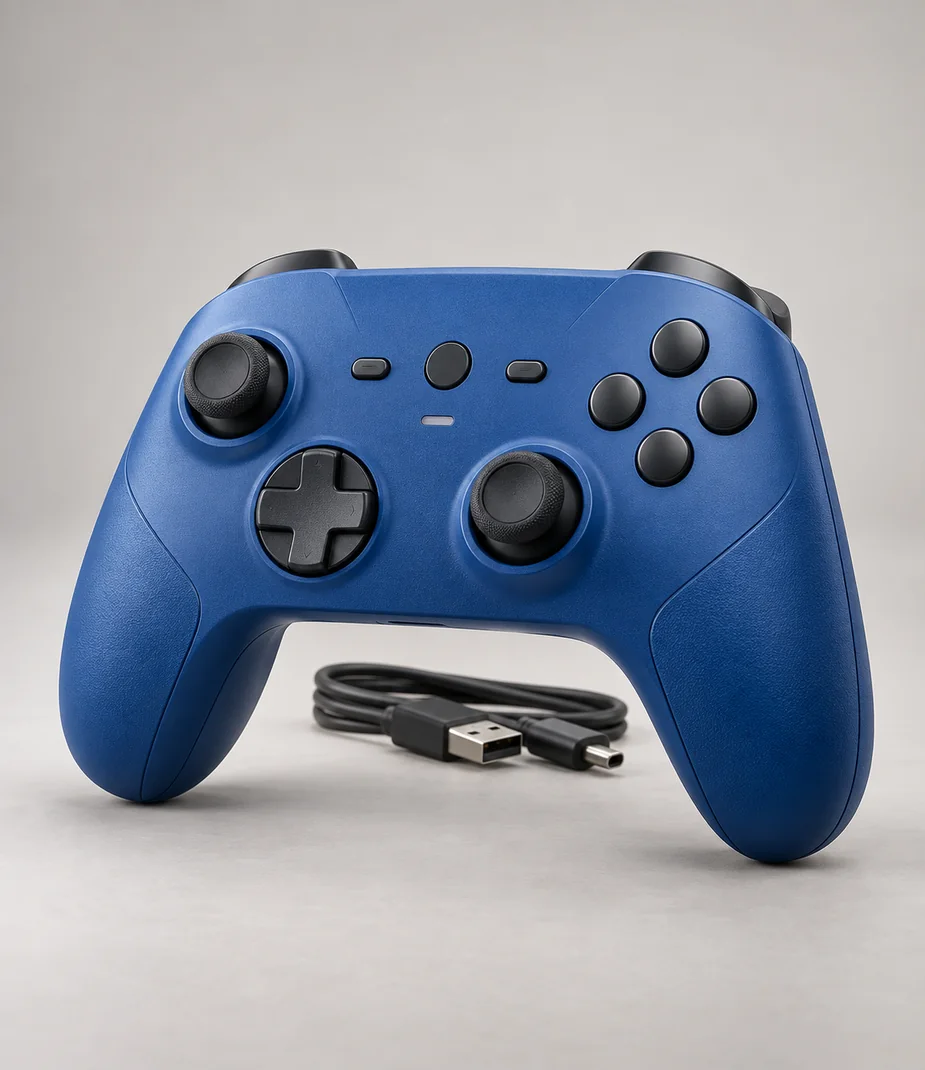
Arc · Controllers with a defined host
Arc Station Pad Current Blue
From €5.60 / month · 12 months
€55.00 to buy
Slate · Phones for everyday projects
Slate Meridian 5 128 Onyx
From €15.20 / month · 12 months
€310.00 to buy
Vela · A complete screen-and-computer desk
Vela Studio 22 M
From €51.20 / month · 12 months
€1,340.00 to buy
Arc · Controllers with a defined host
Arc Station Pad Current Blue
From €5.60 / month · 12 months
€55.00 to buy
Different tasks. Considered choices.
These are editorial starting points, not sales rankings. Compare a compact camera for everyday observation, a console for a shared screen and a tablet for marking up drawings. Follow the guide before adding the extra piece that makes the setup complete.
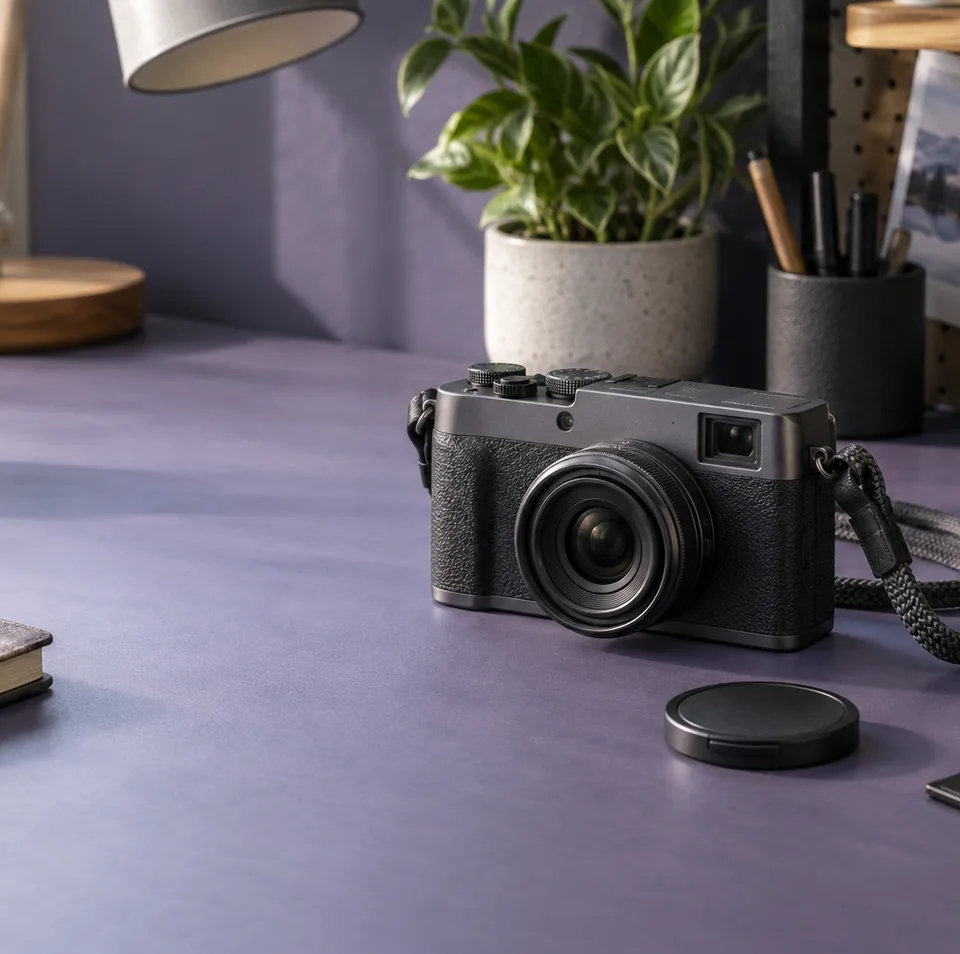
Compact & rangefinder cameras
Notice more on the way
A small camera keeps the kit simple. Check whether its lens is fixed before planning a close detail or a distant subject.
View collection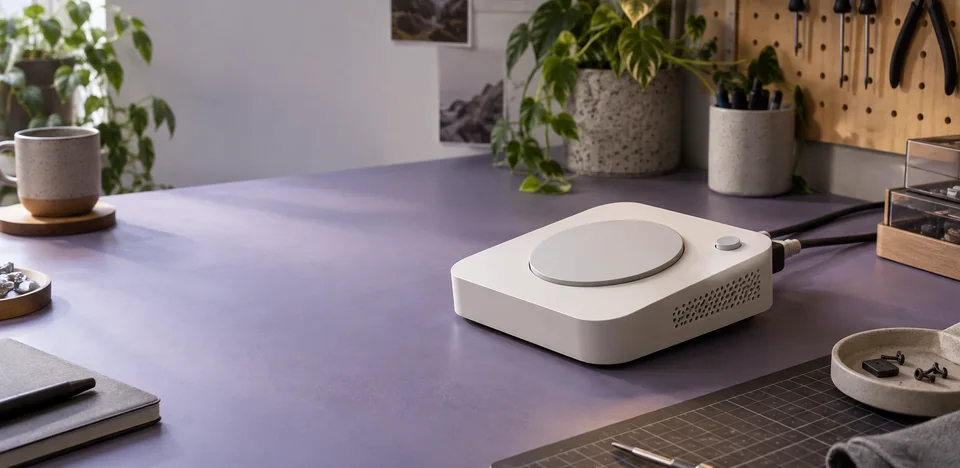
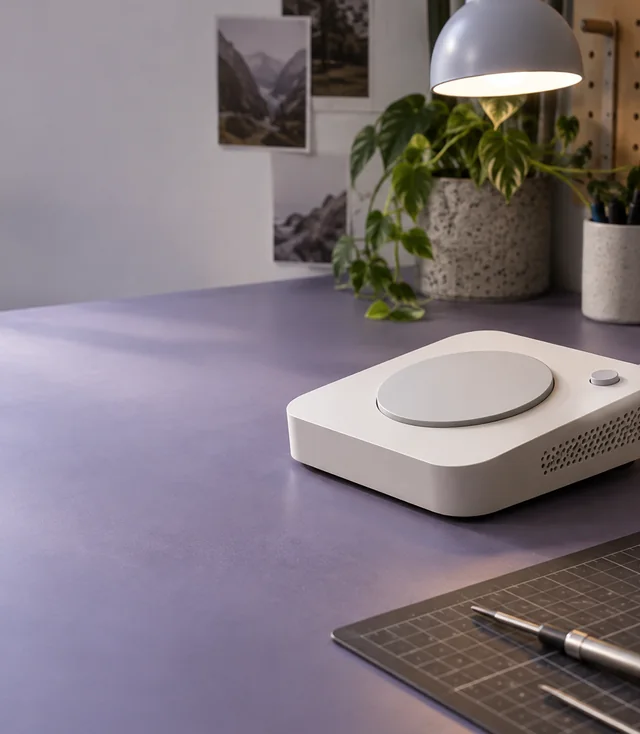
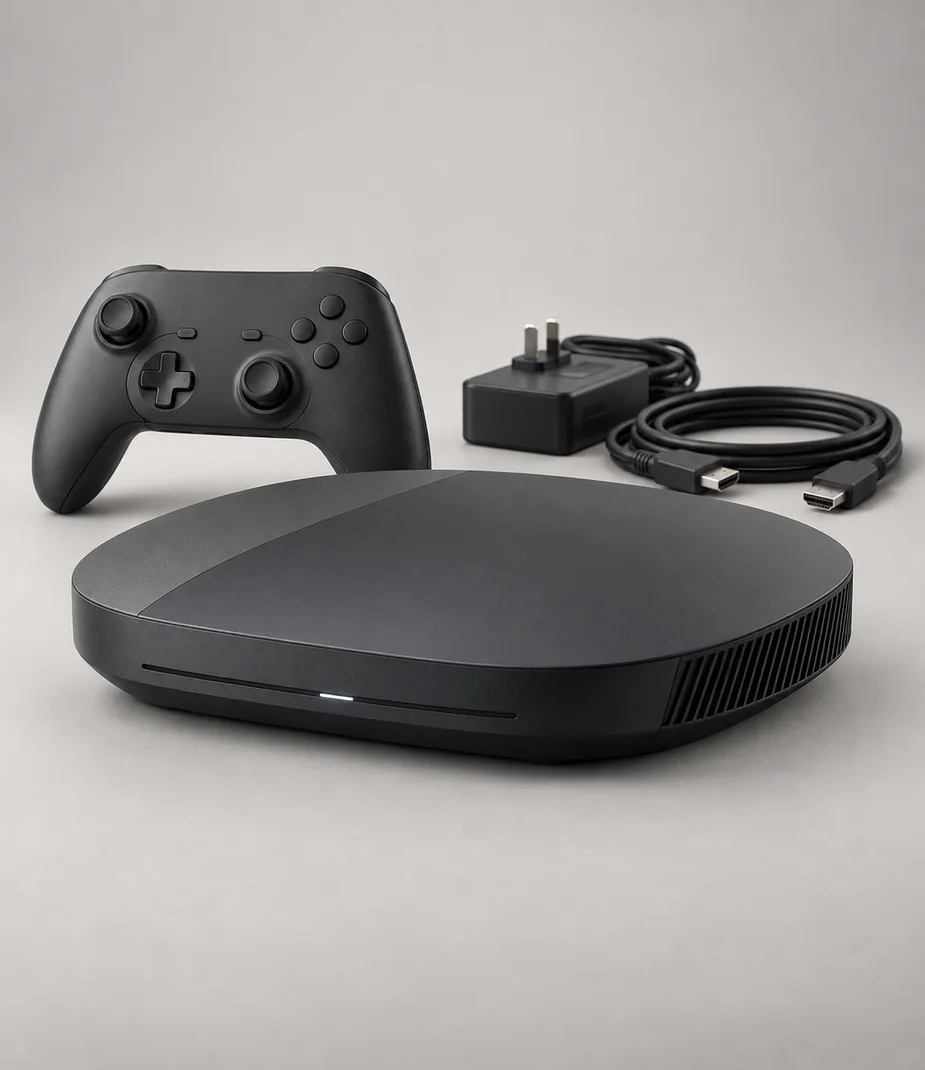
Home & handheld consoles
Make room for a shared game
Count the supplied controllers, check the display input and confirm which game is part of the bundle.
View collection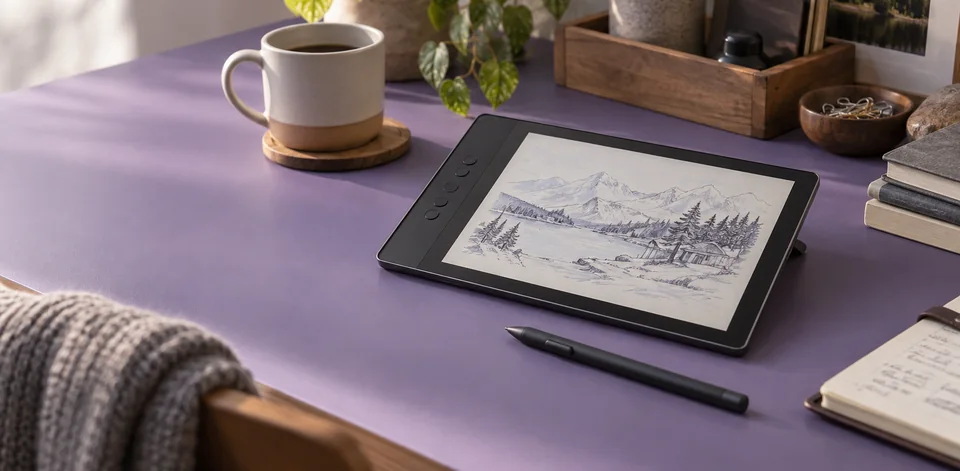
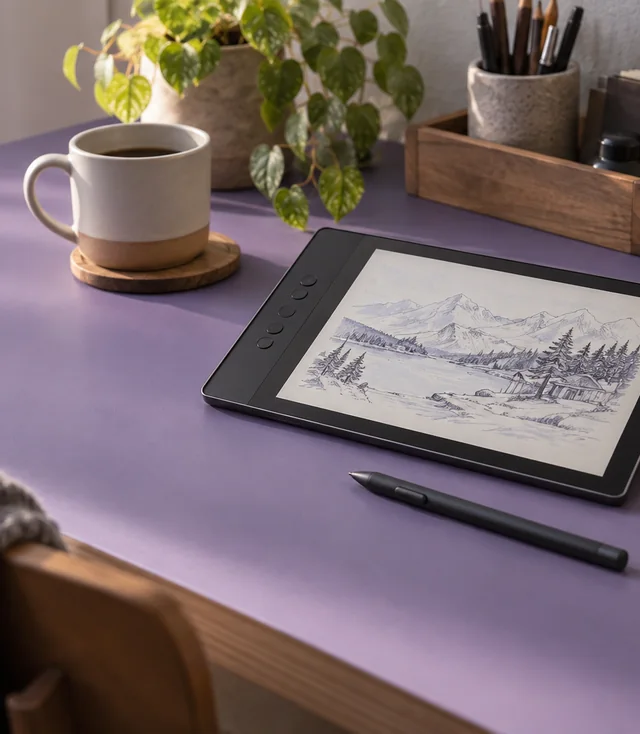
Touch & pen workspaces
Take your notes to the project
Screen size and a matching input accessory matter when you annotate a plan. A keyboard or pen is included only when the box list says so.
View collectionAn evening worth setting up for
Choose the screen, sound and space before the game. A console can join an existing display; a virtual-reality headset needs its own compatibility and room checks. Build a setup you can explain before you compare its price.

Home & handheld consoles
The complete console kit
A storage figure tells you little about the contents of the case. Check the controller count, included title and power supply, then compare models that use the same play system.
View collection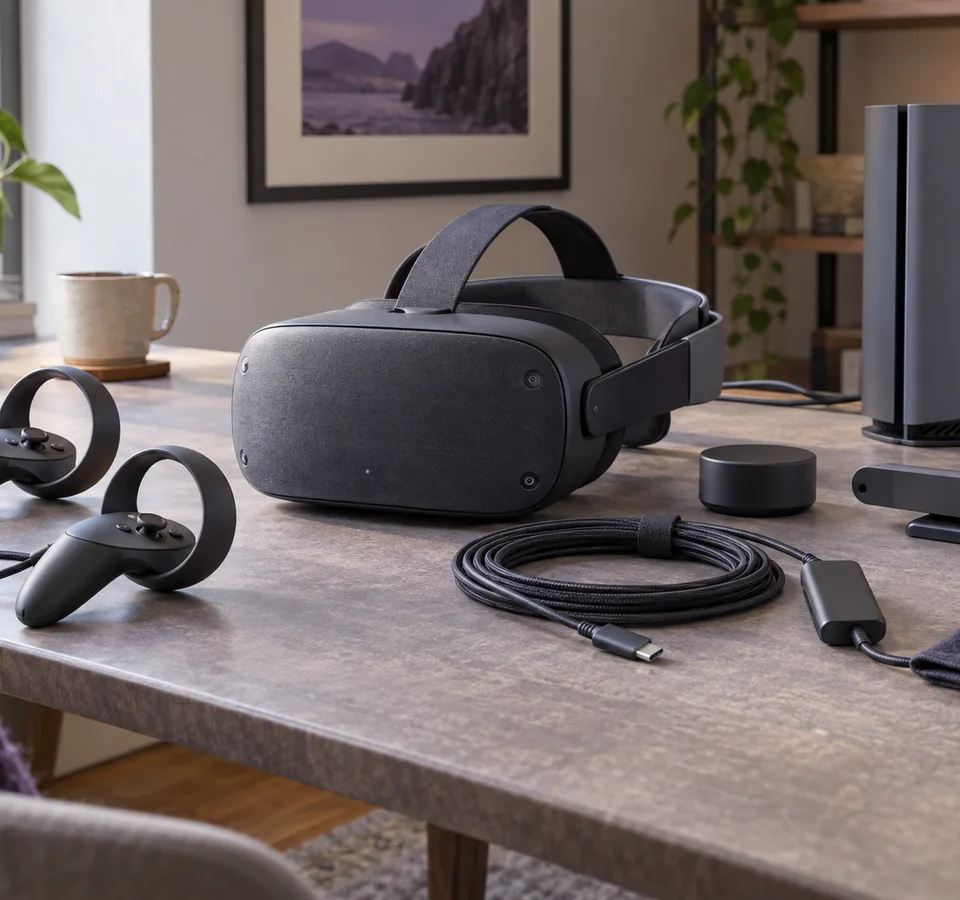
Headsets with clear host requirements
Leave space for another view
Standalone and tethered headsets have different requirements. Check the declared host, clear the play area and take breaks; a headset is not a universal console accessory.
View collectionFrom first choice to a complete kit
Use the list as a planning tool. It gives you a clear cost comparison and a place to collect the equipment you intend to investigate; it does not reserve or order anything.

Step 01
Build a working list
Start with the task, then choose a model, a rental term or purchase, and the accessories it actually accepts. The equipment list keeps monthly rent, the full commitment and refundable deposits visible together. Save a copy before comparing another setup.

Step 02
Check the complete kit
Read the supplied-items list before planning a shoot or moving a desk. A camera body may need a lens and memory card; a display needs a compatible signal connection. Use the setup notes to record the cables, room measurements and software you will need.

Step 03
Plan the return
Keep packaging and the kit checklist together. Before a real device return, back up your work, remove account locks and personal media, and check that every accessory is present. This demonstration lets you rehearse those decisions without booking equipment.
Notes for a complete setup
Practical notes for the decisions between products: mounts, connectors, room light, file handling and the last check before a return.
Setup notes
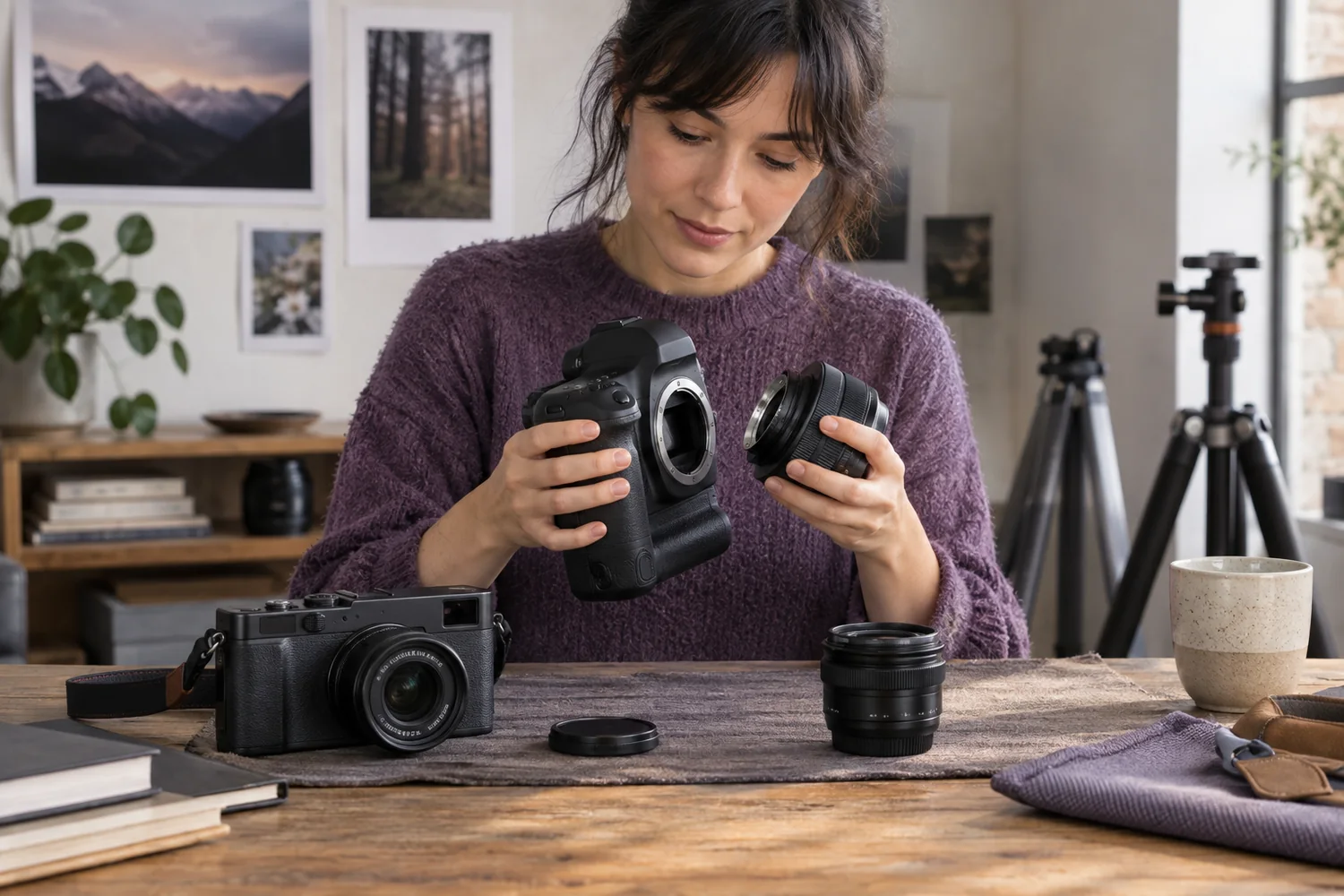
Choose the mount before the megapixels
Start with the connection between the body and lens, then choose a focal length that suits the subject and the space.
Read the guide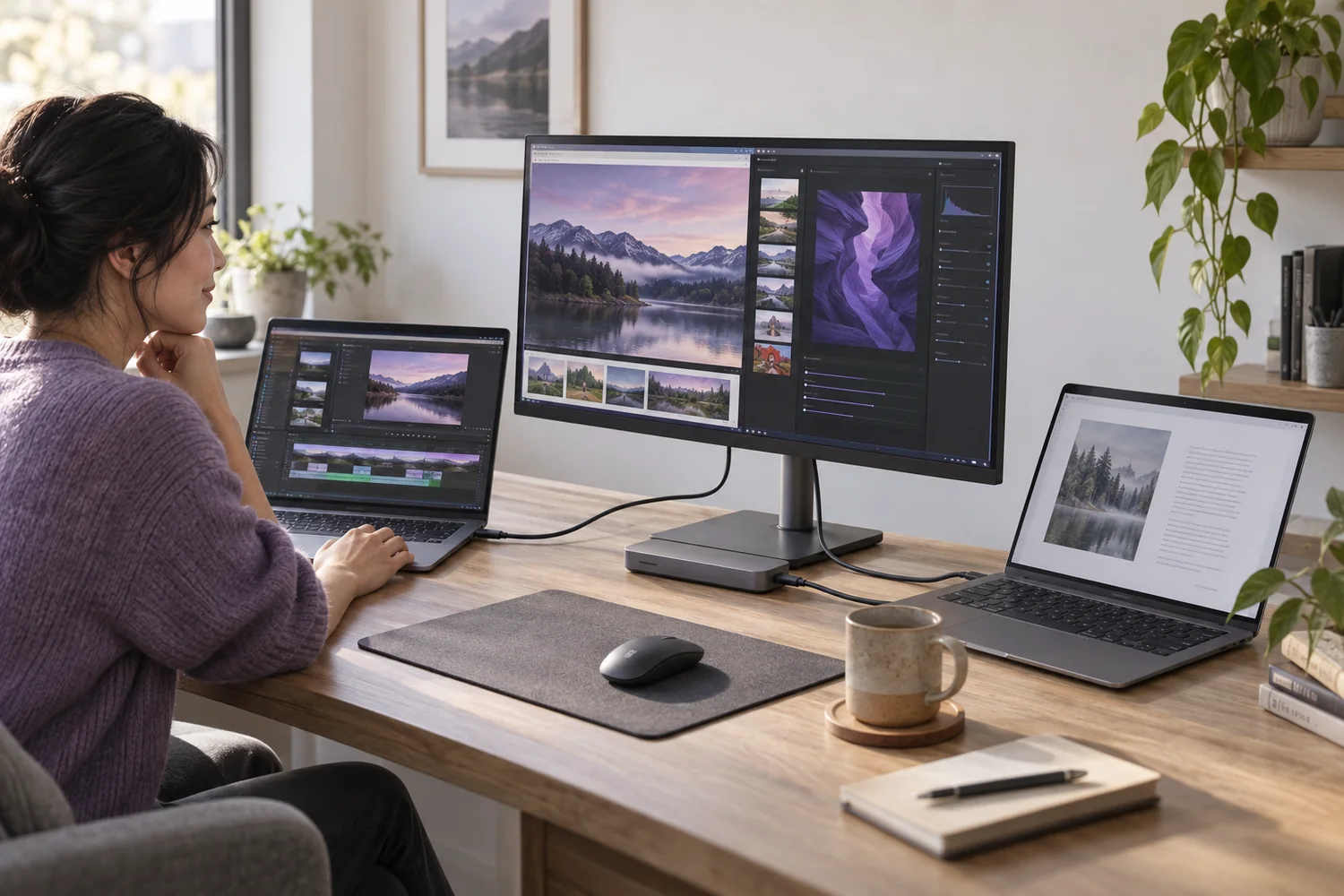
Setup notes
USB-C is the connector, not the complete answer
A single socket can carry different kinds of power, data and video. Check each capability before planning a one-cable desk.
Read the guide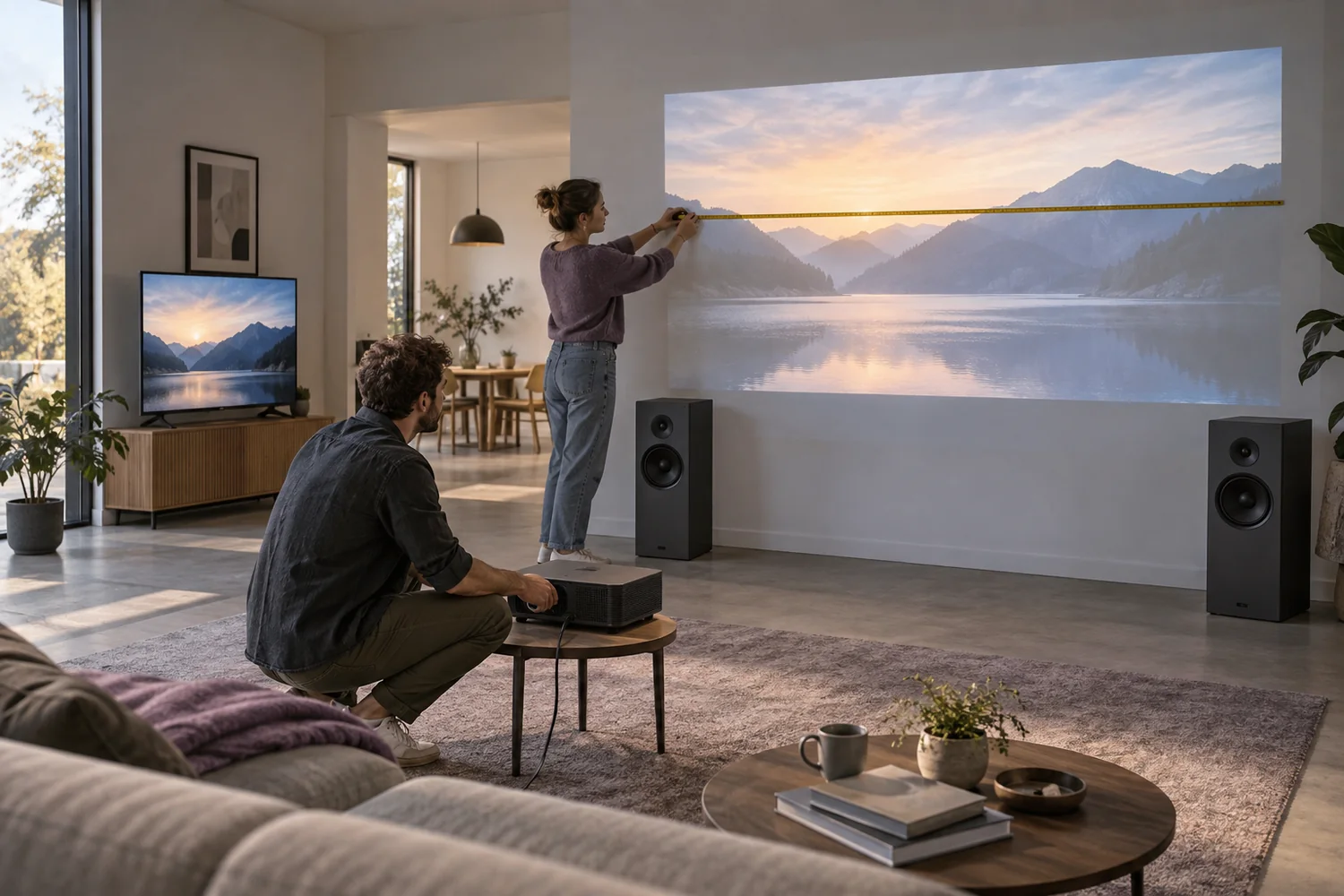
Setup notes
Measure the room before choosing the projector
Image size, throw distance, ambient light and sound determine whether a portable screening will work.
Read the guide