
Measure the room before choosing the projector
Image size, throw distance, ambient light and sound determine whether a portable screening will work.
Circuit & Field editorial desk
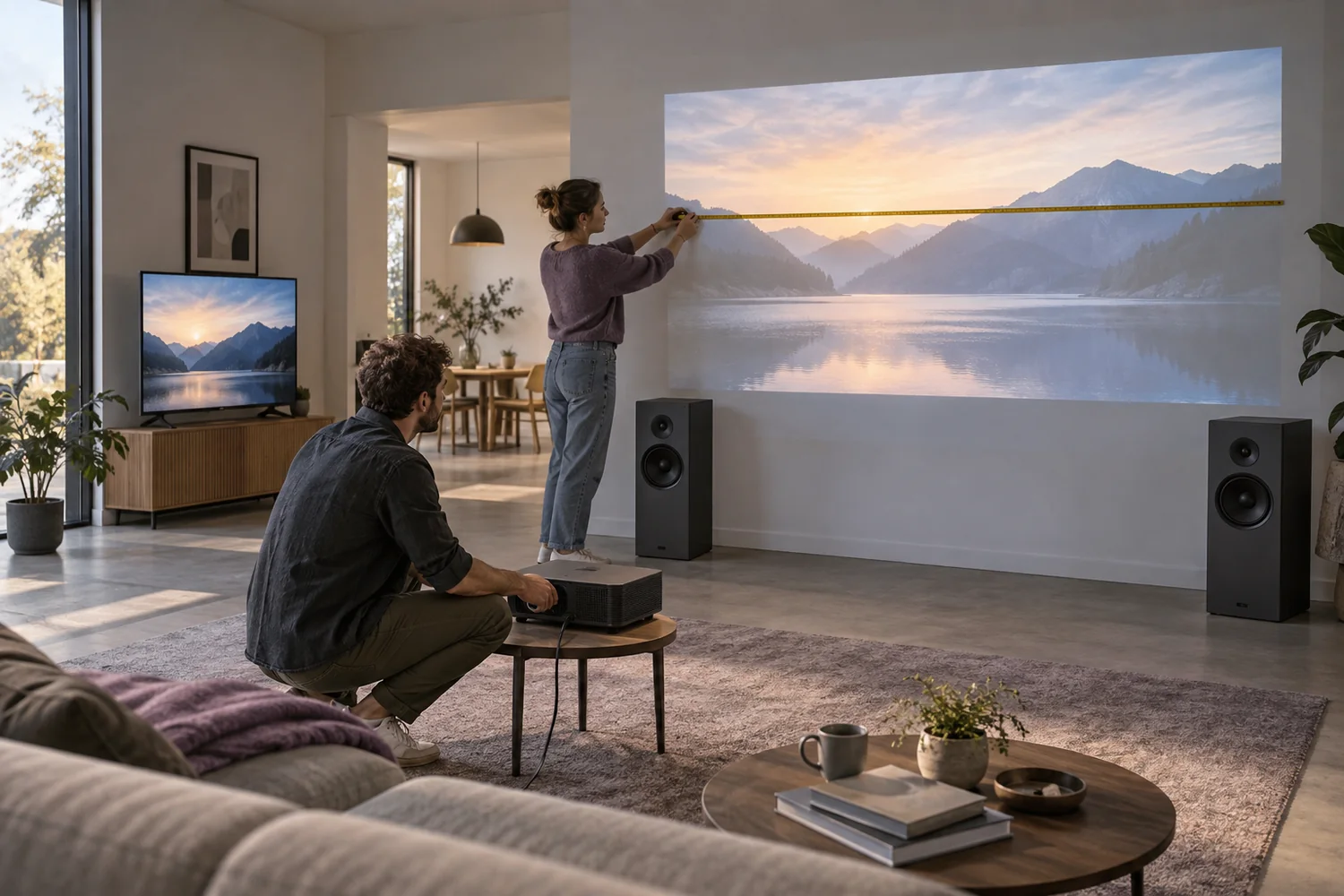
Start at the screen
Choose the wall or screen and measure the width of the intended picture. Then measure the distance available for the projector, allowing room for its body, ventilation and connections. A throw ratio links projection distance to image width; it is not the same as a screen's diagonal measurement.
For example, a documented throw ratio of 1.5 requires roughly three metres of throw for a two-metre-wide picture. The exact distance depends on the lens and its permitted range. That arithmetic is an example, not a specification for every projector in the catalog. Check the selected model before moving furniture.
Control the light you can
The same projected image can look clear at night and weak in a room with uncovered windows. Consider curtains, the time of the event and lighting directed away from the screen. A white wall also has its own texture and colour, which can change the appearance of the picture.
Brightness figures are only useful when they use a comparable measurement method. Do not compare an unnamed marketing lumen claim with a documented standard as though the numbers meant the same thing. Circuit & Field's fictional values demonstrate structured product information; they are not measured equipment performance.
Resolution is one part of legibility
Text in a presentation needs more care than a large film image. Check the native resolution, viewing distance and size of the smallest label. Feeding a high-resolution signal into a lower-resolution projector does not create extra native pixels.
Keep the device square to the screen where practical. Digital keystone correction can help with placement but may reduce effective detail and leave unused pixels. Use a stable surface and follow the actual device's ventilation requirements; do not place fabric over an intake to hide a light or fan.
Finish the signal and sound plan
Confirm the source device's video output and the length of cable needed. A streaming application may require a network, account or content license even though the display itself works offline. Prepare an authorized local test file and verify sound before people arrive.
Decide whether the projector's own audio is adequate for the room or whether a separate sound system is required. A speaker's input must accept the source or display output; wireless connectivity alone does not guarantee that the two can connect. Put the signal cable, remote, power supply and sound path on the packing list.
Before you decide
- Picture width and throw distance measured
- Ambient-light plan agreed
- Smallest text checked from the furthest seat
- Ventilation and stable placement provided
- Signal, audio and authorized playback tested
General planning guidance with illustrative catalog examples; use the actual manufacturer's documentation for real equipment.
Models to read alongside this guide
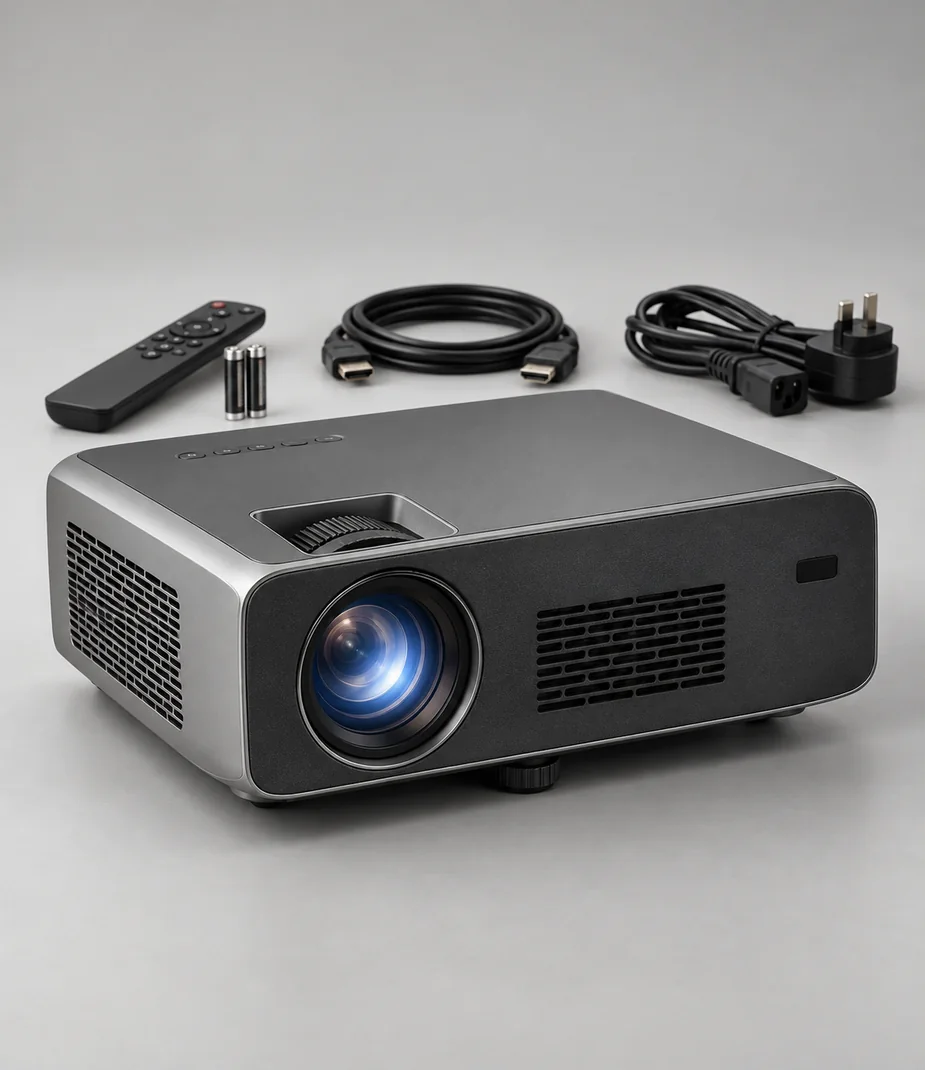
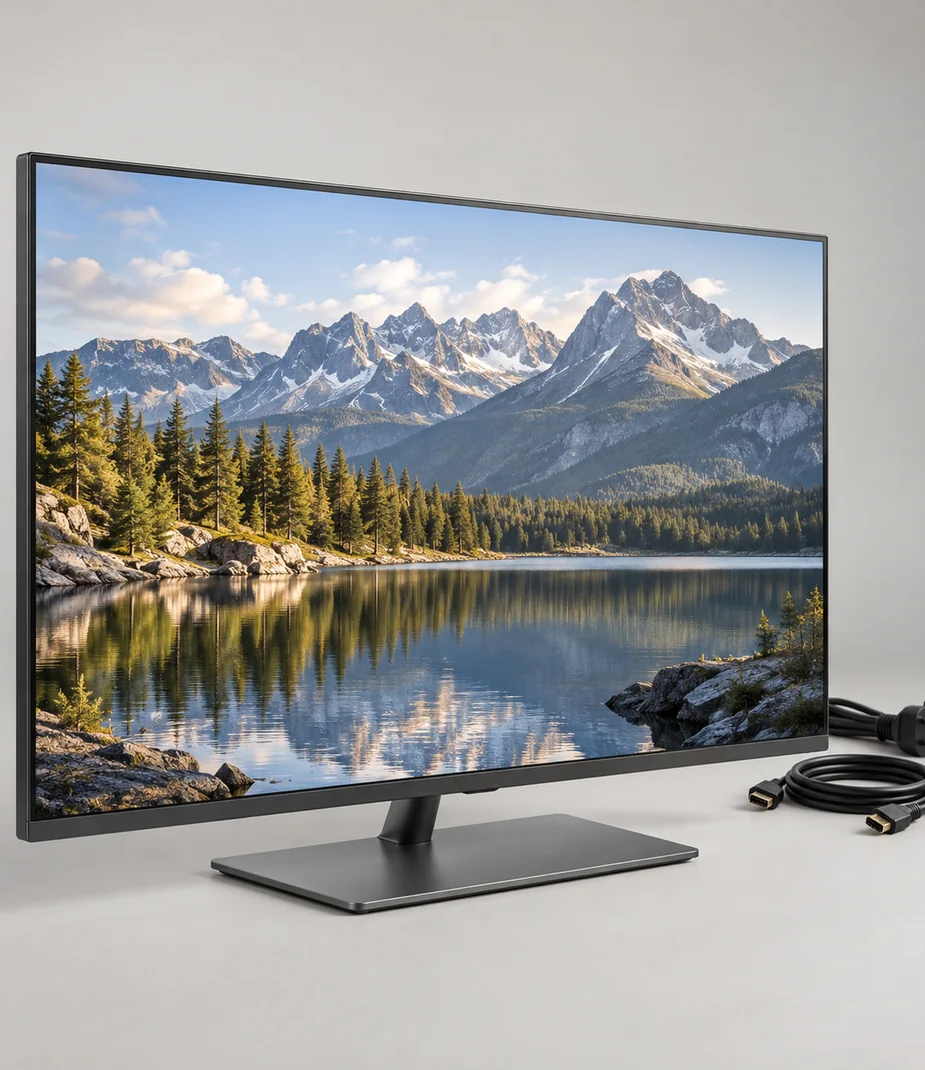
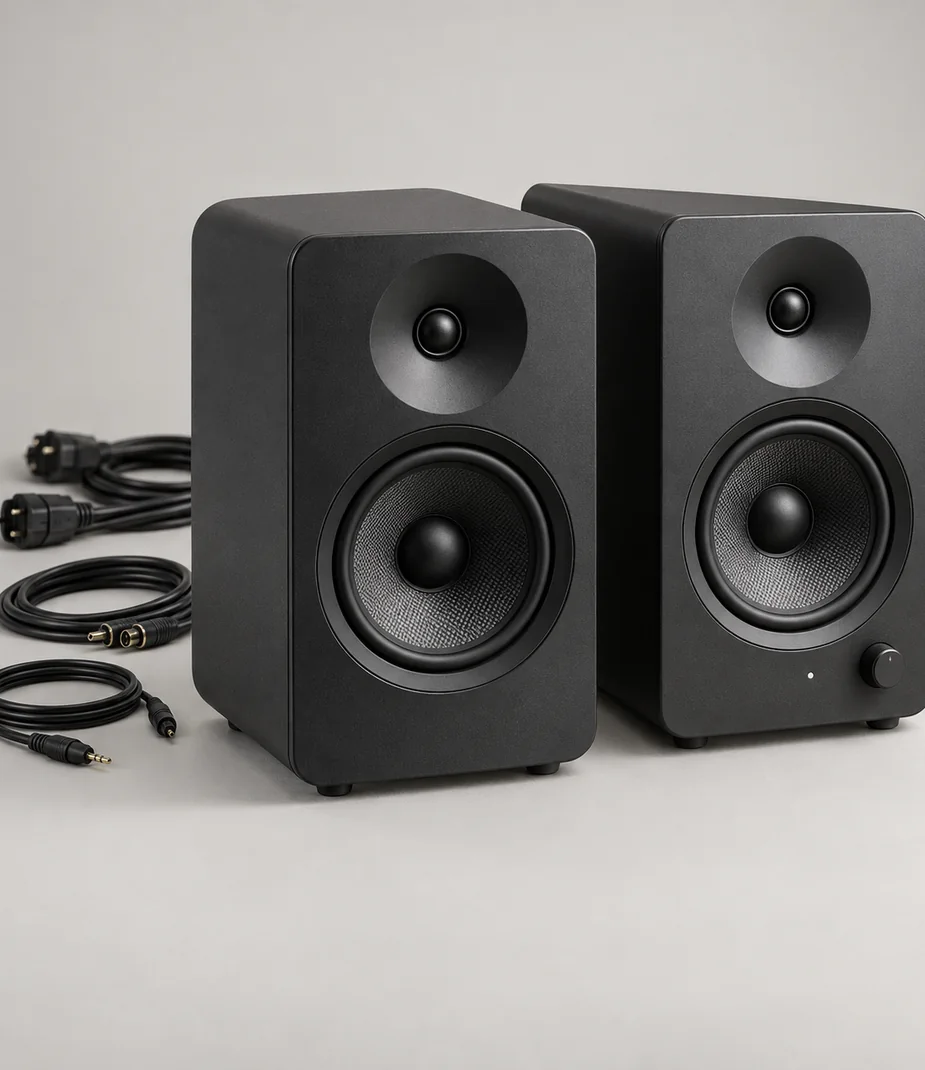
Pulse · Speaker systems for the screen
Pulse Cinema Pair Ink
From €29.60 / month · 12 months
€690.00 to buy


