
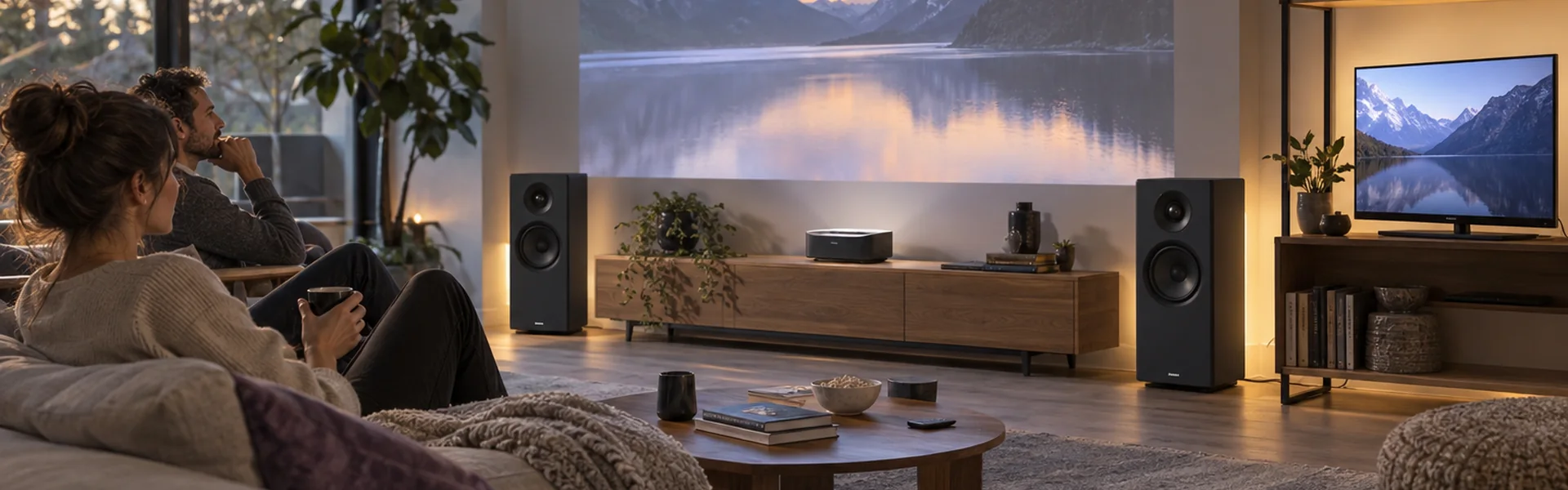
Screens & room sound
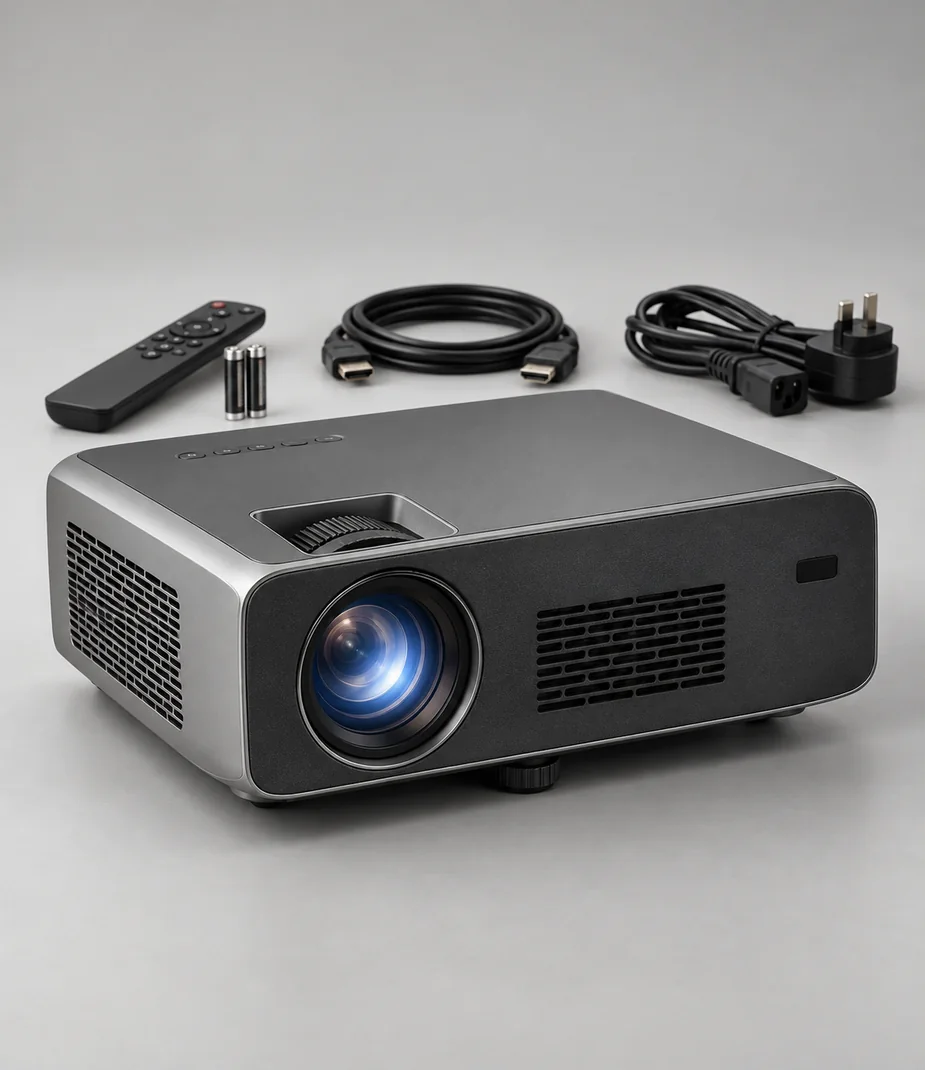
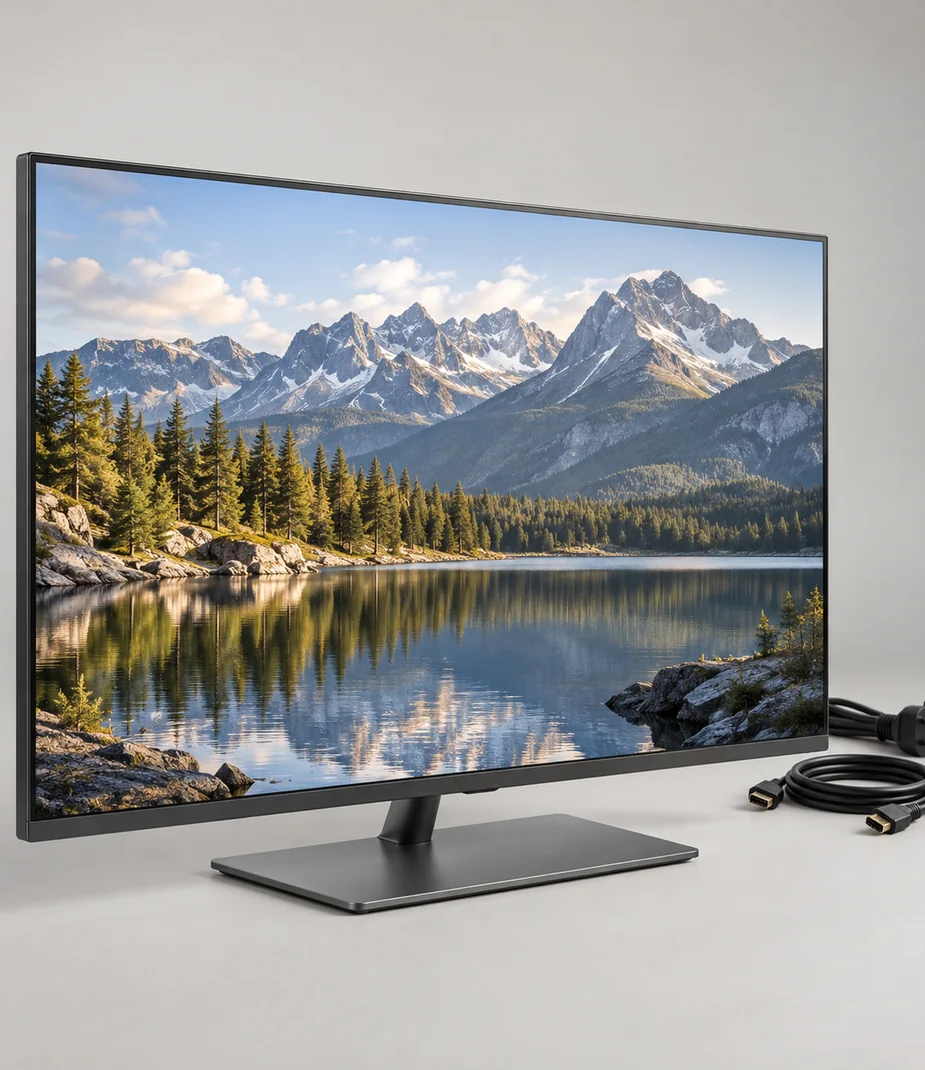
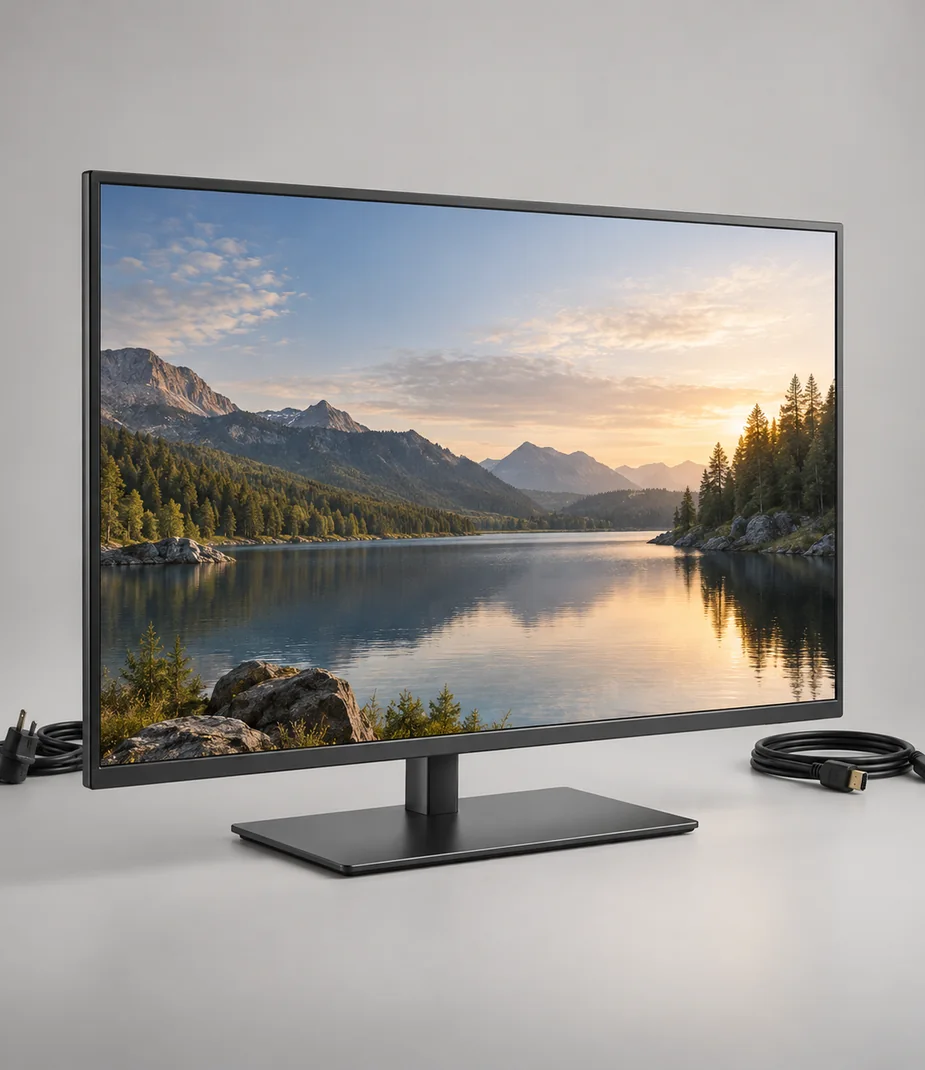
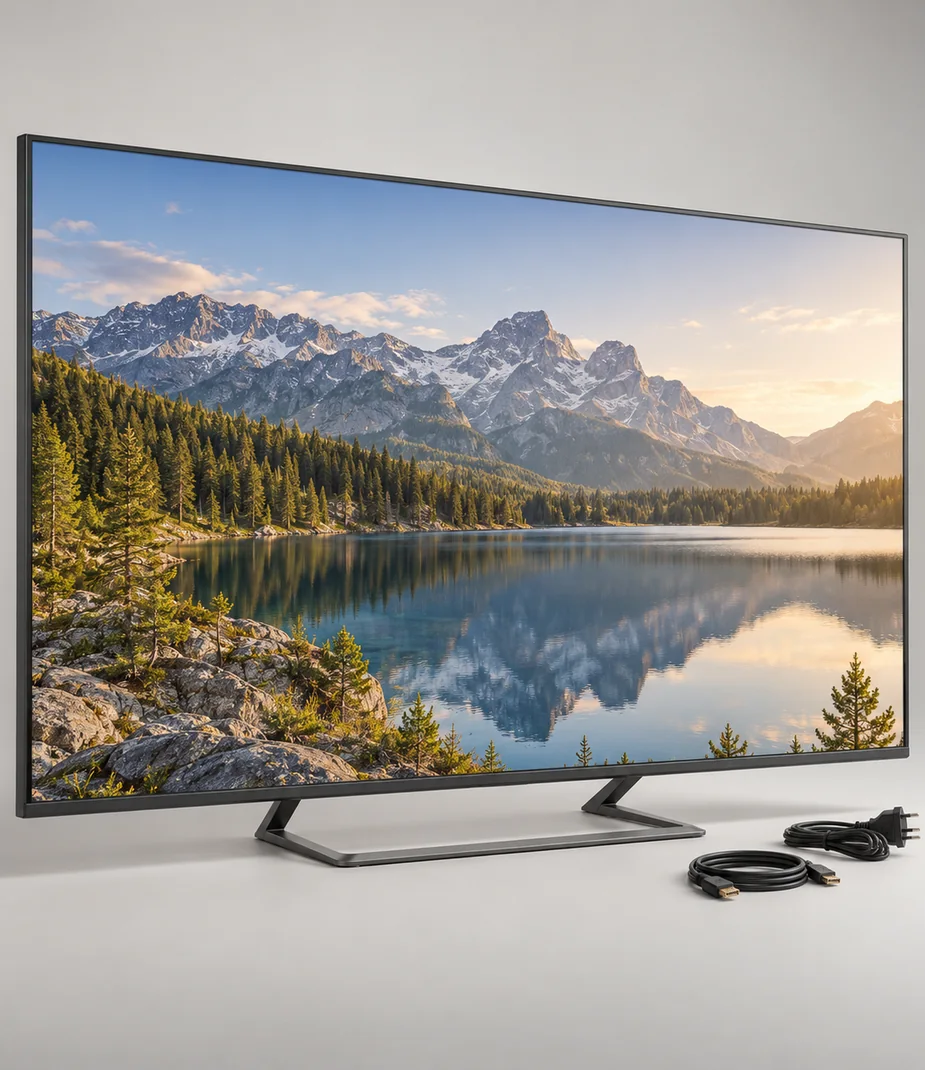
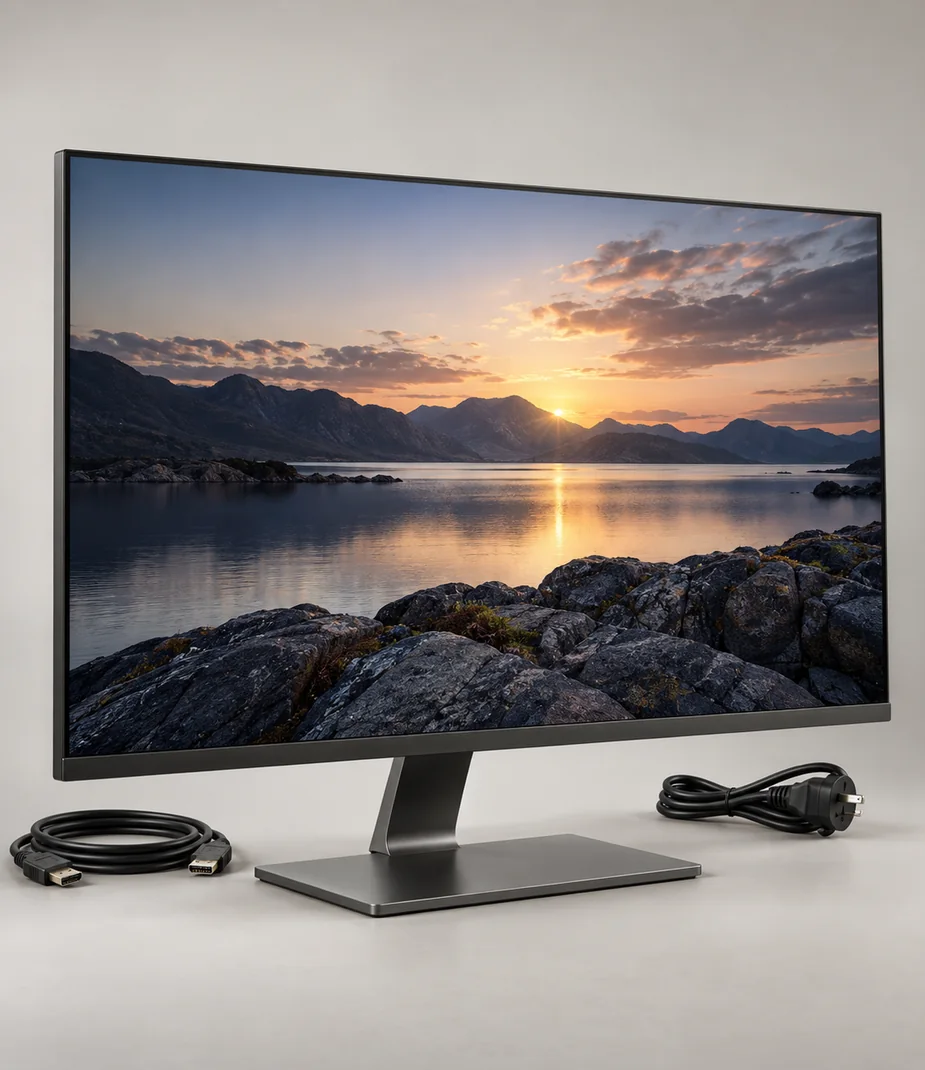
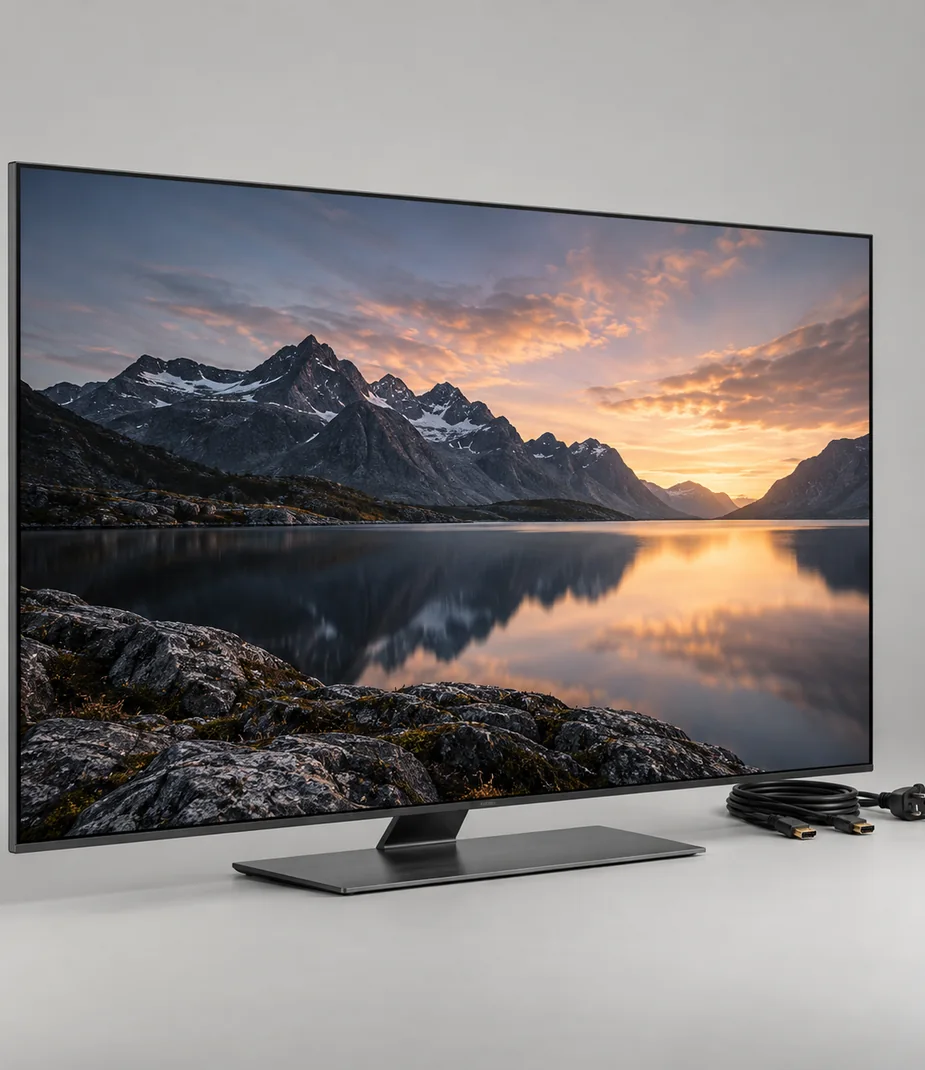
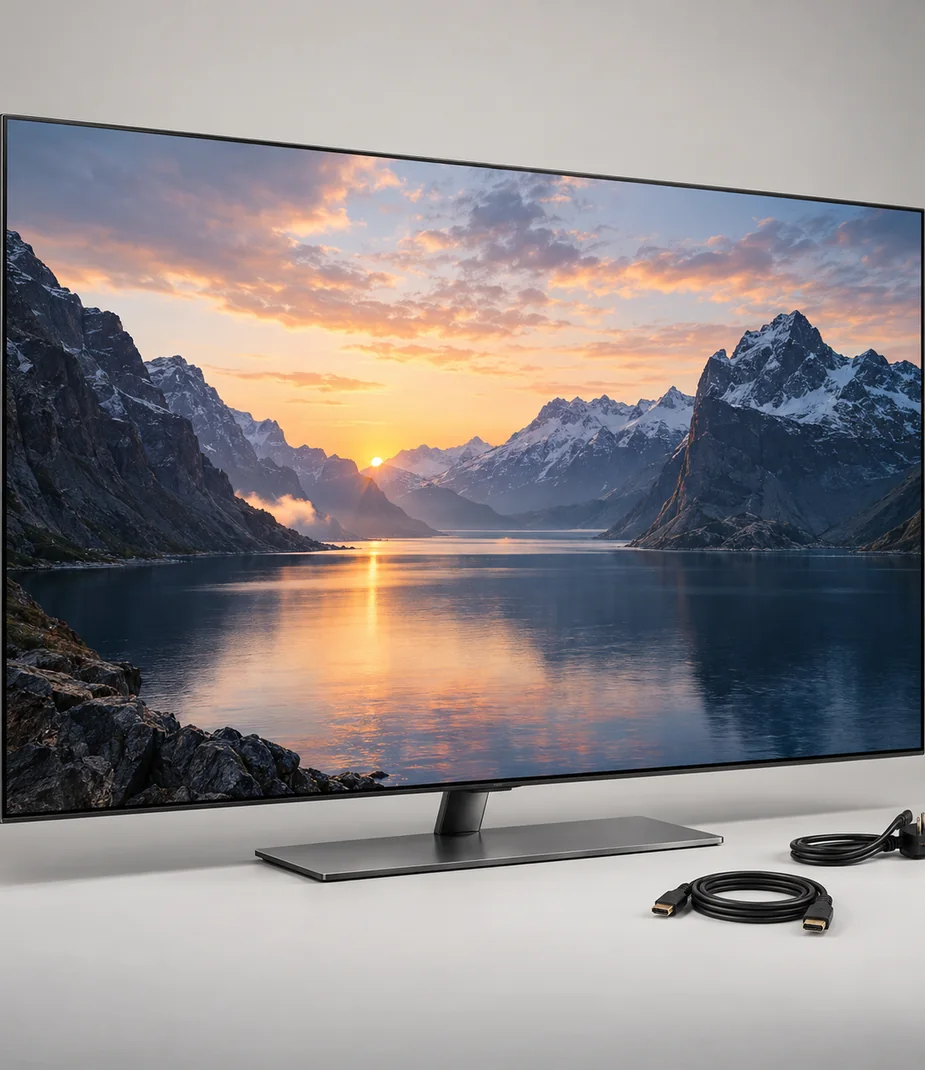
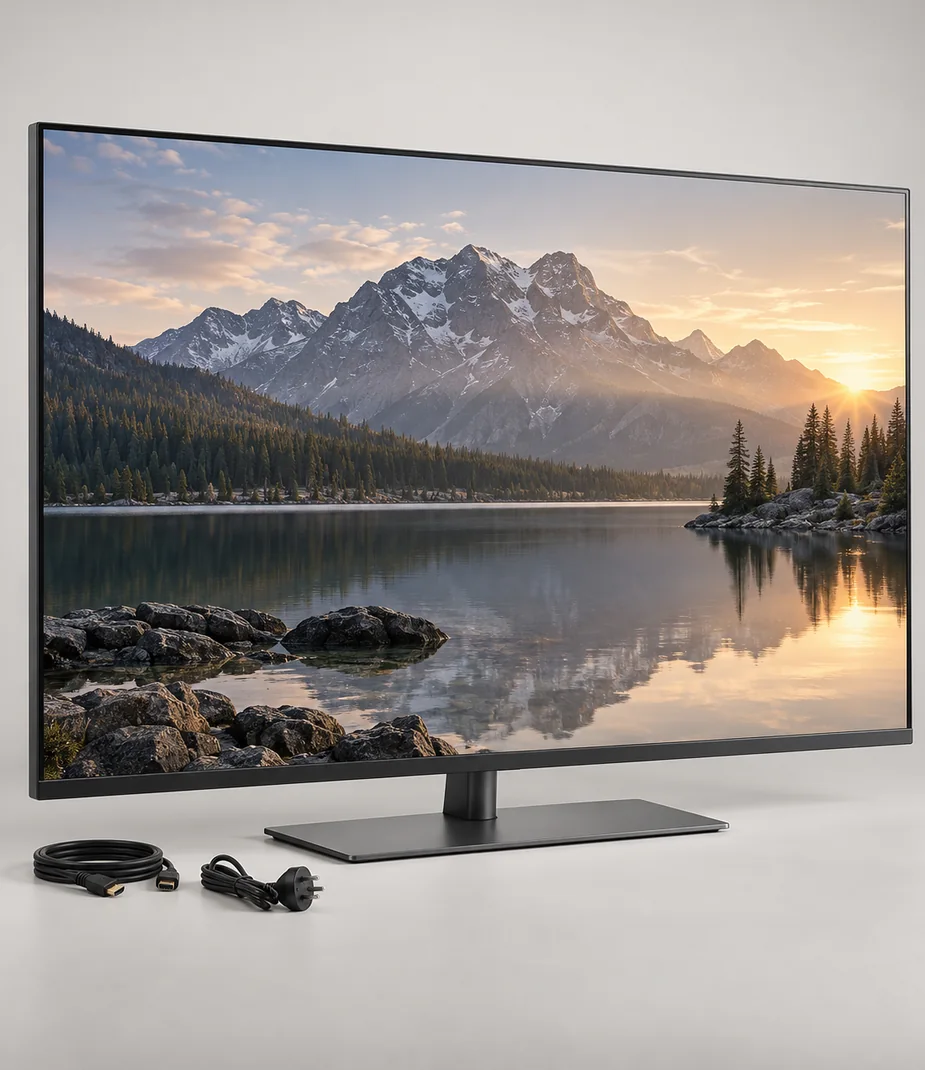
Build the room around its viewing distance, light and usable furniture. Arc televisions, the Beam projector and Pulse cinema equipment provide different routes to a shared picture and sound; the largest specification is useful only when the room can accommodate it.


15 models · page 1
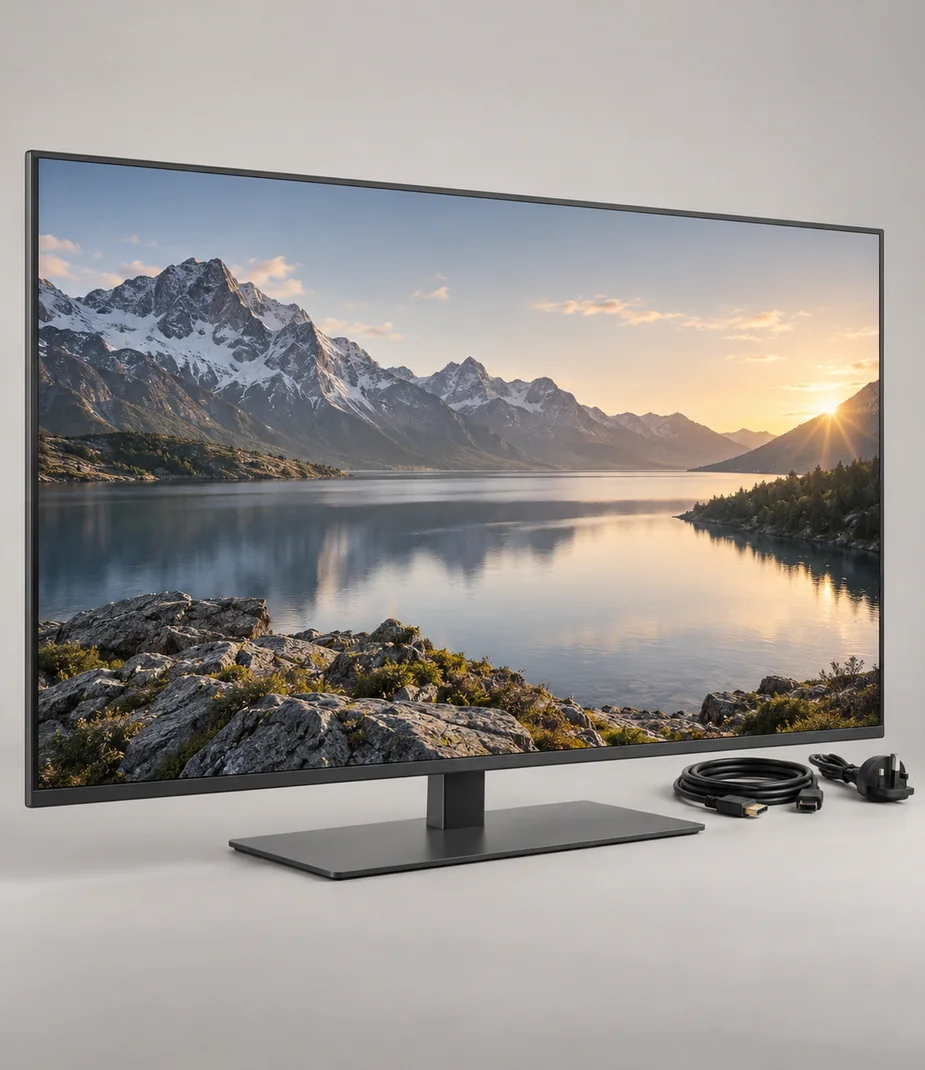
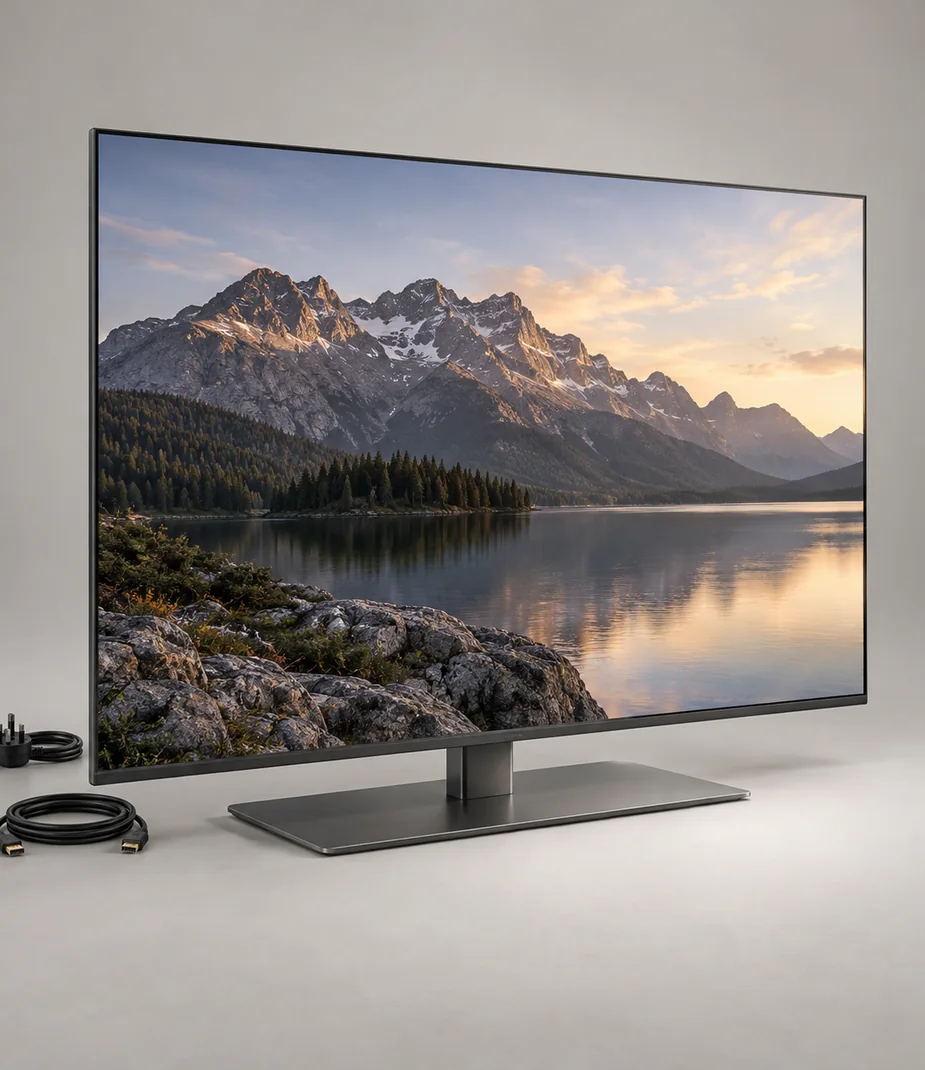
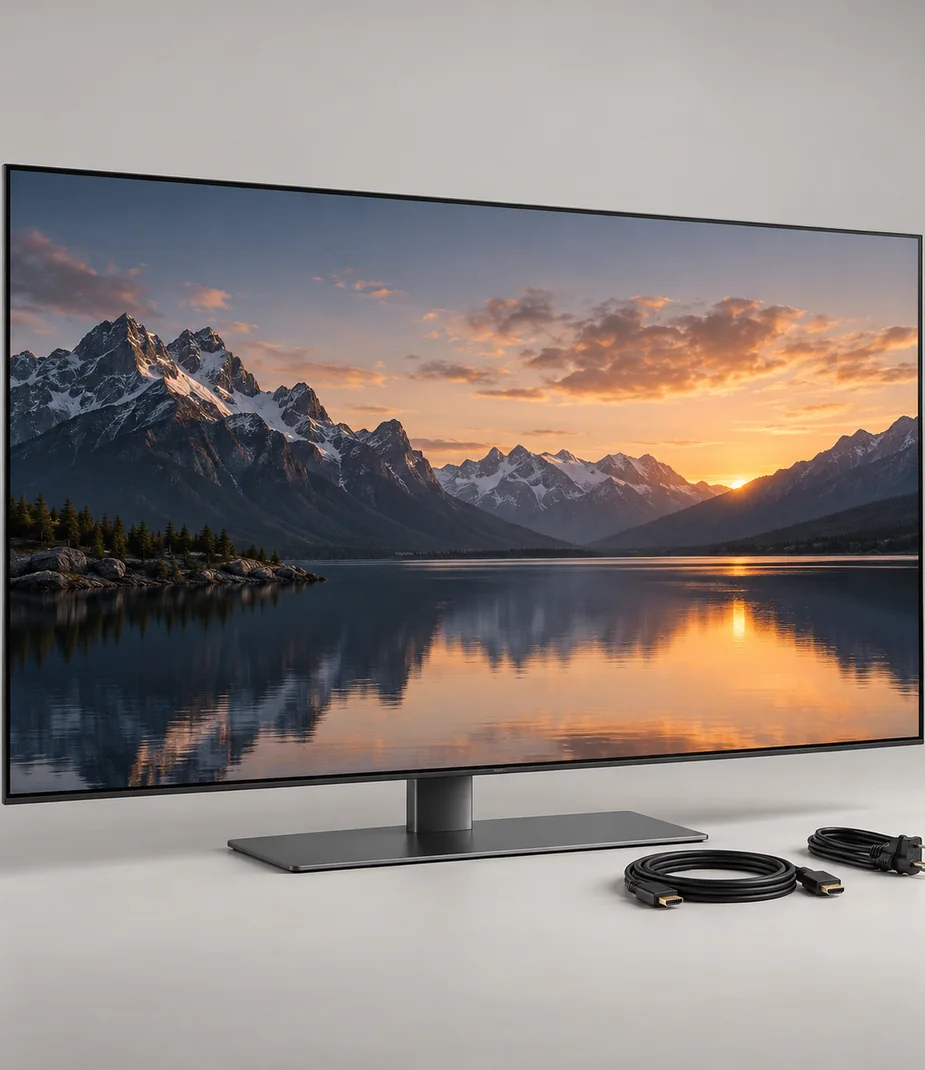
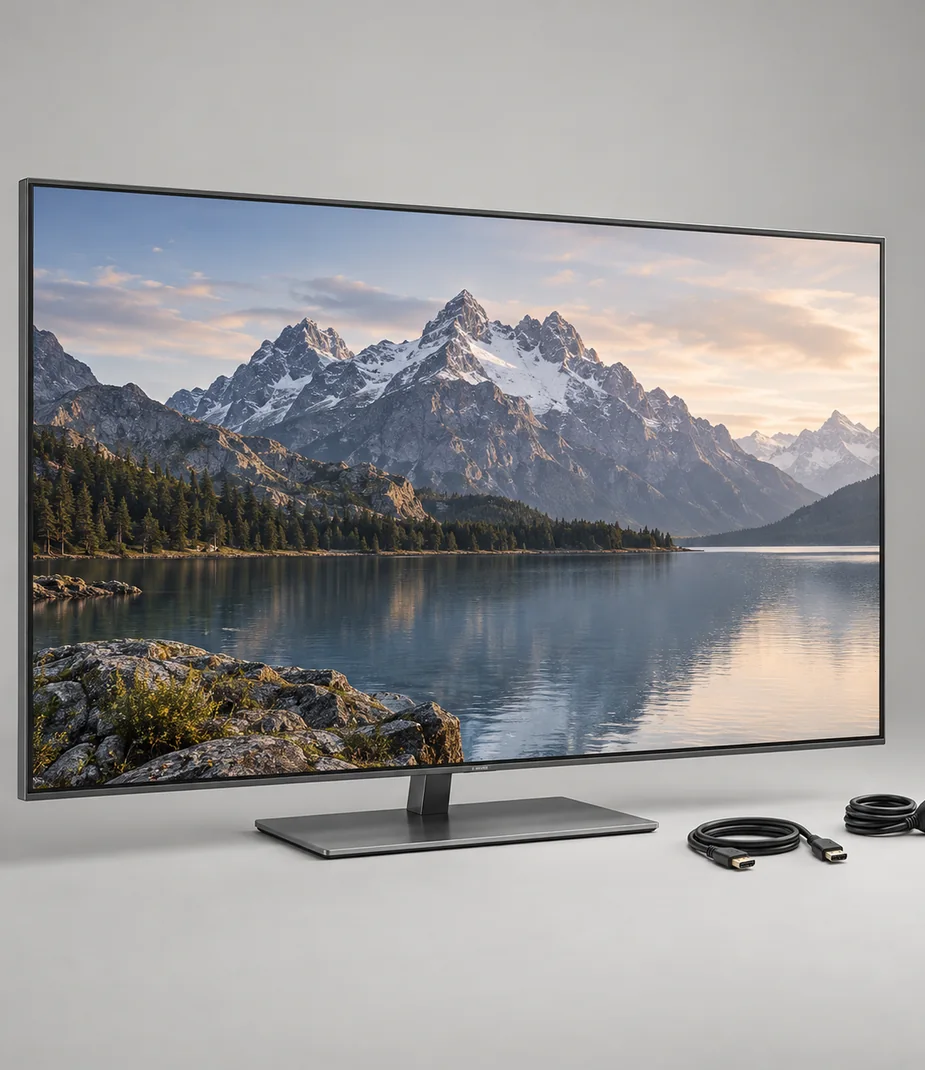
No equipment matches this selection
Clear a filter or try a shorter model name. You can always return to every category.
Browse categoriesBefore choosing a model
Measure the screen position and seating before choosing a diagonal. A projector also needs a defined image width, throw distance and controlled ambient light.
Check the entire audio path. An optical output needs an optical input, and the single passive Tower requires a separate amplifier that is not offered here.
Is a television always the easier setup?
It needs less control over room light than a projector, but large panels require suitable furniture and a clear transport route. Compare those physical needs first.
Do the cinema kits provide surround sound?
The defined Cinema Pair kits provide stereo, with a subwoofer in the Mist package only. They do not include discrete rear surround channels.
Useful setup notes
Setup notes
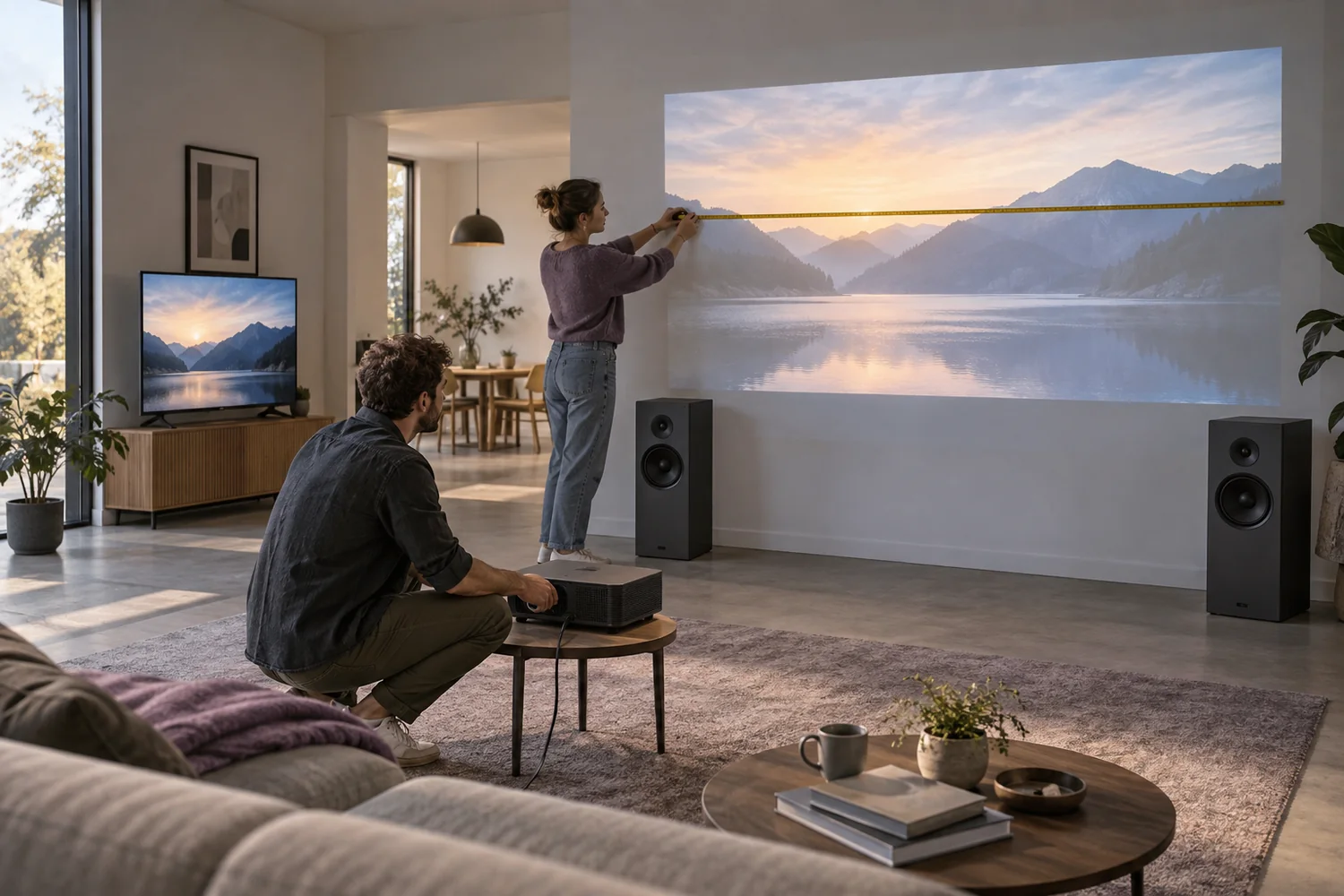
Measure the room before choosing the projector
Image size, throw distance, ambient light and sound determine whether a portable screening will work.
Read the guide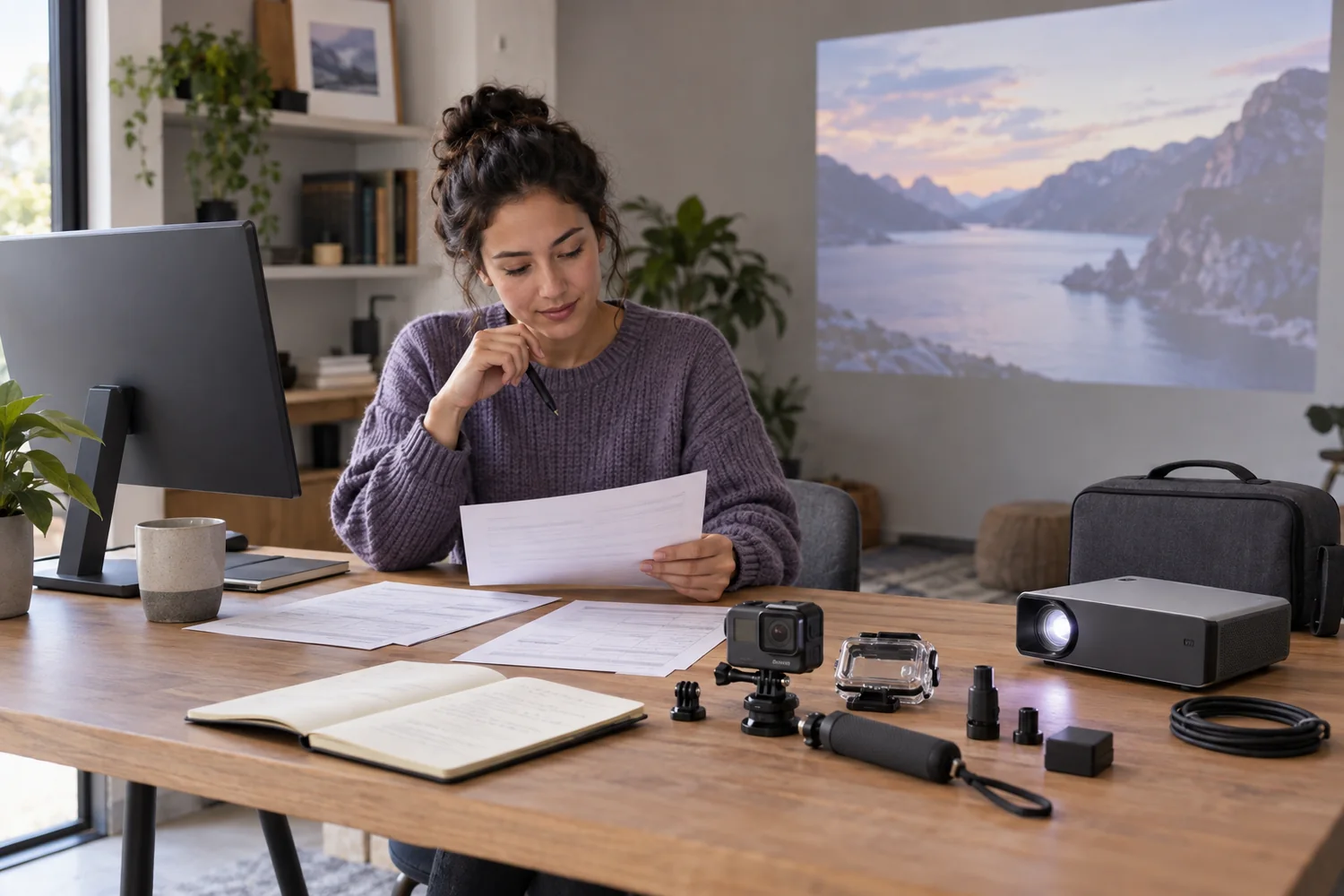
Setup notes
Compare the commitment, not just the monthly price
A clear equipment budget separates rent, purchase, refundable deposits and the timing of the first payment.
Read the guide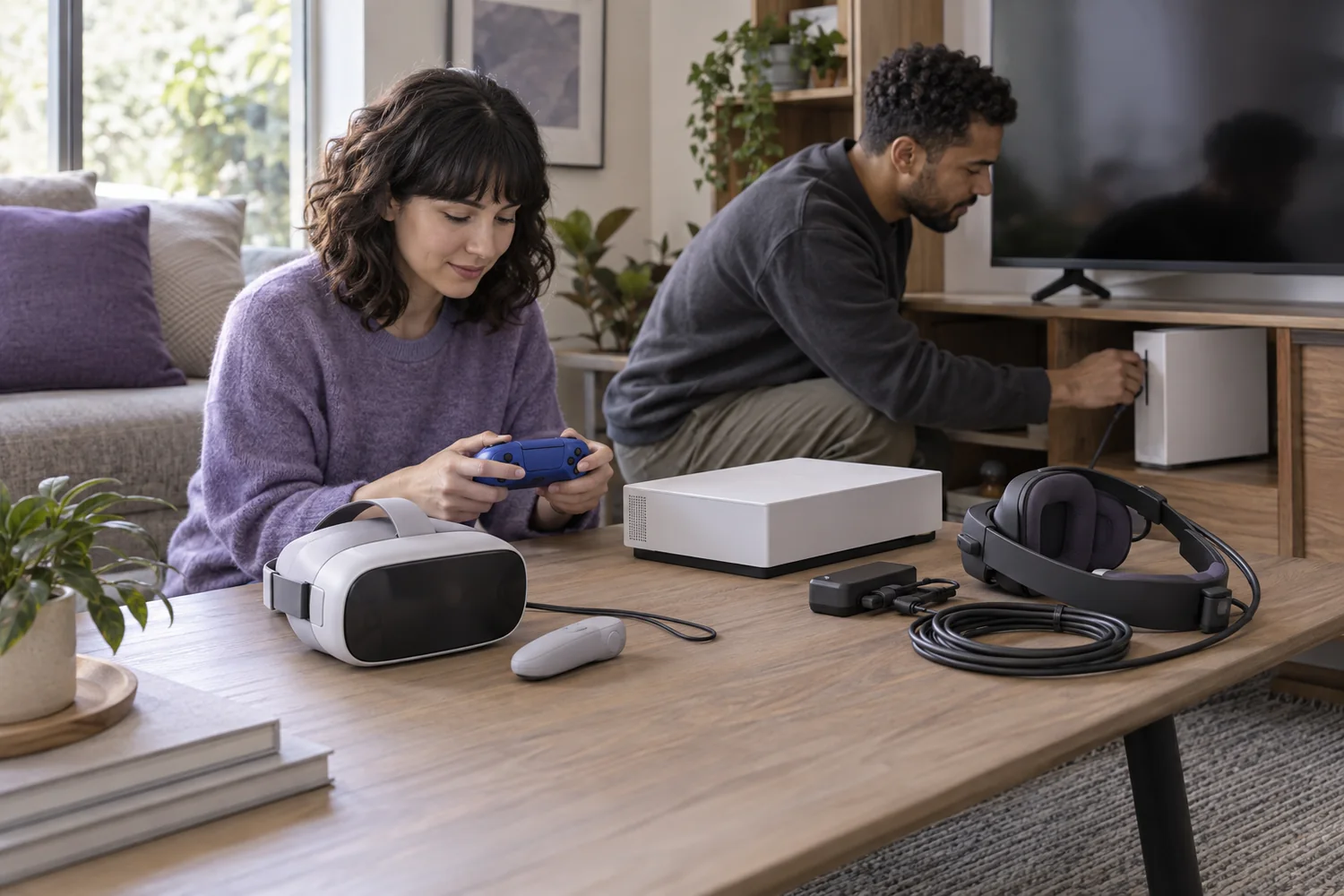
Setup notes
Build a play setup that fits the room
Console families, controller connections and virtual-reality host requirements should be checked before comparing storage.
Read the guide