
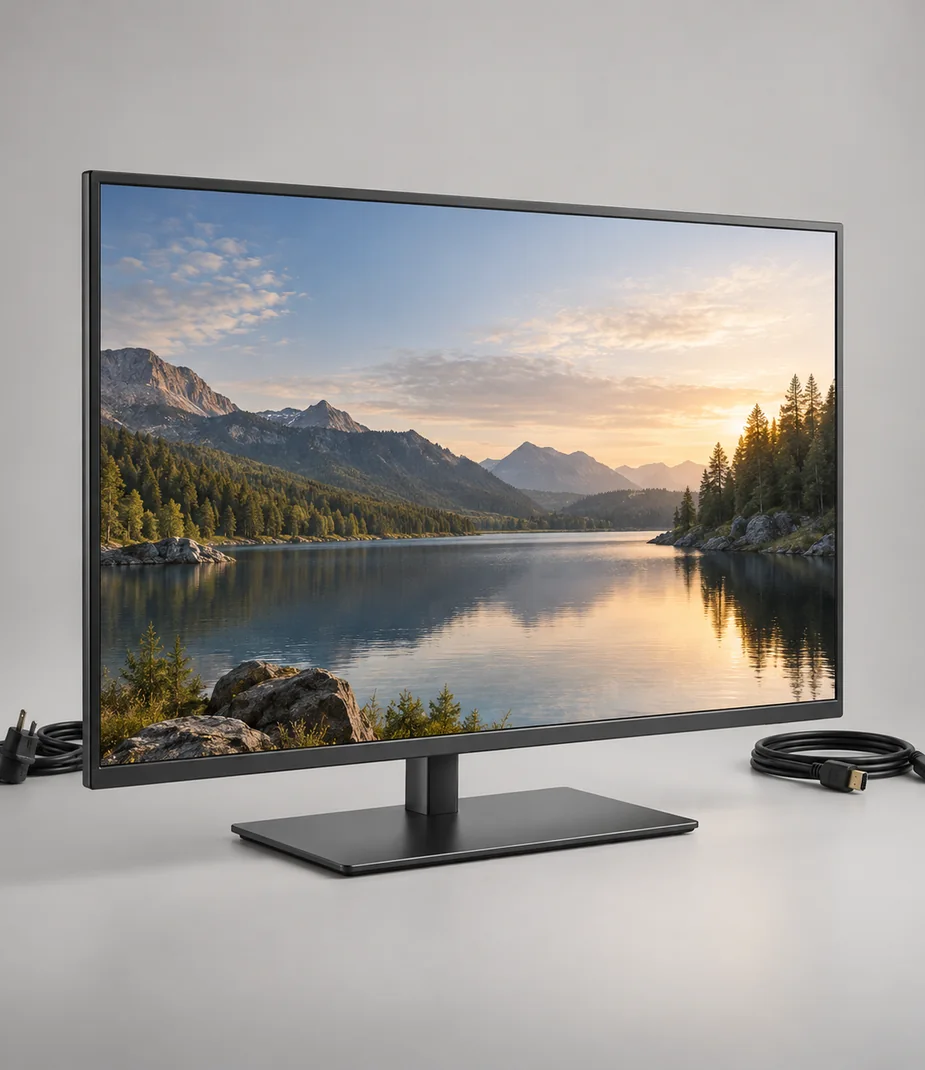
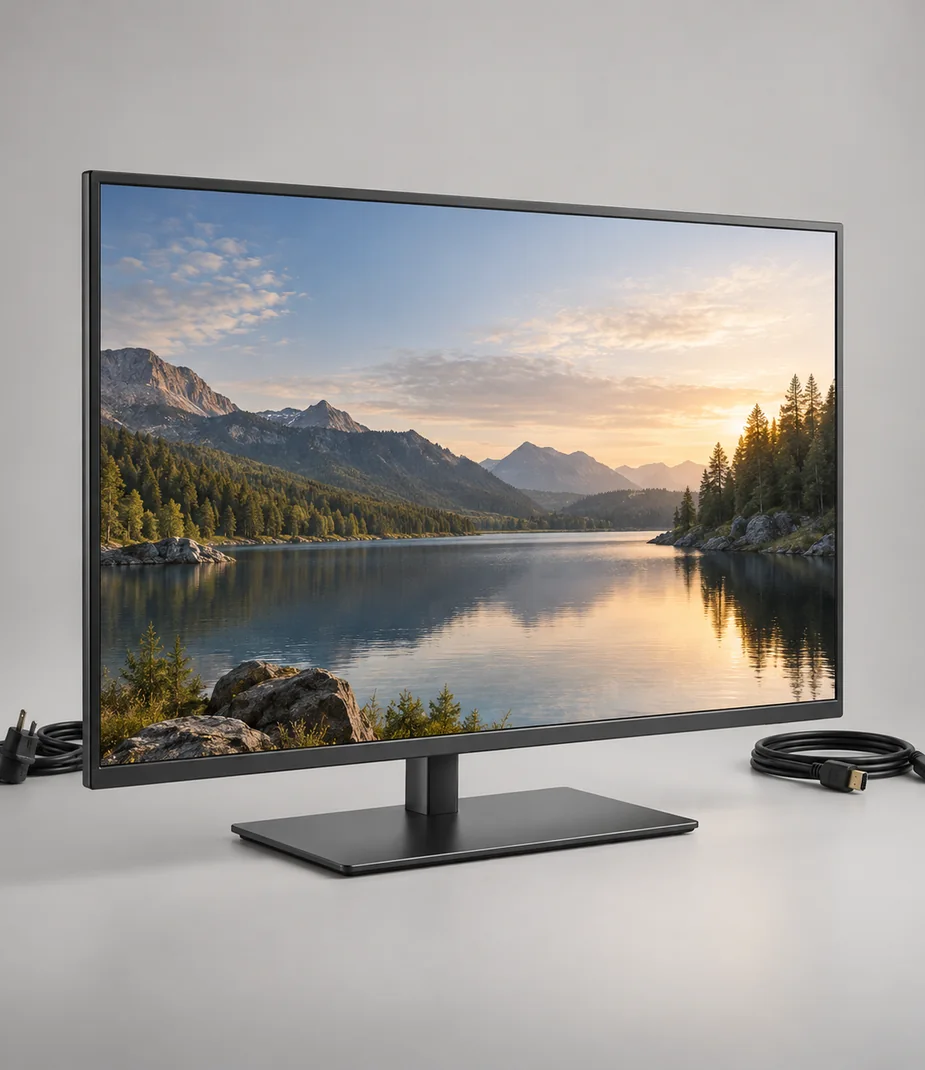
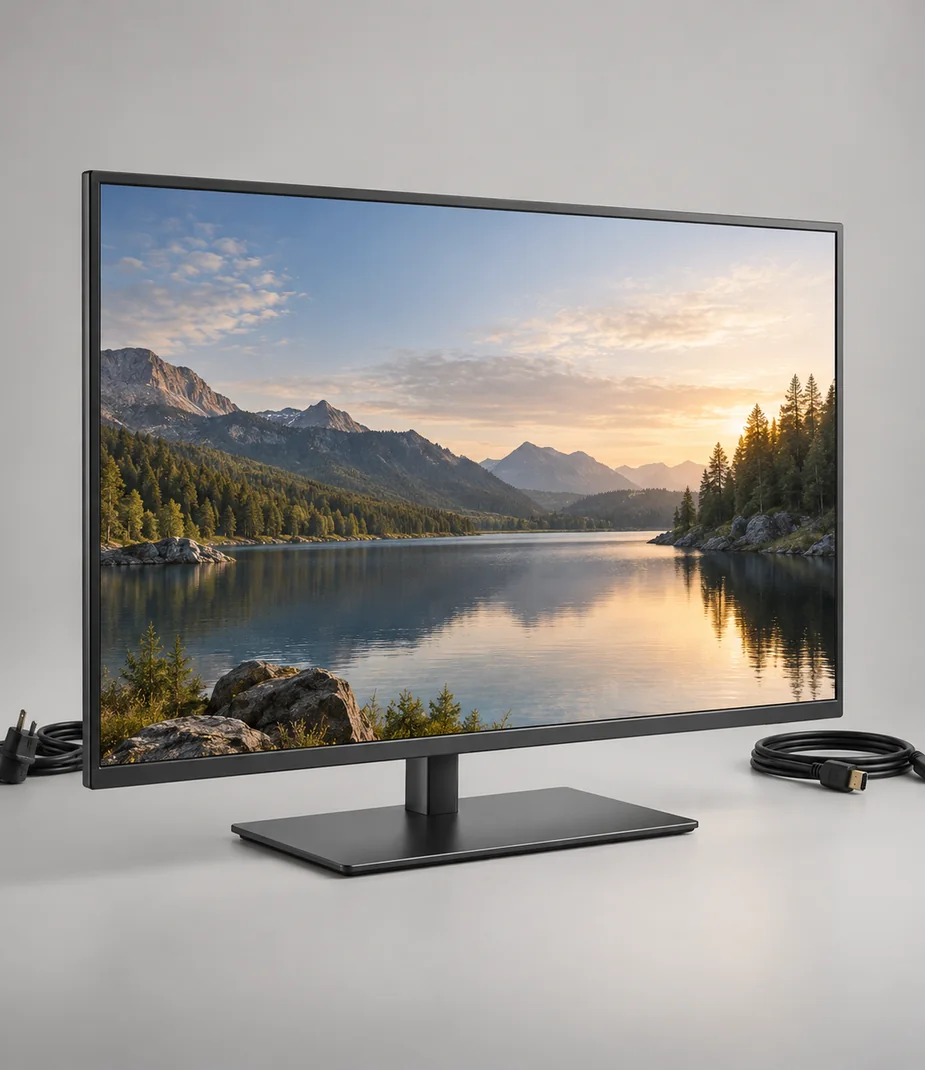
3 views planned
Arc · Televisions by room size
Arc Frame 32 S
A modest full-HD screen for a small room or compact viewing corner.
€290.00 to buy
A local equipment plan. No stock is reserved and no payment is collected.
A closer look at Arc Frame 32 S
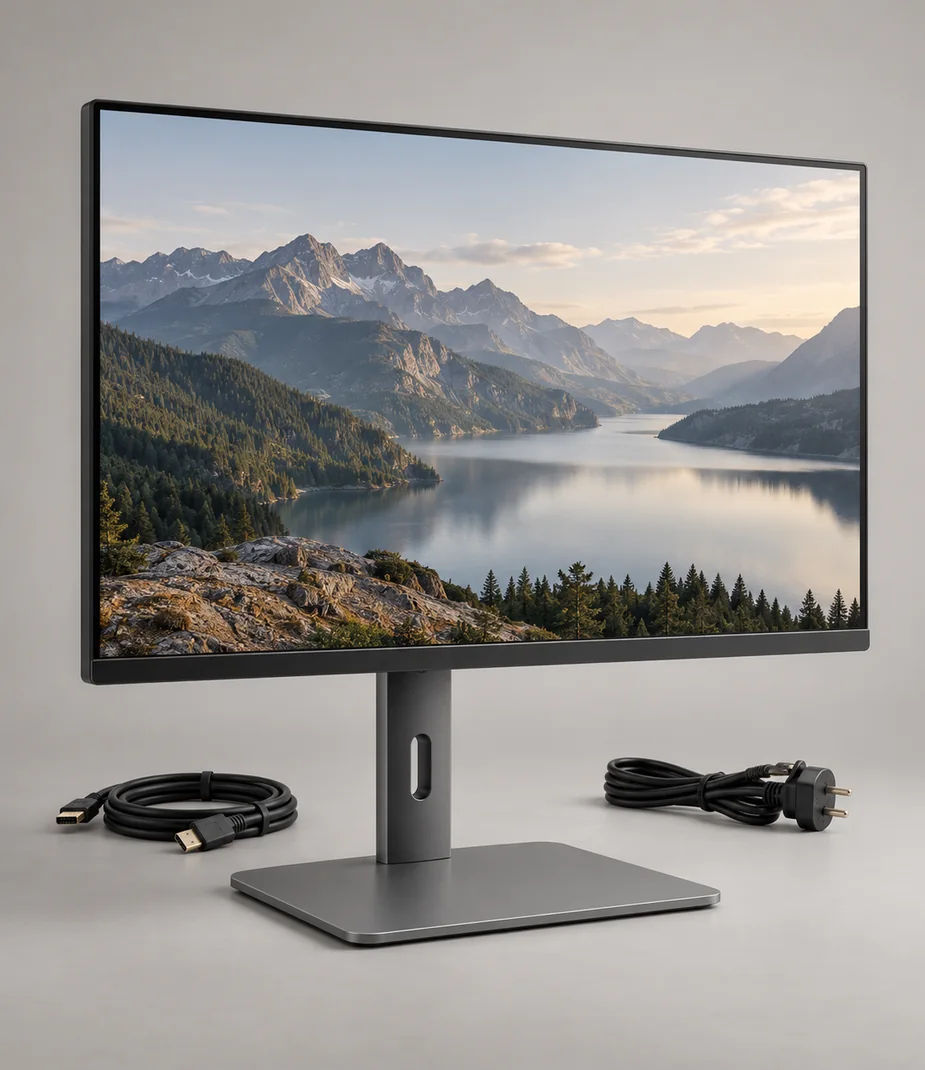
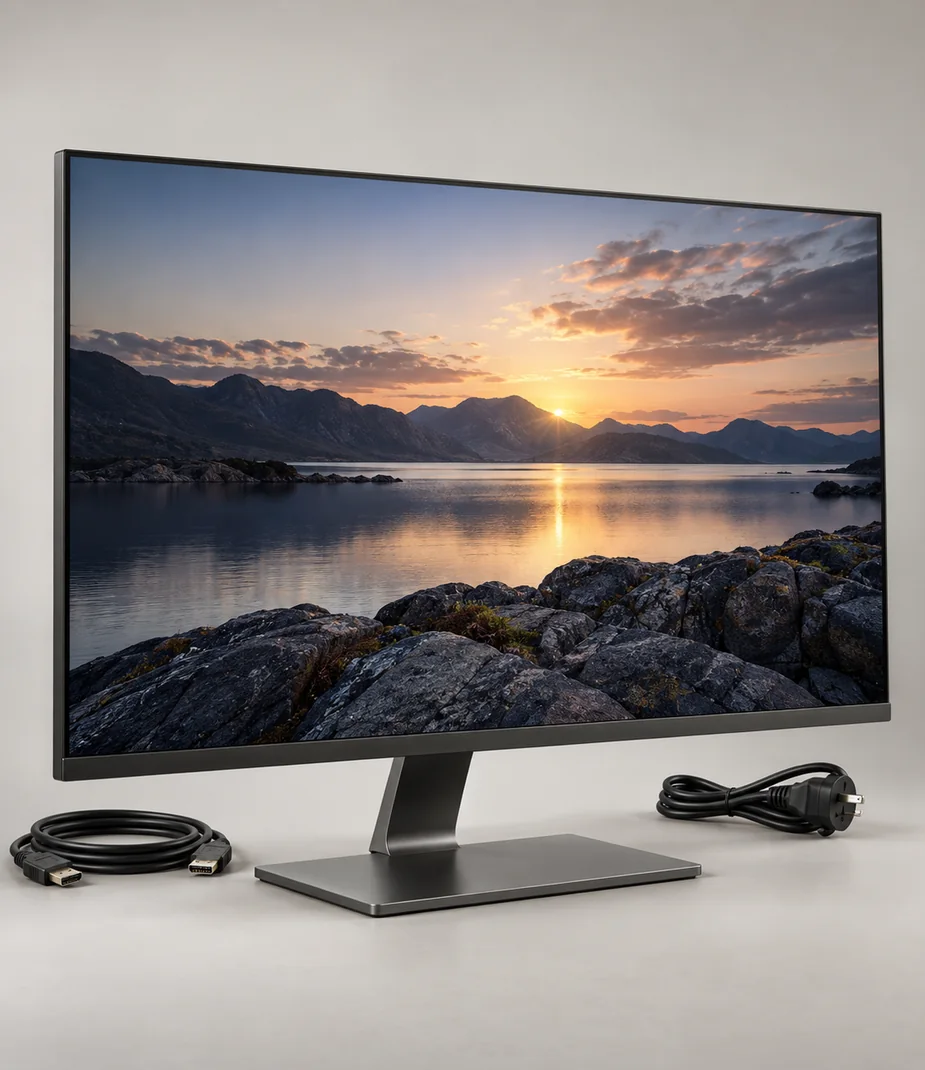
Frame 32 S keeps the screen and the budget manageable. Its 1080p panel is appropriate for ordinary programmes and an HDMI source at a short viewing distance. Two inputs are enough for a simple player-and-console arrangement without adding a separate input switch, and the restrained 54 cm stand span suits narrower furniture.
Check that subtitles are readable from the intended chair; the small screen may be difficult across a large room. Route the two HDMI leads before placing the display near a wall. The included remote handles source selection, while any streaming player and its account remain separate.
| Term | Per month | Full rent | Refundable deposit | Due at start |
|---|---|---|---|---|
| 1 month | €19.00 | €19.00 | €50.00 | €69.00 |
| 3 months | €18.05 | €54.15 | €50.00 | €68.05 |
| 6 months | €17.10 | €102.60 | €50.00 | €67.10 |
| 12 months | €15.20 | €182.40 | €50.00 | €65.20 |
Full rent excludes the deposit. The initial amount includes the first month and the deposit. Rental does not become ownership.
What comes with this model
- Arc Frame 32 S
- Matched desk stand
- Mains lead
- 2 m HDMI cable
- Remote control and two AAA batteries
Technical details
- Diagonal
- 32 inches
- Native resolution
- 1920 × 1080
- Panel technology
- LED-backlit LCD
- Refresh rate
- 60 Hz
- Video inputs
- Two HDMI 2.0 inputs
- Audio connection
- Optical output
- Stand width
- 54 cm
- Mount interface
- 100 × 100 mm
- Power
- Mains; no battery
- HDR input
- Accepted; appearance depends on content and panel
Questions about this model
What size surface does the stand need?
The supplied stand for Arc Frame 32 S spans 54 cm. The supporting surface must also accommodate its depth, weight and cable clearance; do not let the feet overhang.
Can I connect another device without a streaming account?
Yes. Use the listed Two HDMI 2.0 inputs input with a compatible source. Account-based services are separate, and this illustrative display does not include subscriptions.
Check this before choosing
Intended uses
- A screen selected around actual viewing distance
- HDMI playback from a compatible external source
Points to confirm
- This is a 1080p display; it cannot show the detail of a native 4K source.
- No wall bracket or paid content subscription is supplied.
Make a local setup note
A note for your own equipment plan. It is not a published review and is not sent to anyone.
Alternatives to consider
Alternatives illustrate a selection tradeoff; comparison does not imply accessory, media or platform compatibility.
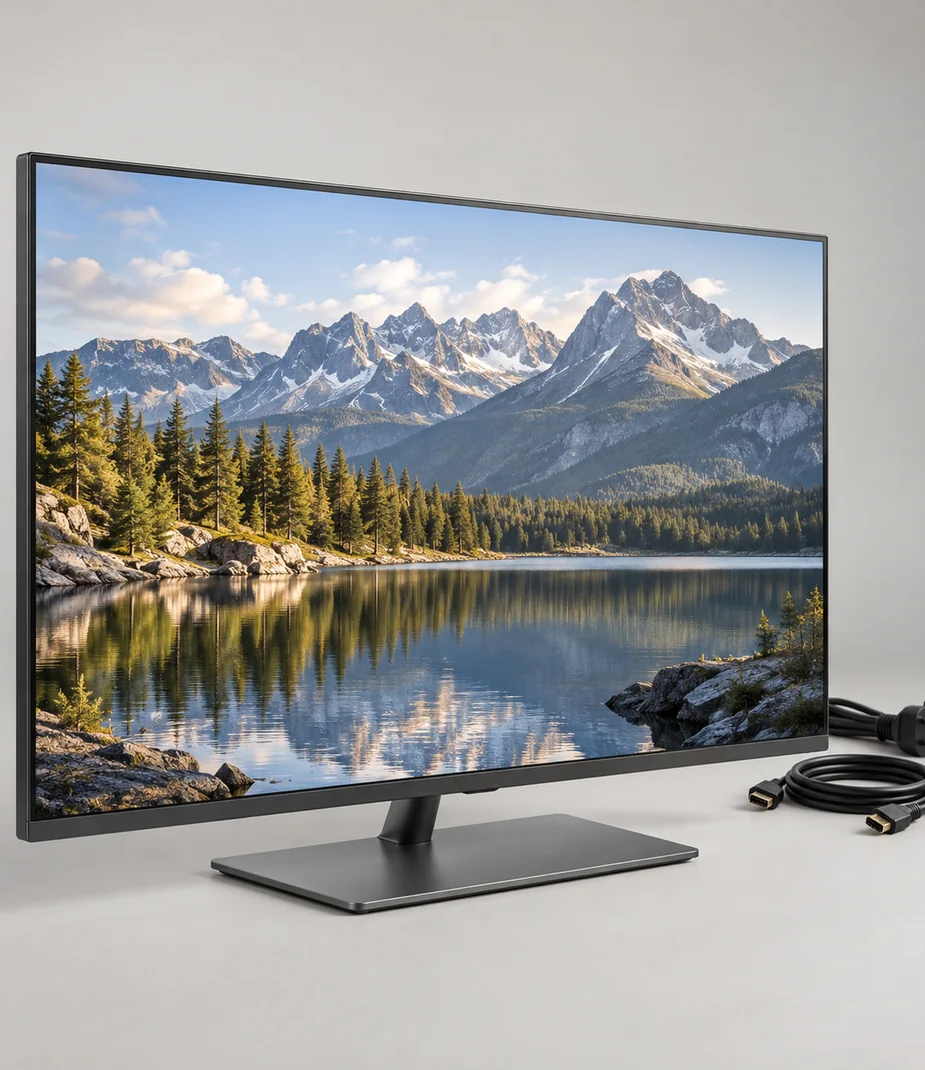
Connections with a reason
Only the named relationships have been defined. Each link states whether it concerns lens fit, signal, input, companion software or file transfer; no universal same-category compatibility is implied.
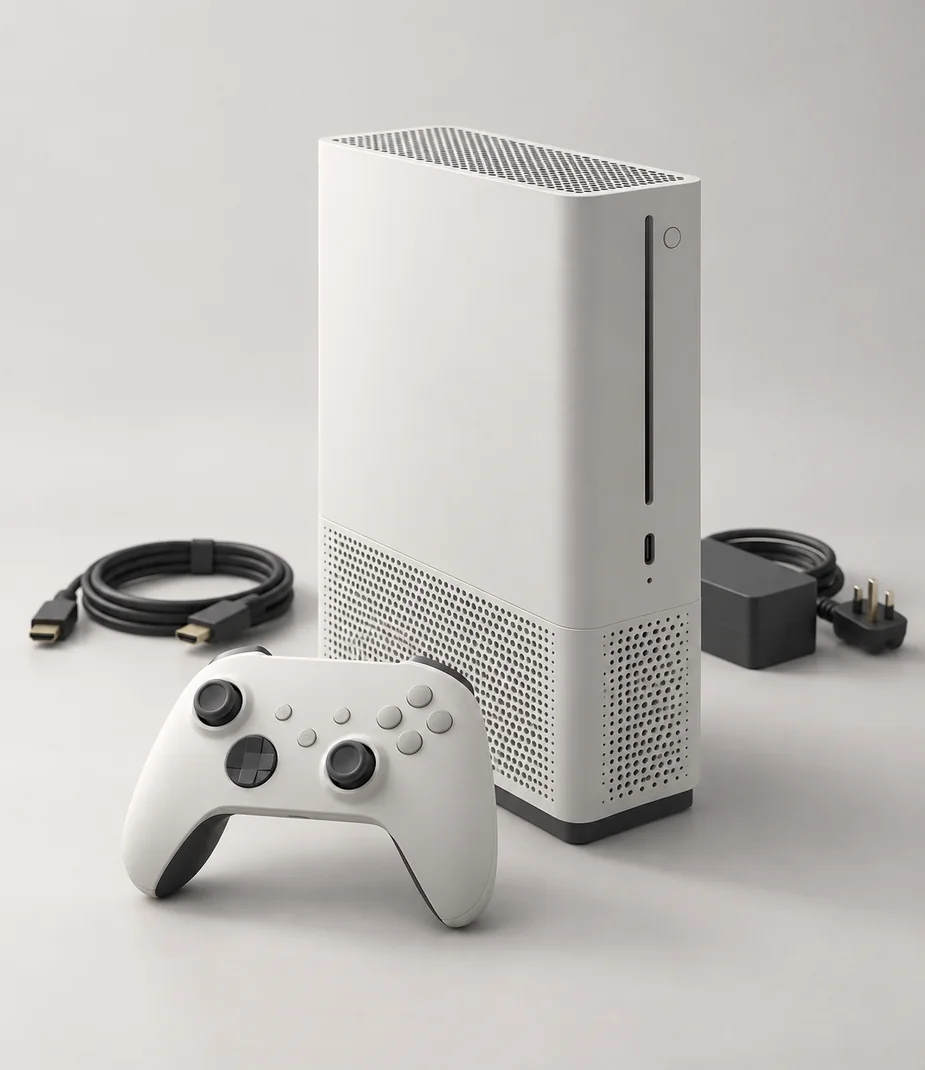
Arc Station S 512 Chalk outputs HDMI 2.0 and Arc Frame 32 S accepts it. Use a supported input timing; the screen’s native resolution and refresh remain its limits.
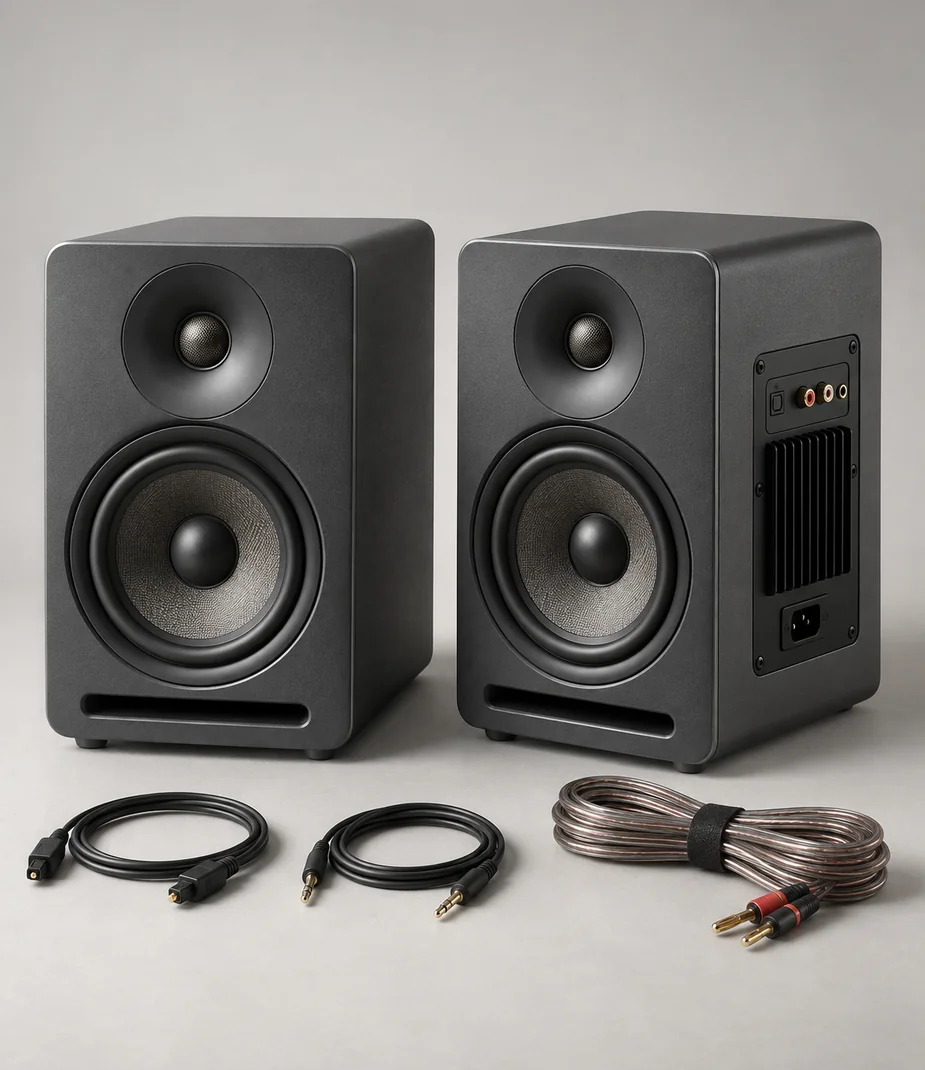
Arc Frame 32 S has optical audio output and Pulse Shelf 5 Pair accepts optical input. Select stereo PCM on the display and use the system’s supplied optical cable.
Read before assembling the kit
Setup notes
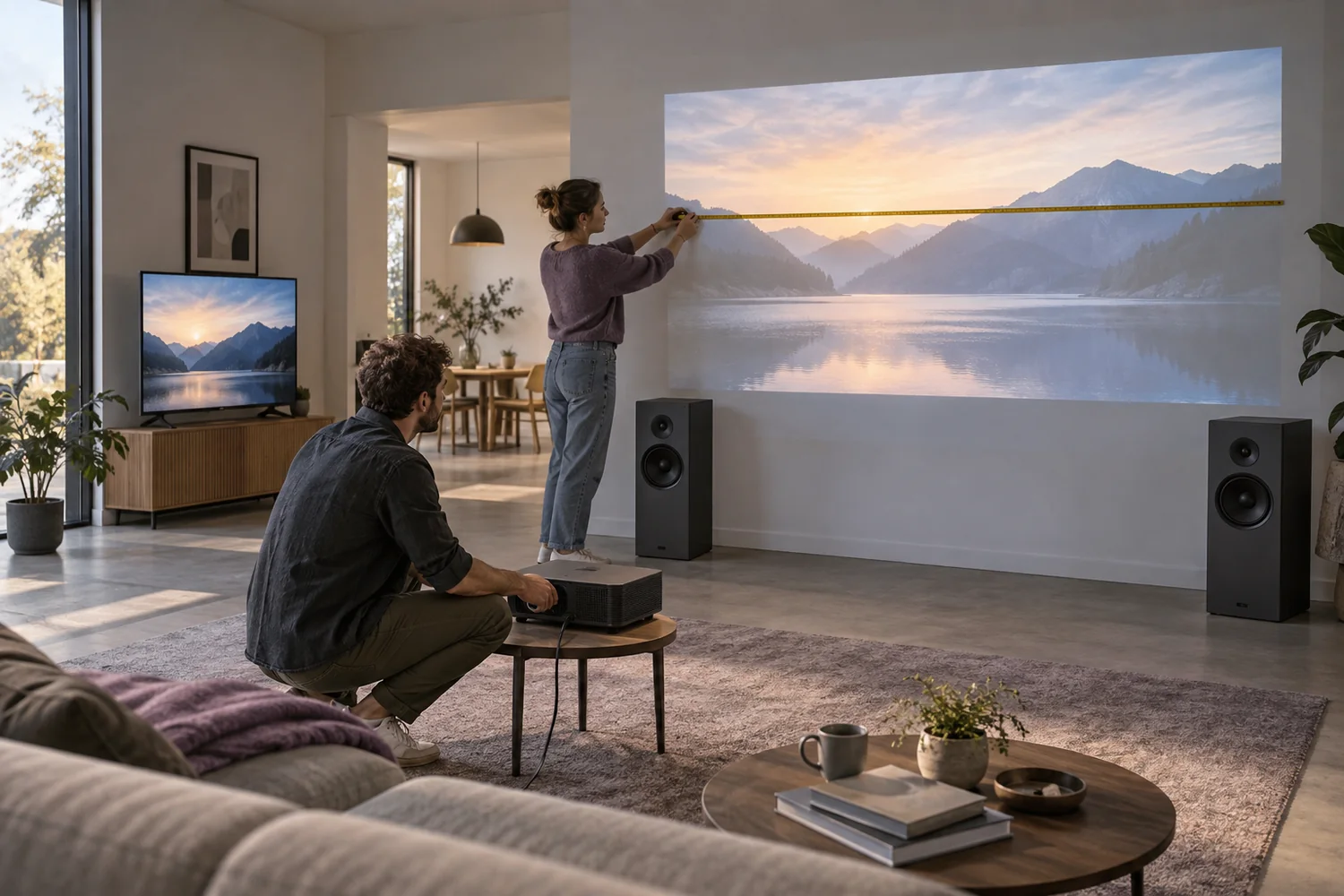
Measure the room before choosing the projector
Image size, throw distance, ambient light and sound determine whether a portable screening will work.
Read the guide
Setup notes
Compare the commitment, not just the monthly price
A clear equipment budget separates rent, purchase, refundable deposits and the timing of the first payment.
Read the guide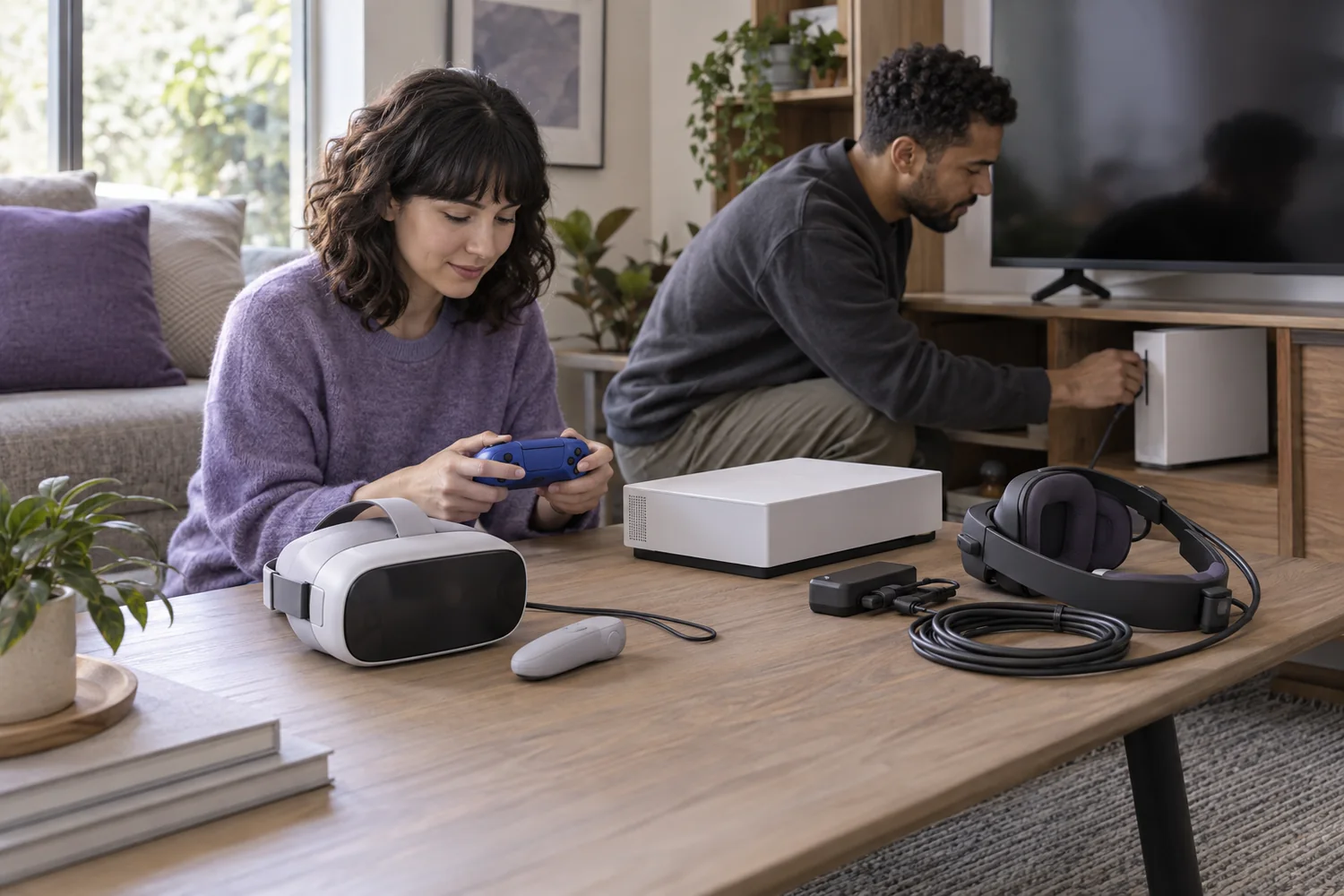
Setup notes
Build a play setup that fits the room
Console families, controller connections and virtual-reality host requirements should be checked before comparing storage.
Read the guide