
Build a play setup that fits the room
Console families, controller connections and virtual-reality host requirements should be checked before comparing storage.
Circuit & Field editorial desk
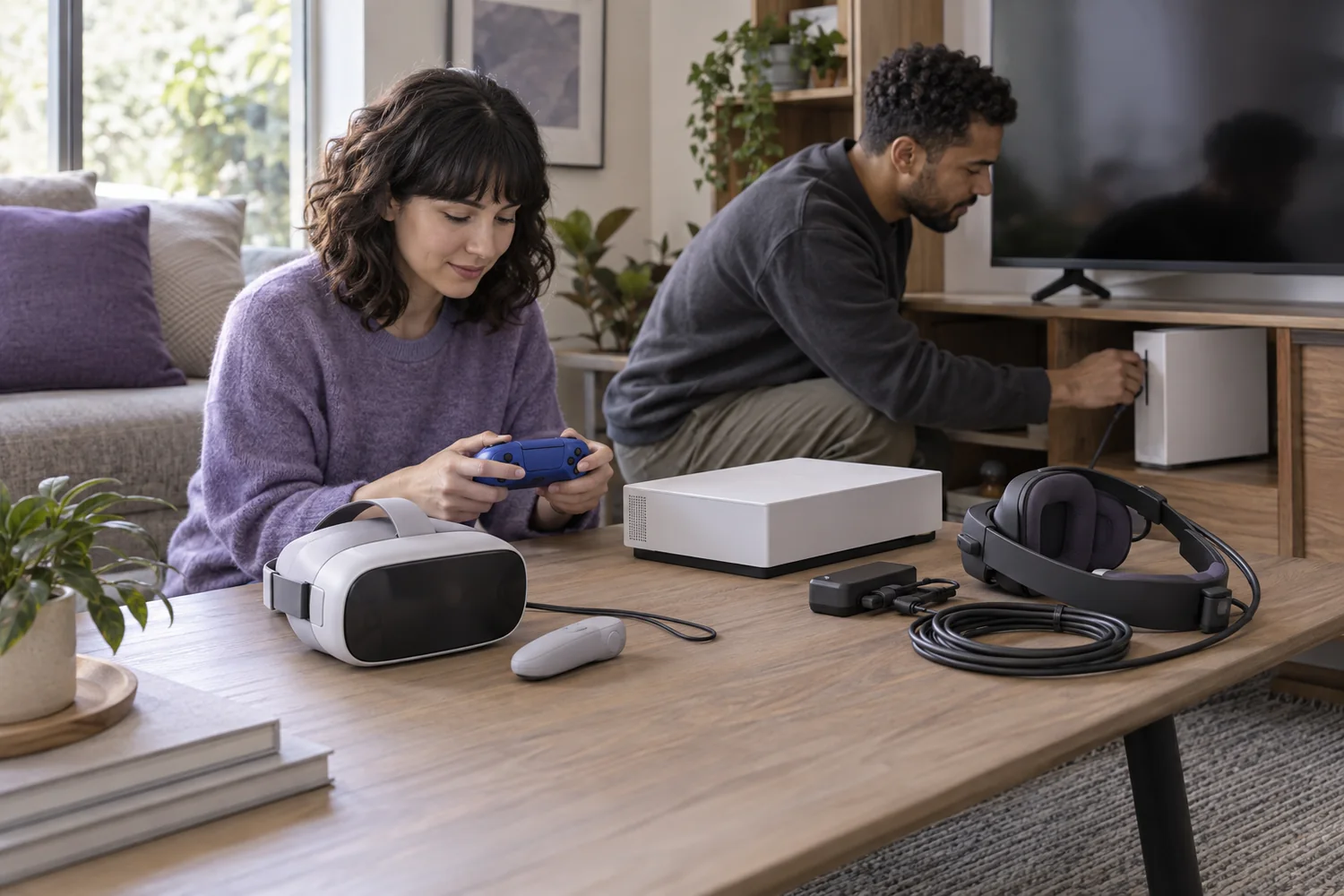
Start with the system
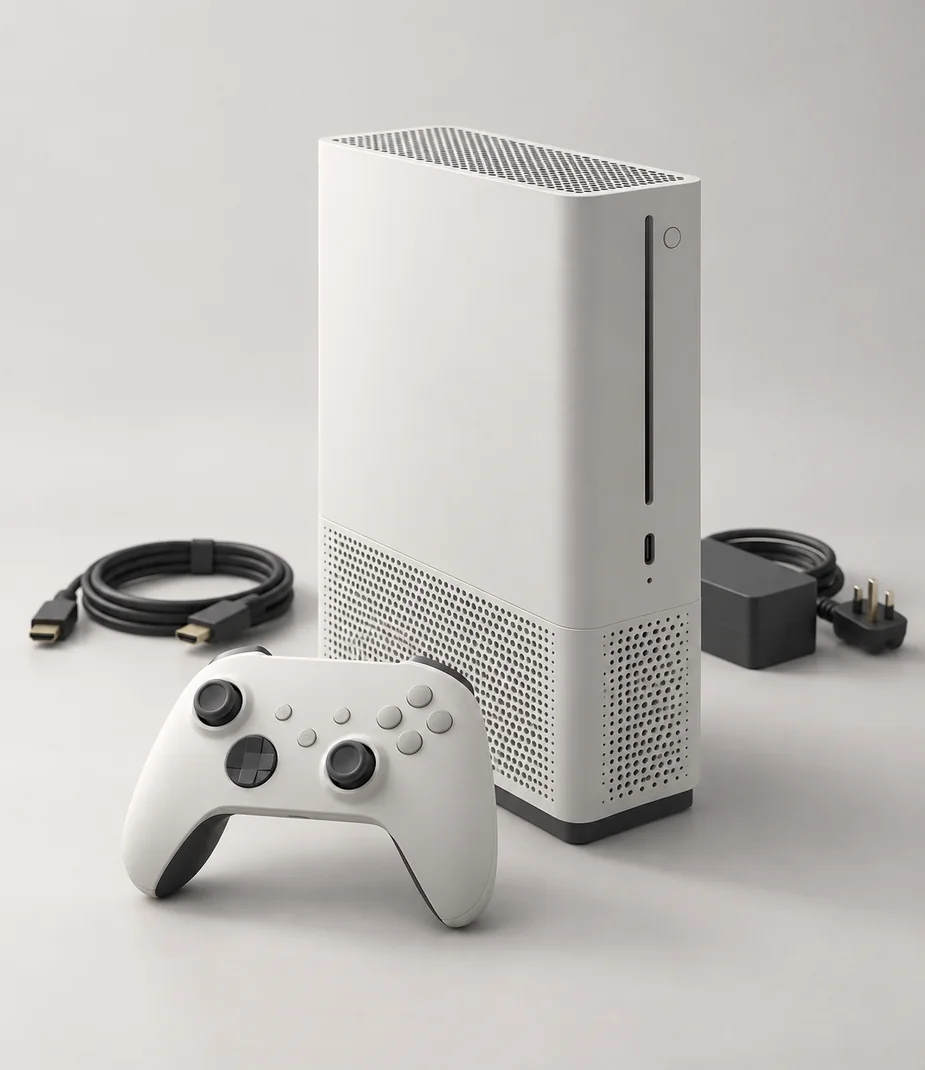
A controller belongs to a declared platform even when its buttons look familiar. The catalog's Arc families are fictional, and each accessory lists the host it supports. Use that relationship to build the kit; a related-product card may suggest an alternative without proving that it plugs into your chosen console.
Count how many people will play and how many controllers are supplied. A console bundle can include a title, an extra controller or both, but the model name is not enough evidence. Check the complete box list and the exact bundle description.
Connect the screen and sound
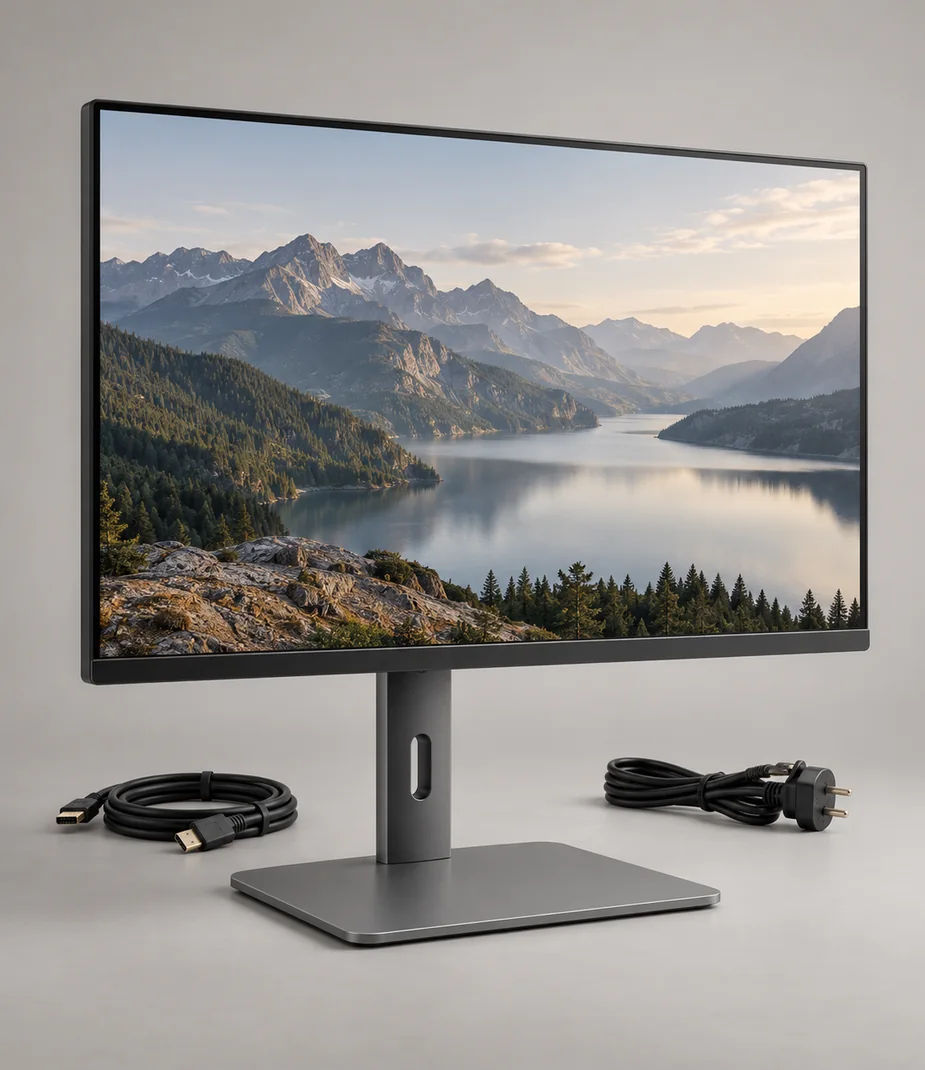
Read the output on the console and the inputs on the display. The maximum signal mode is limited by every part of that connection, including the cable. A television's high-resolution panel does not mean a retro system creates a high-resolution picture.
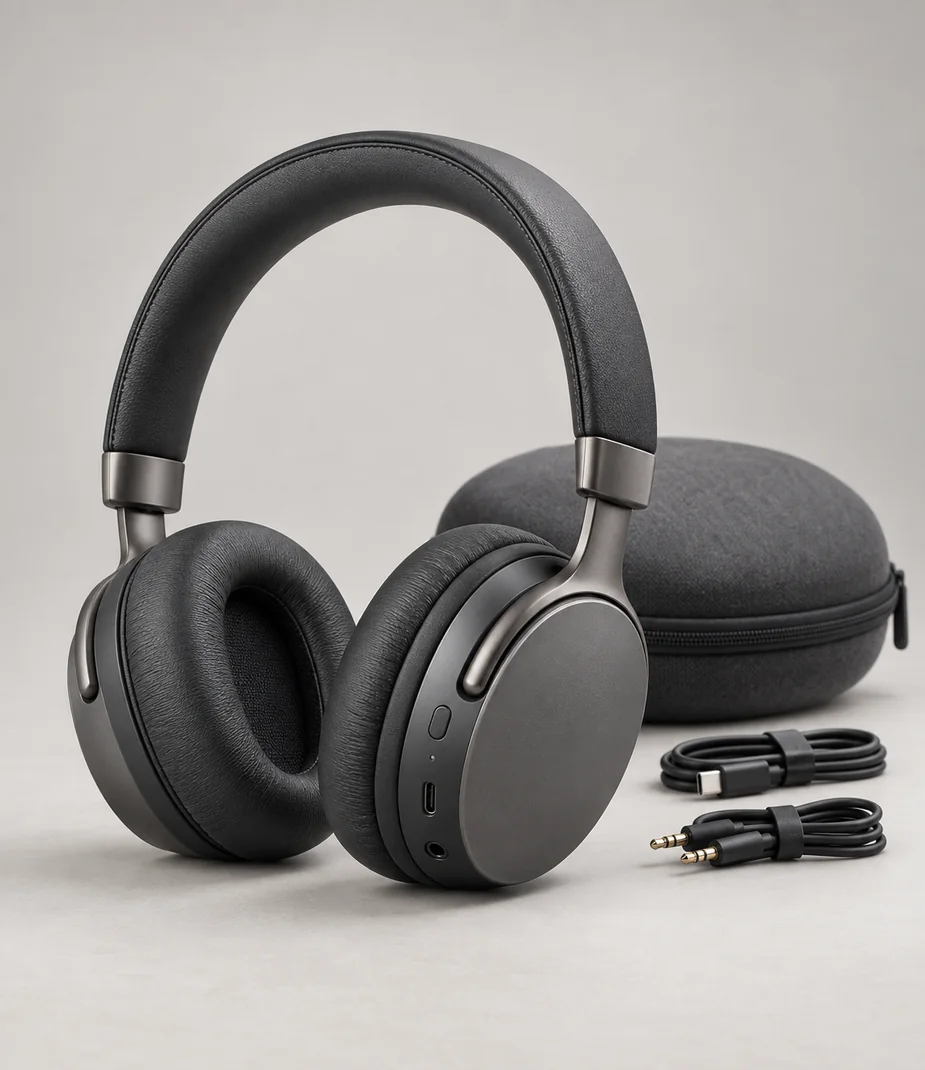
Plan sound as well as video. A headset may need a controller jack or a declared wireless connection, while an external speaker needs a compatible audio output. Do a short test with the intended mode and volume before arranging the room around the equipment.
Know what a headset needs
Standalone virtual-reality equipment and a headset that depends on a host console or computer are different products. Identify the required host, controllers and tracking components. Do not treat the presence of a USB connector as a promise that a headset works with every machine.
Clear the area according to the actual device's guidance, consider nearby people and pets, and take breaks. Stop if you feel unwell. A demonstration can describe planning considerations, but its fictional specifications are not an assessment of an individual's suitability or a substitute for the manufacturer's instructions.
Leave a clean next session
Storage capacity is shared by system files, applications and downloaded content, so the headline figure is not the free space available. An included game in a fictional bundle is illustrative; no commercial game or license is distributed with this HTML demo.
For a real return, back up allowed saves, sign out and remove account links using the documented process. Keep the correct power supply, controller and cables with the console. A complete physical kit and a cleared account state matter more at handover than an empty-looking home screen.
Before you decide
- Console and accessories share an explicit platform
- Controller count and included title confirmed
- Display and sound path tested
- VR host, tracking and clear space checked
- Account, saves and box contents prepared for handover
General planning guidance with illustrative catalog examples; use the actual manufacturer's documentation for real equipment.
Models to read alongside this guide
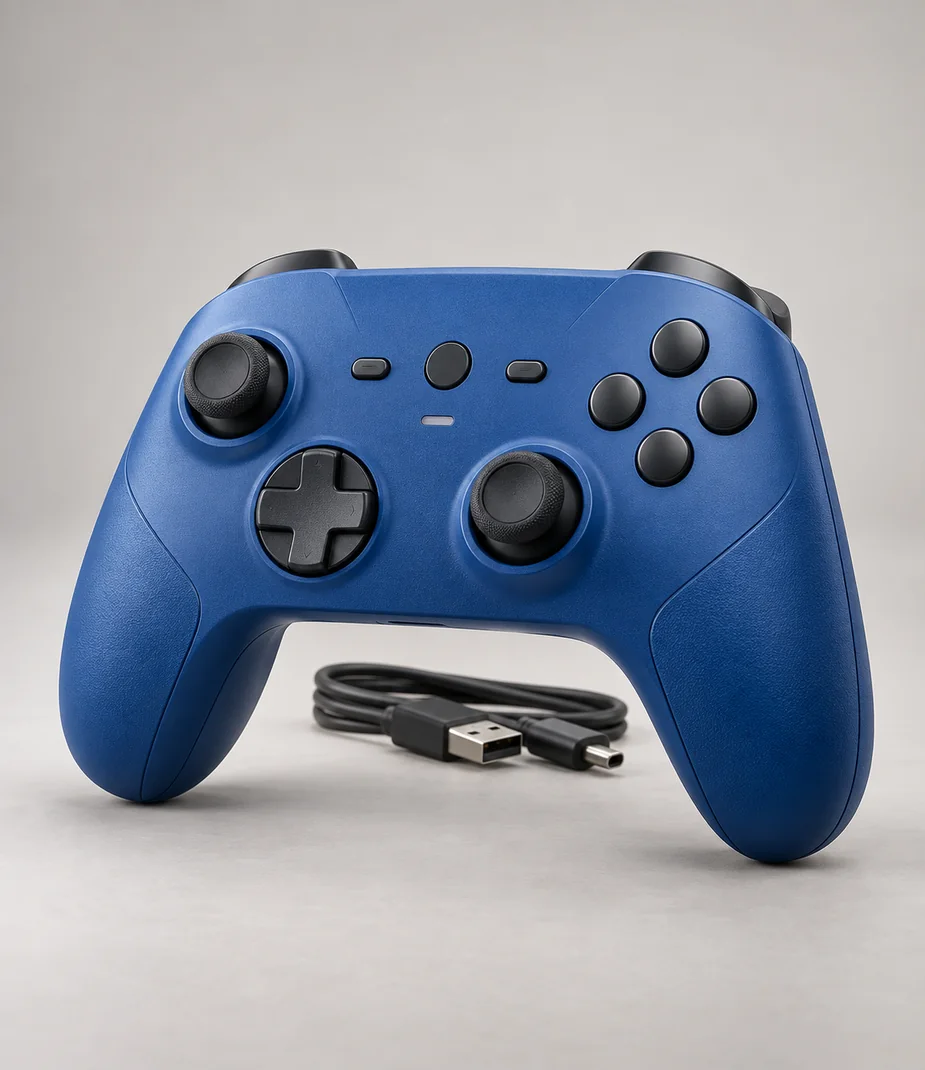
Arc · Controllers with a defined host
Arc Station Pad Current Blue
From €5.60 / month · 12 months
€55.00 to buy
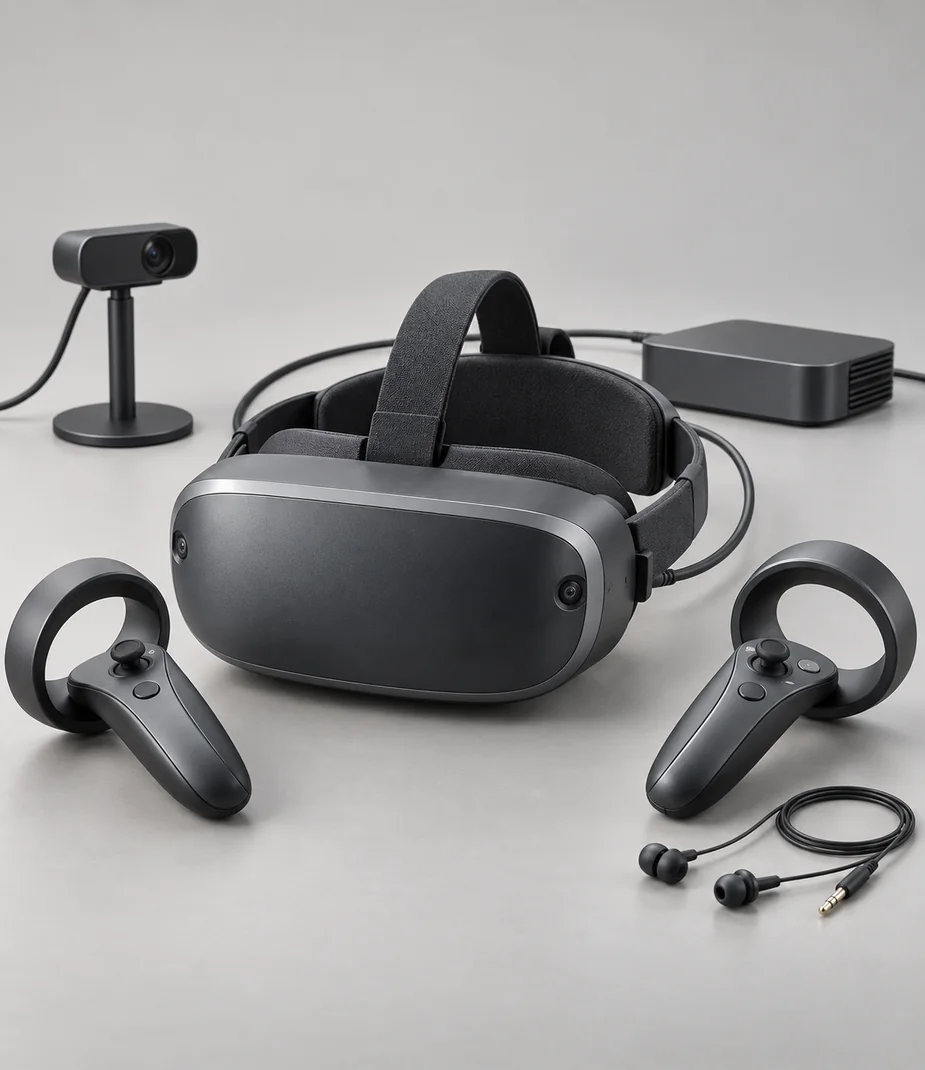
Arc · Headsets with clear host requirements
Arc View Station Kit
From €15.20 / month · 12 months
€249.00 to buy
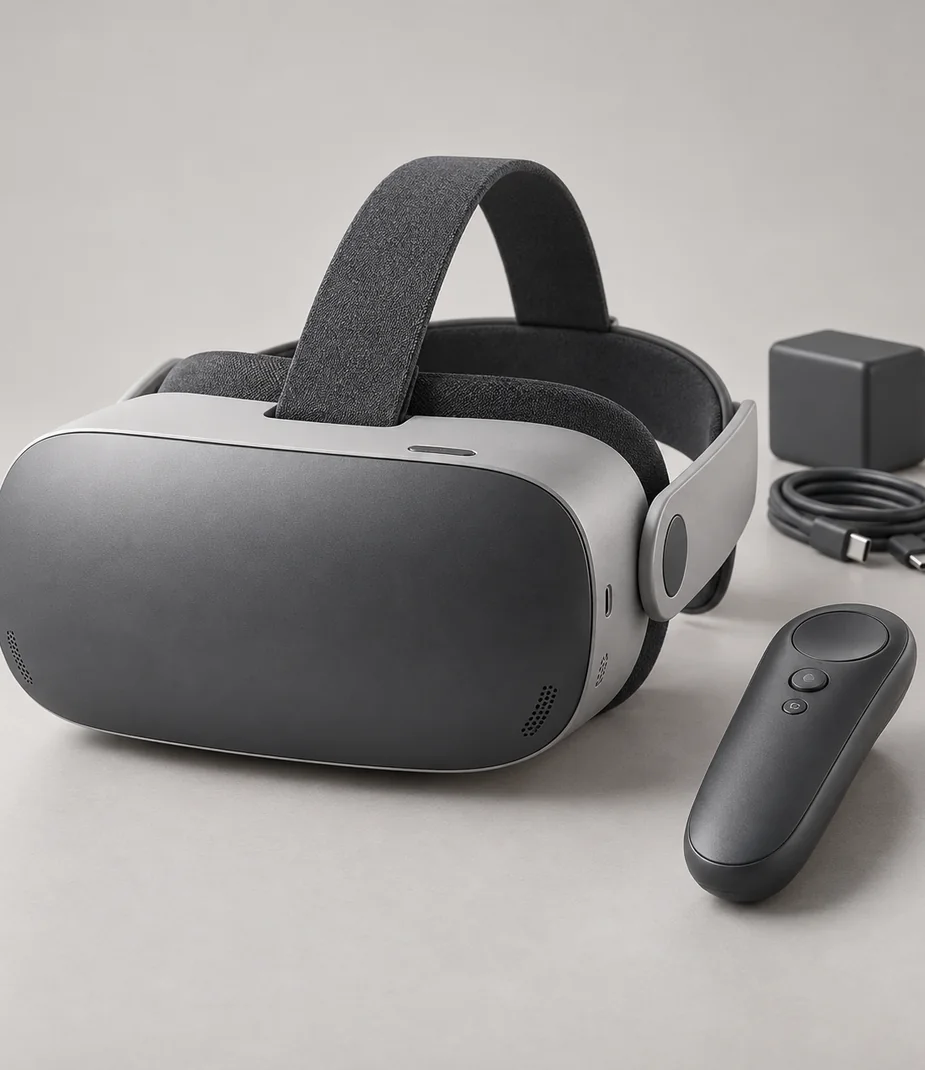
Arc · Headsets with clear host requirements
Arc View Solo 64
From €12.00 / month · 12 months
€179.00 to buy
Continue by equipment category

Home & handheld consoles
12 models

Controllers with a defined host
5 models

Headsets with clear host requirements
2 models

Simple cartridge handhelds
3 models

Televisions by room size
11 models