
3 views planned
Arc · Controllers with a defined host
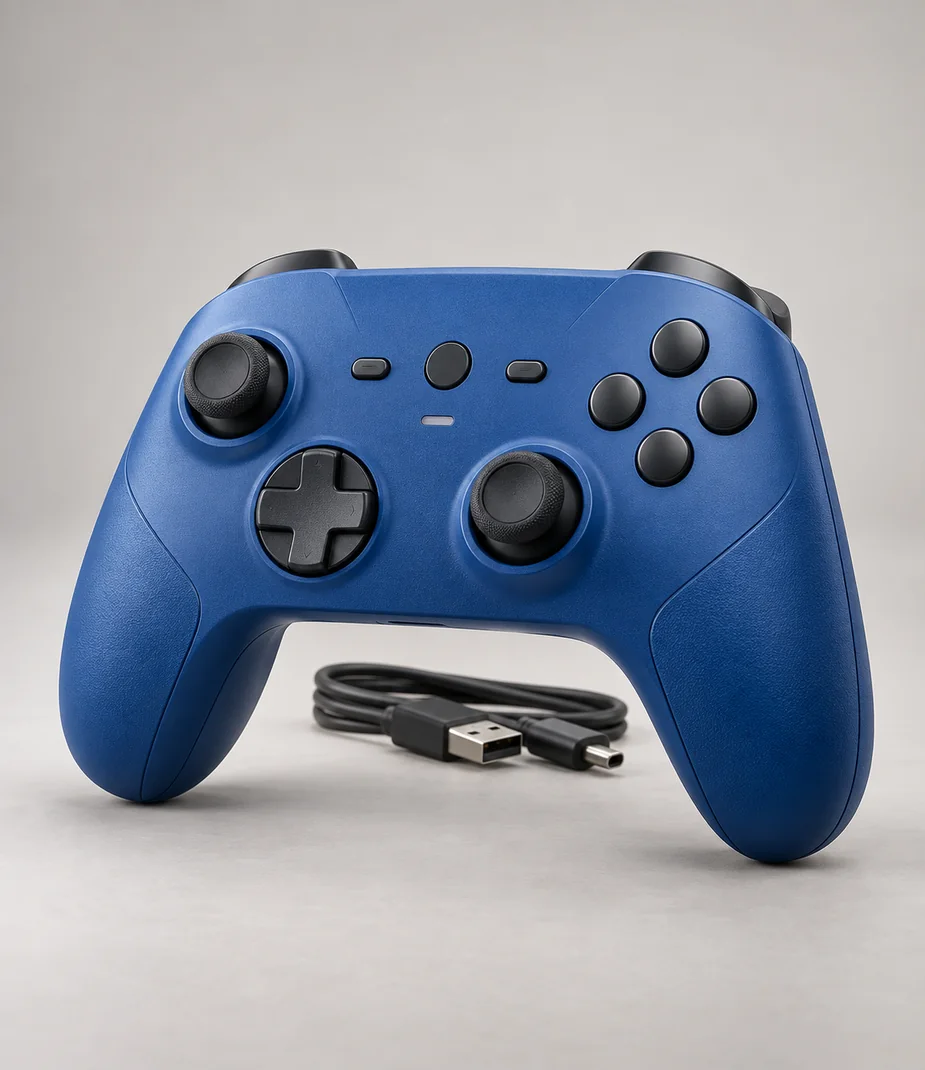
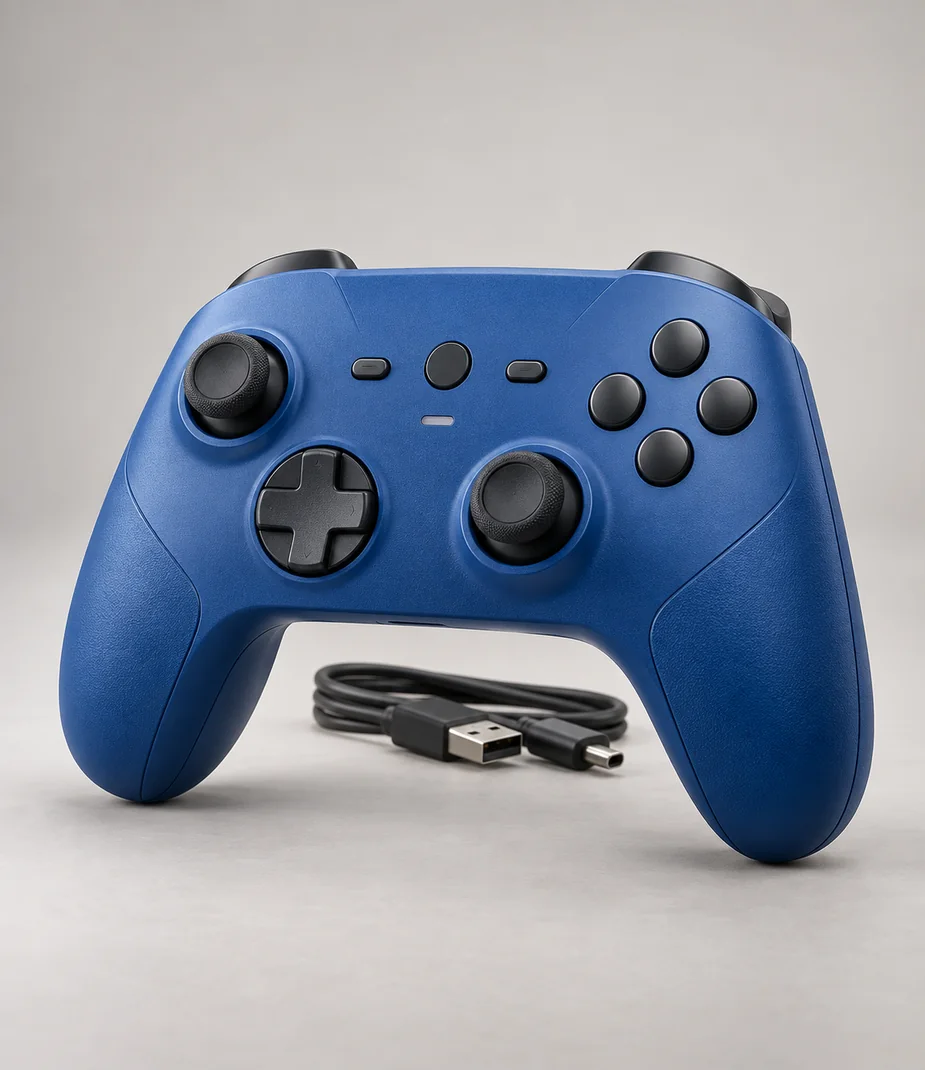
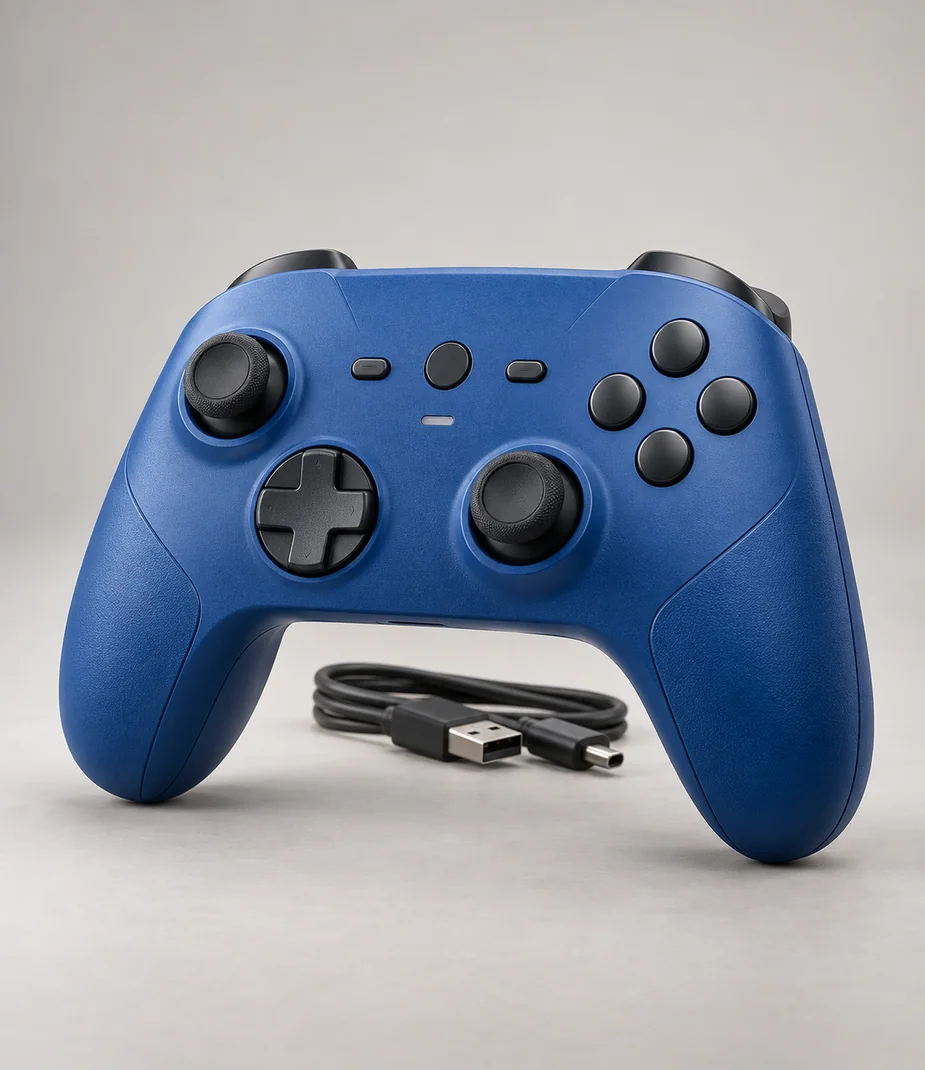
Arc Station Pad Current Blue
A solid-blue Station S controller with the same defined input protocol.
€55.00 to buy
A local equipment plan. No stock is reserved and no payment is collected.
A closer look at Arc Station Pad Current Blue
Station Pad Current Blue offers a plain colour alternative to the camouflage pads. It retains the Station Link radio, two-stick layout and fourteen-hour illustrative use interval. The solid finish can make a straightforward second-player kit easy to recognise, without introducing an unverified claim about response time or competitive performance.
Use the supplied data cable to pair it with the Station S assigned to the room. Check that the game accepts the desired number of local players before adding several pads. Store the blue controller away from heavy objects that could hold a stick or trigger under pressure in transit.
| Term | Per month | Full rent | Refundable deposit | Due at start |
|---|---|---|---|---|
| 1 month | €7.00 | €7.00 | €10.00 | €17.00 |
| 3 months | €6.65 | €19.95 | €10.00 | €16.65 |
| 6 months | €6.30 | €37.80 | €10.00 | €16.30 |
| 12 months | €5.60 | €67.20 | €10.00 | €15.60 |
Full rent excludes the deposit. The initial amount includes the first month and the deposit. Rental does not become ownership.
What comes with this model
- Arc Station Pad Current Blue
- USB-A to USB-C data/charging cable
Technical details
- Controller protocol
- Station Link
- Finish
- Current blue
- Connections
- Station Link wireless and USB data
- Illustrative use duration
- Up to 14 hours
- Controls
- Two analogue sticks, directional pad, face buttons and triggers
- Haptics
- Basic vibration; software support required
- Headset socket
- 3.5 mm; supported host mode required
- Power
- Rechargeable internal battery; USB-C
- Included cable
- 1.5 m USB-A to USB-C data/charging cable
- Voice assistant
- None
Questions about this model
Does it work with every Arc console?
No. Arc Station Pad Current Blue uses Station Link. Only Station S compatibility is declared; local player counts depend on the selected game.
How should it be prepared before a session?
Use the supplied data cable to pair it with the Station S assigned to the room. Check that the game accepts the desired number of local players before adding several pads. Store the blue controller away from heavy objects that could hold a stick or trigger under pressure in transit. The stated 14-hour figure is illustrative and varies with vibration and use.
Check this before choosing
Intended uses
- An additional input device for an explicitly supported host
- Local play with a defined controller layout
Points to confirm
- Only Station S compatibility is declared; local player counts depend on the selected game.
- Game-specific button mapping and vibration support must be checked; no game licence is supplied.
Make a local setup note
A note for your own equipment plan. It is not a published review and is not sent to anyone.
Alternatives to consider
Alternatives illustrate a selection tradeoff; comparison does not imply accessory, media or platform compatibility.
Arc · Controllers with a defined host
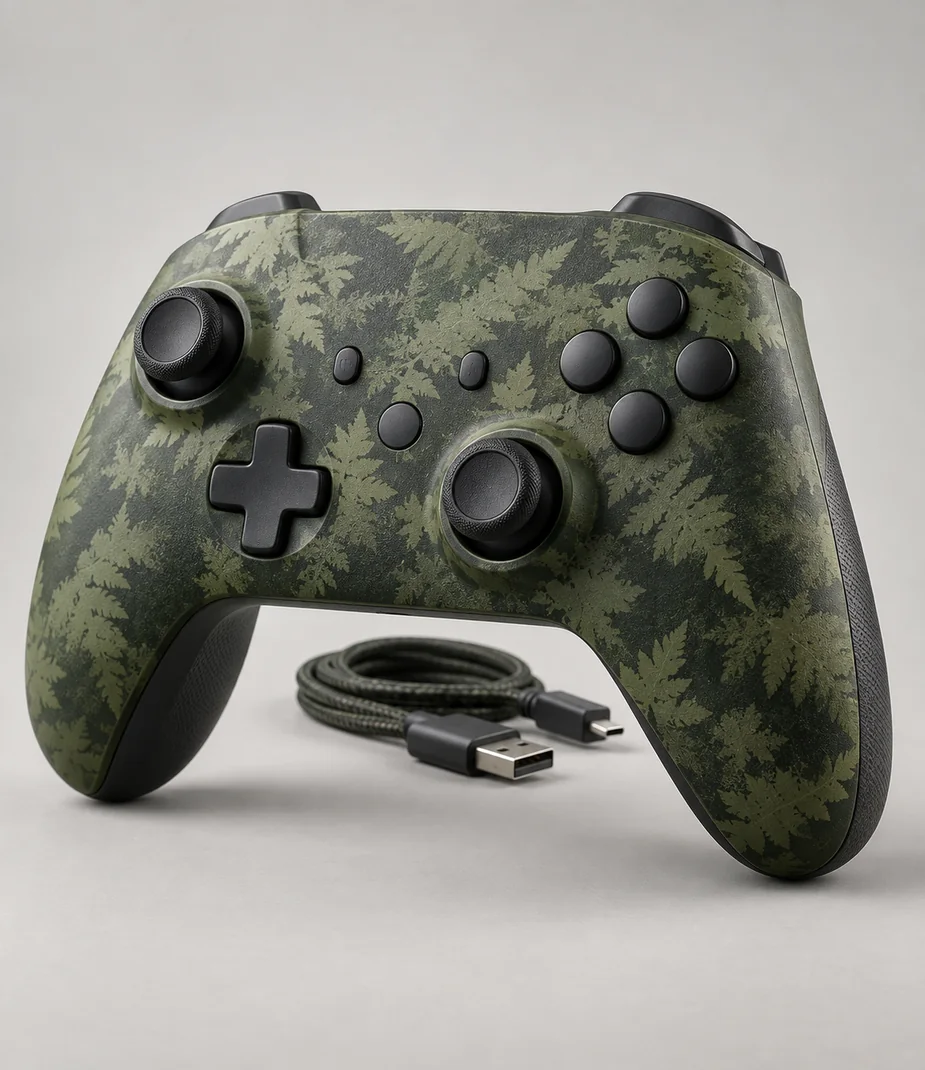
Arc Station Pad Fern Camo
From €5.60 / month · 12 months
€59.00 to buy
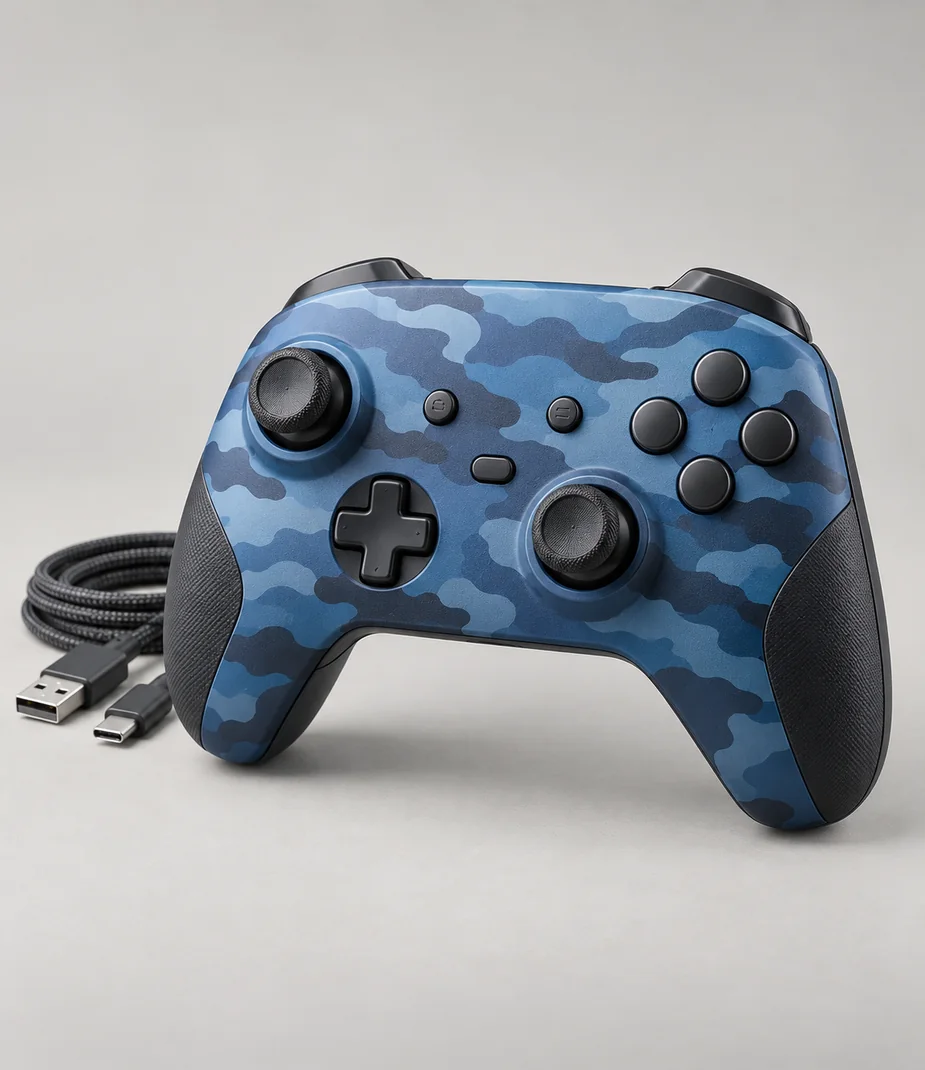
Arc · Controllers with a defined host
Arc Station Pad Tide Camo
From €5.60 / month · 12 months
€59.00 to buy
Connections with a reason
Only the named relationships have been defined. Each link states whether it concerns lens fit, signal, input, companion software or file transfer; no universal same-category compatibility is implied.
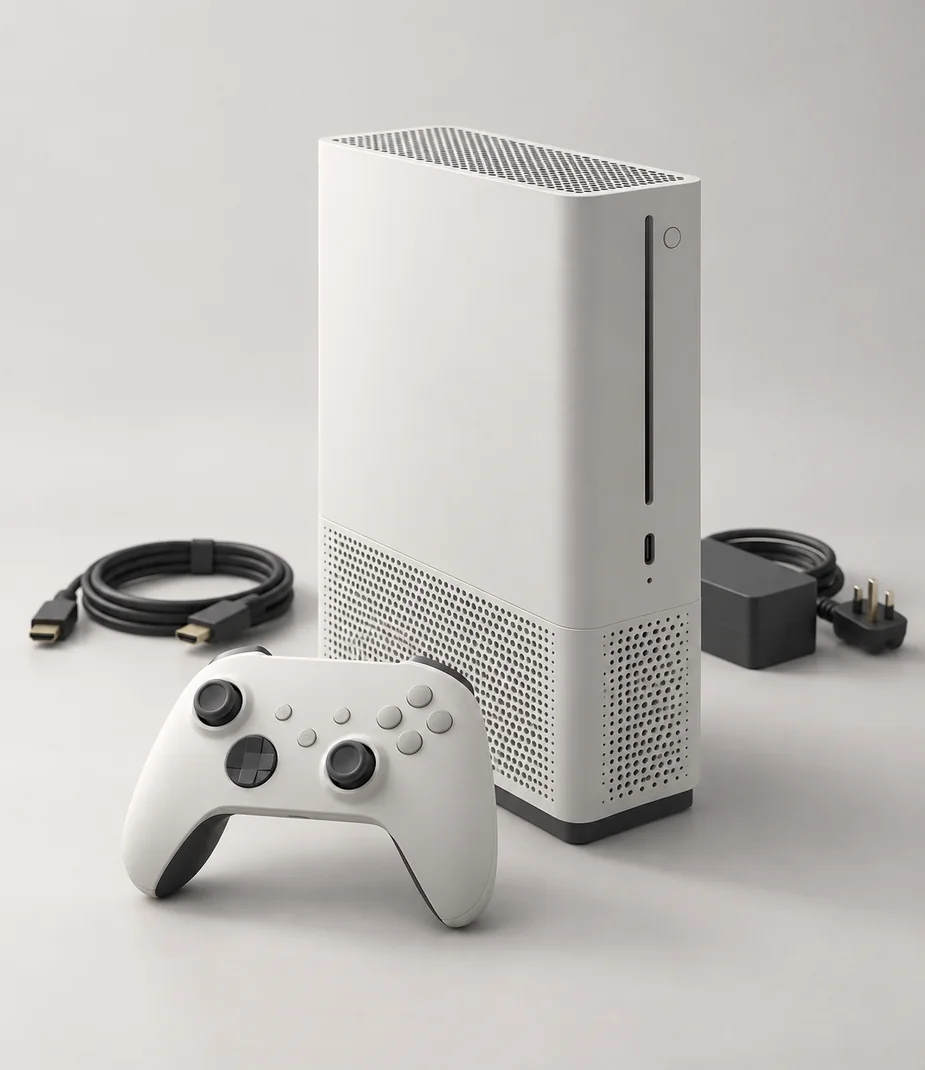
Arc Station Pad Current Blue and Arc Station S 512 Chalk both use Station Link. Pair with the supplied data cable; local player support still depends on the selected title.
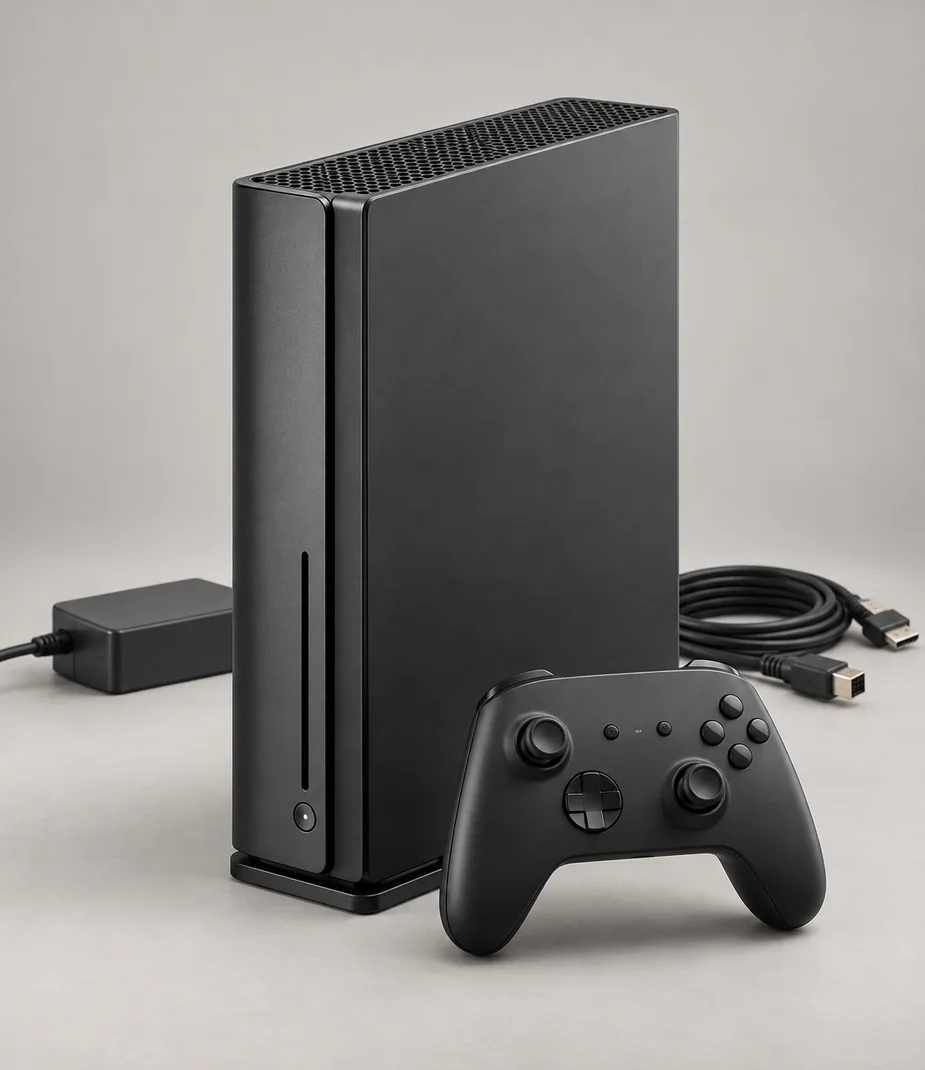
Arc Station Pad Current Blue and Arc Station S 512 Ink both use Station Link. Pair with the supplied data cable; local player support still depends on the selected title.
Read before assembling the kit
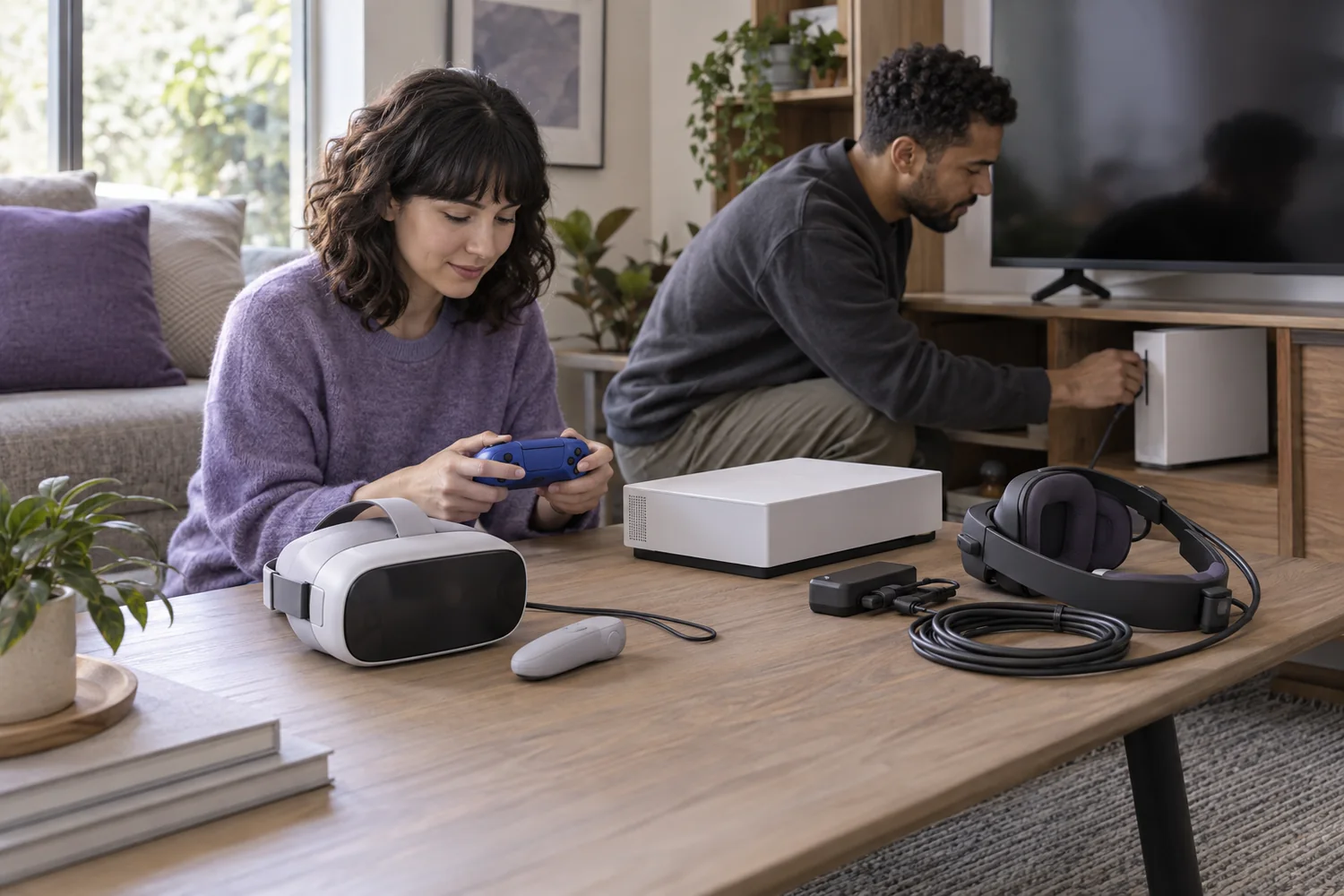
Setup notes
Build a play setup that fits the room
Console families, controller connections and virtual-reality host requirements should be checked before comparing storage.
Read the guide