



3 views planned
Arc · Controllers with a defined host
Arc Station Pad Fern Camo
A green-patterned second pad for Station S local play.
€59.00 to buy
A local equipment plan. No stock is reserved and no payment is collected.
A closer look at Arc Station Pad Fern Camo
Station Pad Fern Camo is an additional controller for the Station S platform. Its fern camouflage shell changes identification and appearance, while the layout matches the supplied Station pad. The fourteen-hour illustrative battery figure calls for charging before a shared session, particularly when vibration is used extensively.
Connect it to the chosen Station S with the supplied data cable for initial pairing, then assign the player role. In a room with several pads, use the fern finish as a clear label rather than repeatedly swapping units. Keep the charging lead with this extra-pad kit.
| Term | Per month | Full rent | Refundable deposit | Due at start |
|---|---|---|---|---|
| 1 month | €7.00 | €7.00 | €10.00 | €17.00 |
| 3 months | €6.65 | €19.95 | €10.00 | €16.65 |
| 6 months | €6.30 | €37.80 | €10.00 | €16.30 |
| 12 months | €5.60 | €67.20 | €10.00 | €15.60 |
Full rent excludes the deposit. The initial amount includes the first month and the deposit. Rental does not become ownership.
What comes with this model
- Arc Station Pad Fern Camo
- USB-A to USB-C data/charging cable
Technical details
- Controller protocol
- Station Link
- Finish
- Fern camouflage
- Connections
- Station Link wireless and USB data
- Illustrative use duration
- Up to 14 hours
- Controls
- Two analogue sticks, directional pad, face buttons and triggers
- Haptics
- Basic vibration; software support required
- Headset socket
- 3.5 mm; supported host mode required
- Power
- Rechargeable internal battery; USB-C
- Included cable
- 1.5 m USB-A to USB-C data/charging cable
- Voice assistant
- None
Questions about this model
Does it work with every Arc console?
No. Arc Station Pad Fern Camo uses Station Link. Station Link is not Orbit Legacy Link or Shift Rail; this controller is not declared compatible with those consoles.
How should it be prepared before a session?
Connect it to the chosen Station S with the supplied data cable for initial pairing, then assign the player role. In a room with several pads, use the fern finish as a clear label rather than repeatedly swapping units. Keep the charging lead with this extra-pad kit. The stated 14-hour figure is illustrative and varies with vibration and use.
Check this before choosing
Intended uses
- An additional input device for an explicitly supported host
- Local play with a defined controller layout
Points to confirm
- Station Link is not Orbit Legacy Link or Shift Rail; this controller is not declared compatible with those consoles.
- Game-specific button mapping and vibration support must be checked; no game licence is supplied.
Make a local setup note
A note for your own equipment plan. It is not a published review and is not sent to anyone.
Alternatives to consider
Alternatives illustrate a selection tradeoff; comparison does not imply accessory, media or platform compatibility.
Arc · Controllers with a defined host
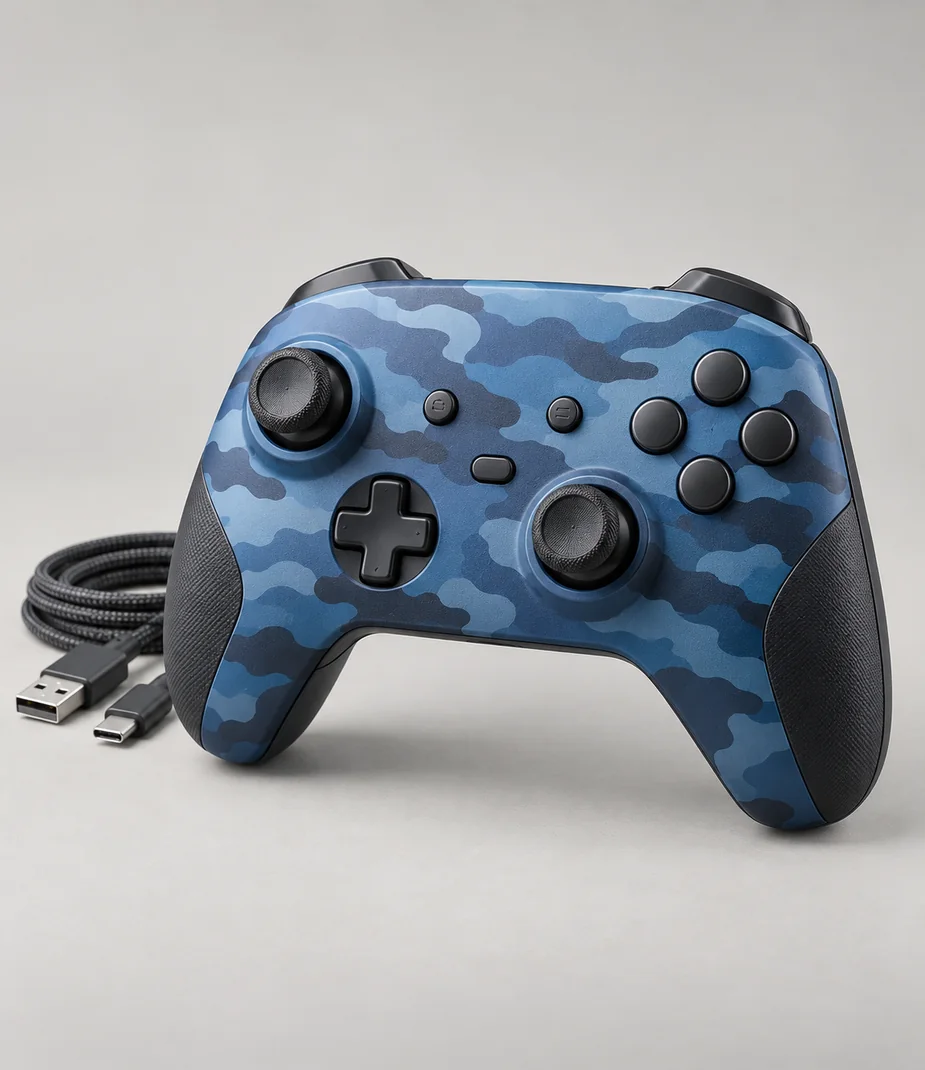
Arc Station Pad Tide Camo
From €5.60 / month · 12 months
€59.00 to buy
Arc · Controllers with a defined host
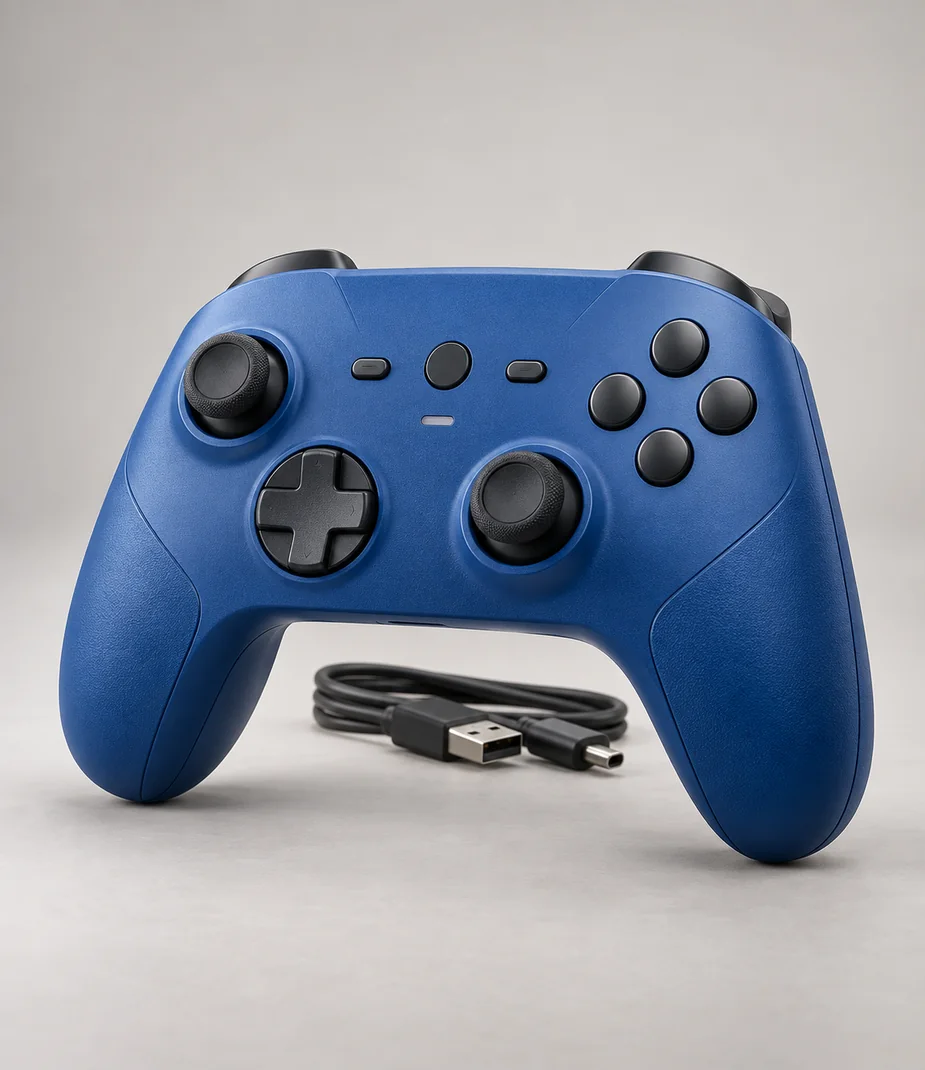
Arc Station Pad Current Blue
From €5.60 / month · 12 months
€55.00 to buy
Connections with a reason
Only the named relationships have been defined. Each link states whether it concerns lens fit, signal, input, companion software or file transfer; no universal same-category compatibility is implied.

Arc Station Pad Fern Camo and Arc Station S 512 Chalk both use Station Link. Pair with the supplied data cable; local player support still depends on the selected title.
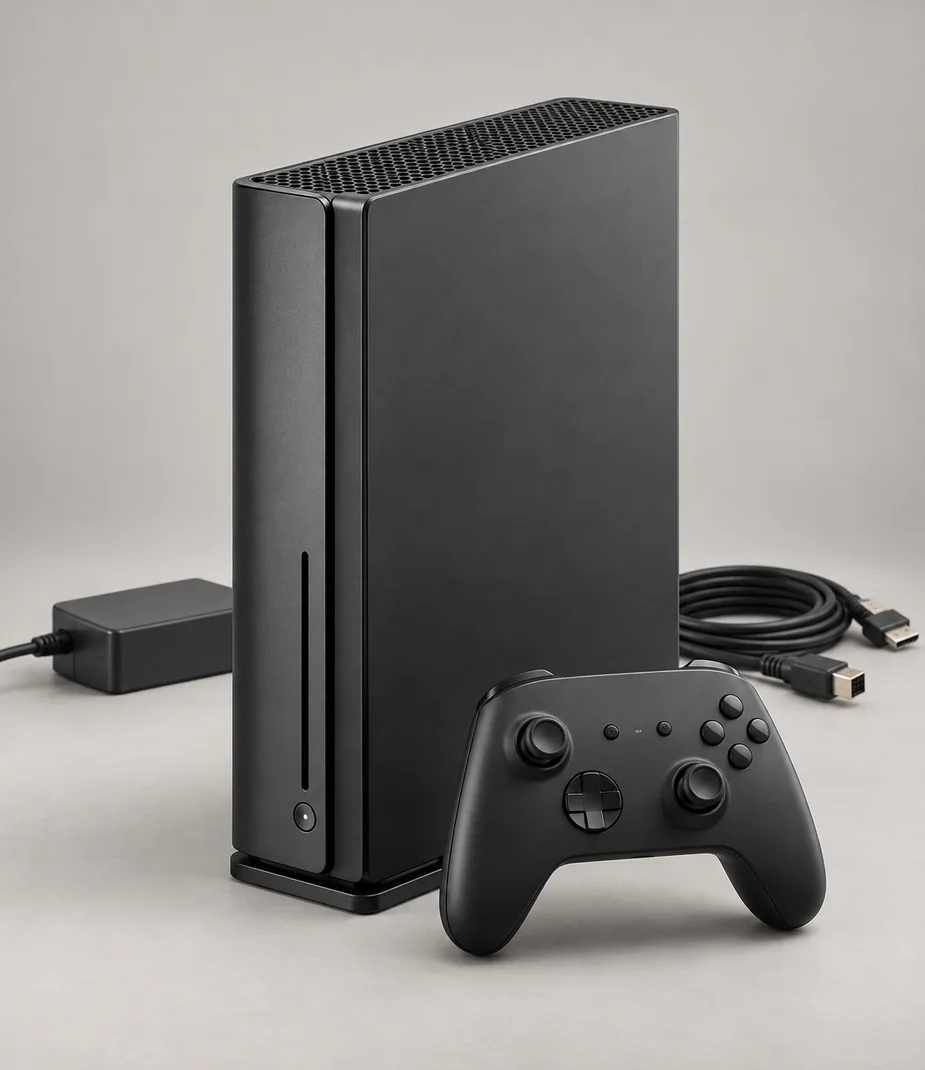
Arc Station Pad Fern Camo and Arc Station S 512 Ink both use Station Link. Pair with the supplied data cable; local player support still depends on the selected title.
Read before assembling the kit

Setup notes
Build a play setup that fits the room
Console families, controller connections and virtual-reality host requirements should be checked before comparing storage.
Read the guide