USB-C is the connector, not the complete answer
A single socket can carry different kinds of power, data and video. Check each capability before planning a one-cable desk.
Circuit & Field editorial desk
Separate three questions
The USB-C connector describes a physical shape. It does not by itself promise fast file transfer, display output or enough charging power for a working laptop. Treat those as three separate questions and read the port specification on both devices.
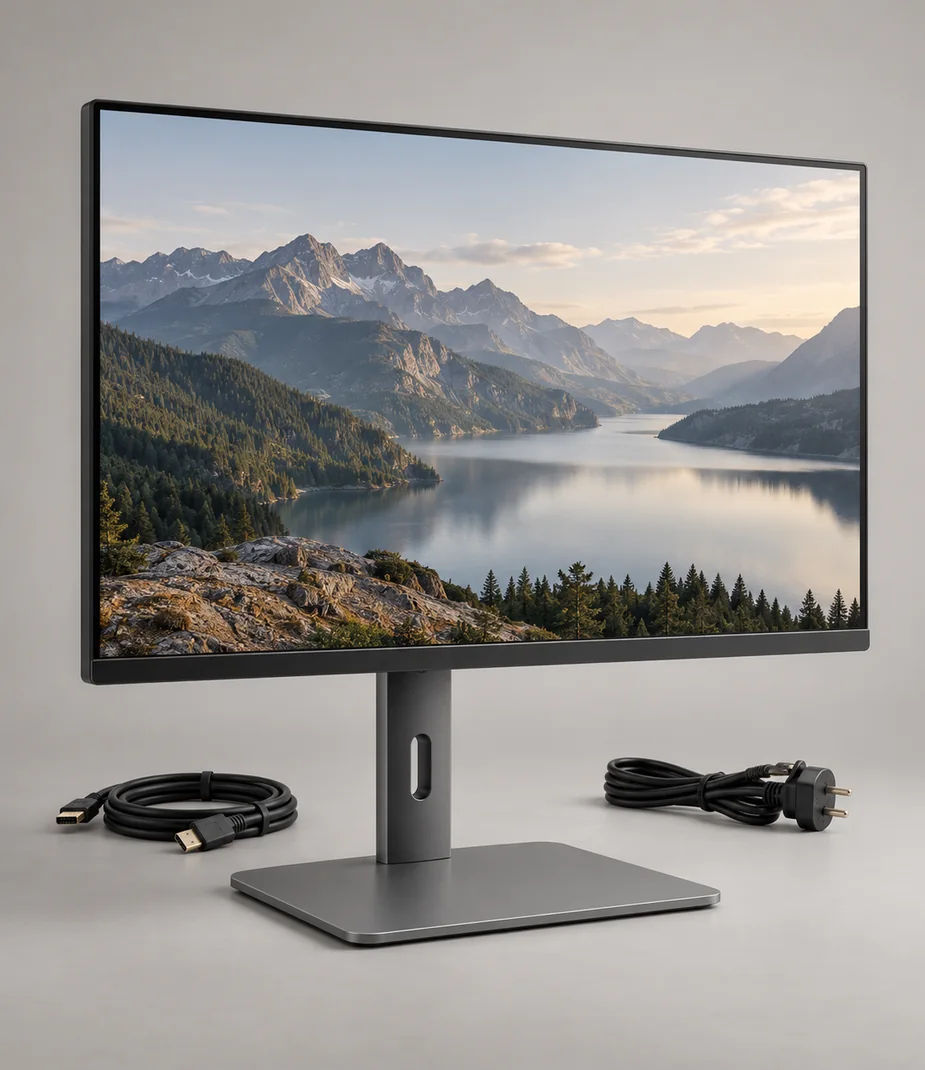
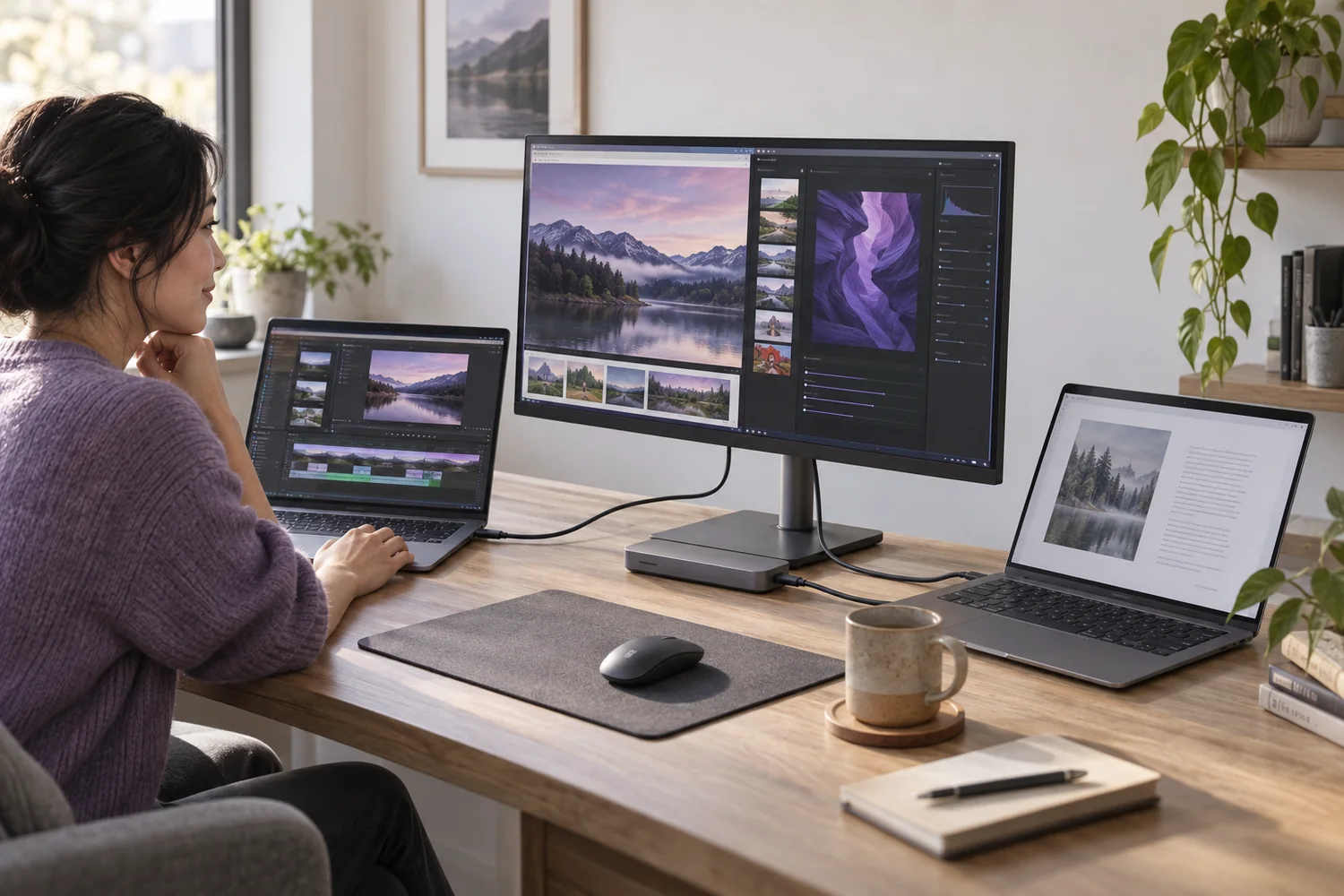
For a desk with a laptop and monitor, identify a video-capable output on the laptop and a compatible input on the display. A display's USB-C socket may support data only, while a laptop's similarly shaped socket may have its own resolution or power limits. In this fictional catalog, only declared technical traits support a compatibility link.
Follow the entire signal path
Write the path as laptop, cable, optional adapter, display. Every part must support the intended resolution and refresh rate. A monitor capable of a high refresh rate will still show a lower rate when the source or cable cannot carry the chosen mode.
An HDMI cable solves a video connection only when the laptop has a suitable output or a documented adapter. A display that takes HDMI will not necessarily charge a laptop. Plan the power supply as a separate item unless the complete connection explicitly supports charging.
Budget the power
A charger has a maximum output and supported voltage profiles, while a device has its own input requirements. The number printed on a multiport charger may be a shared total. Adding another device can change how much power remains available at one socket.
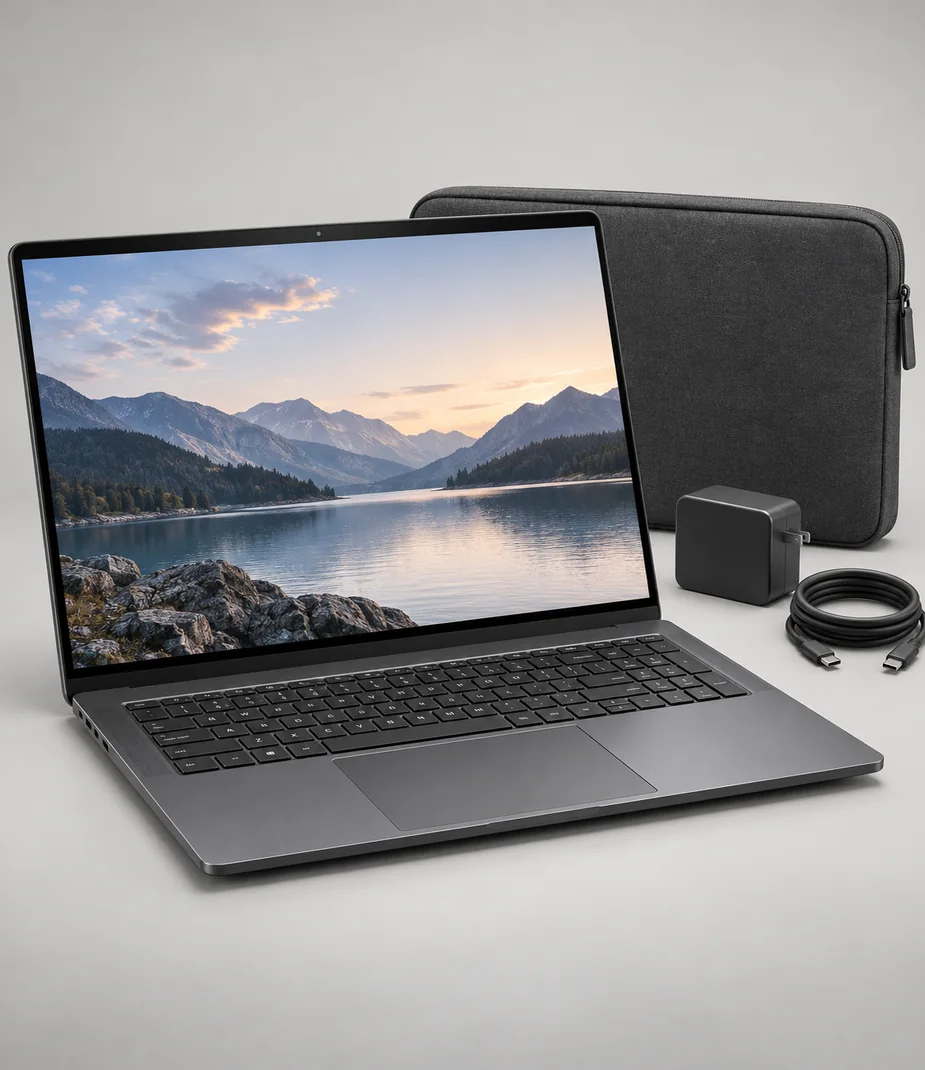
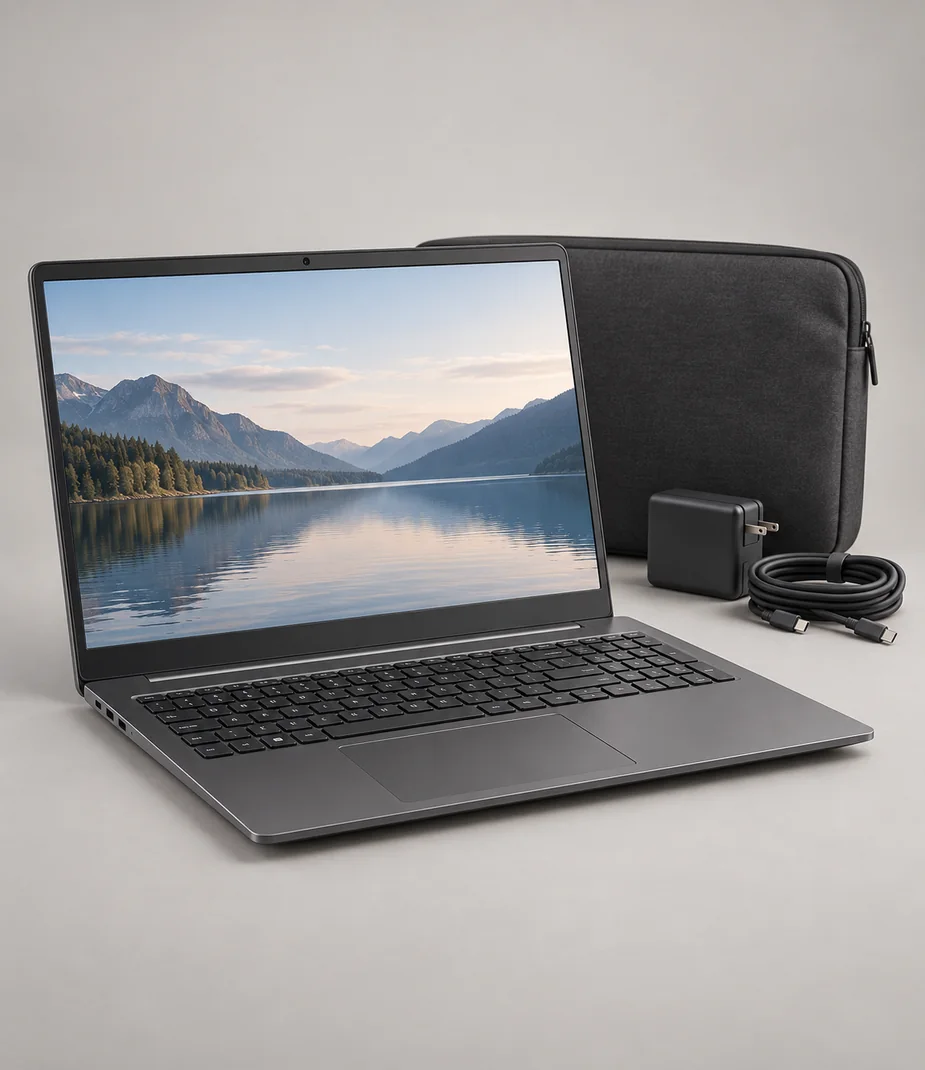
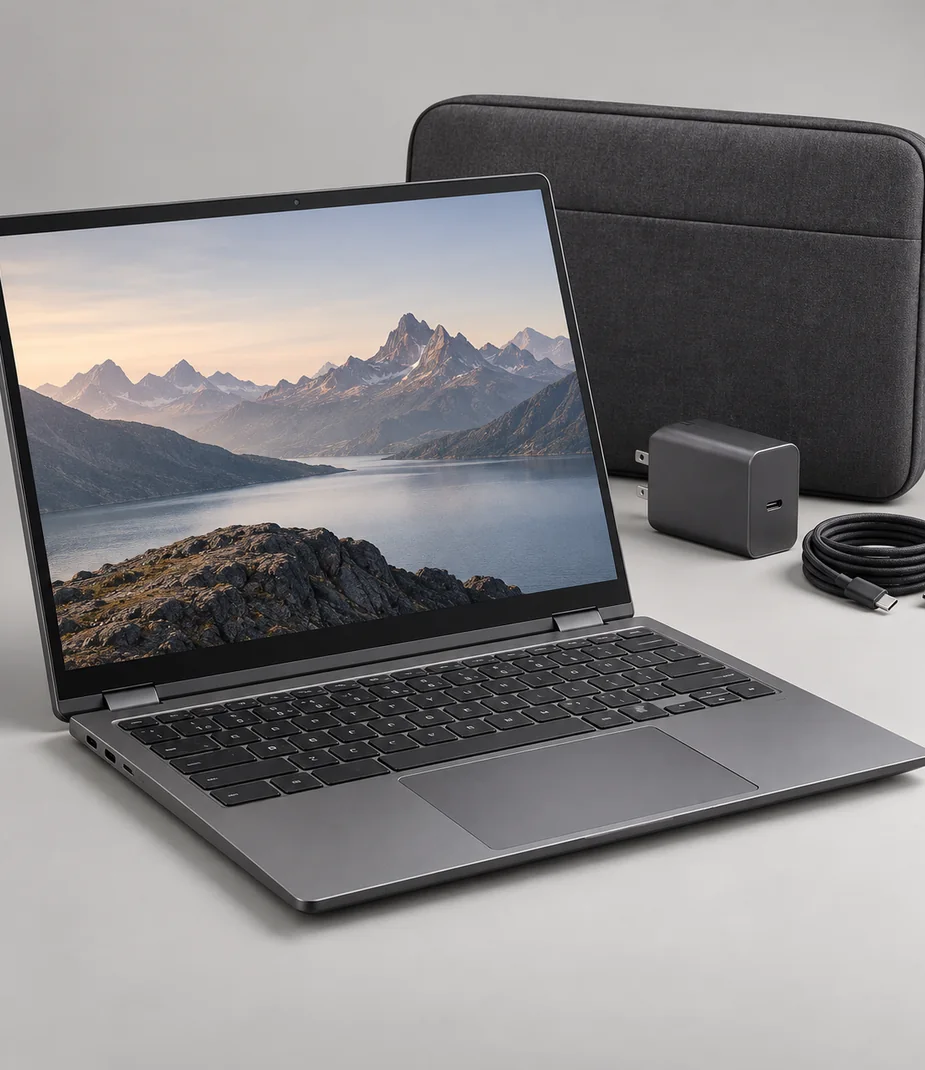
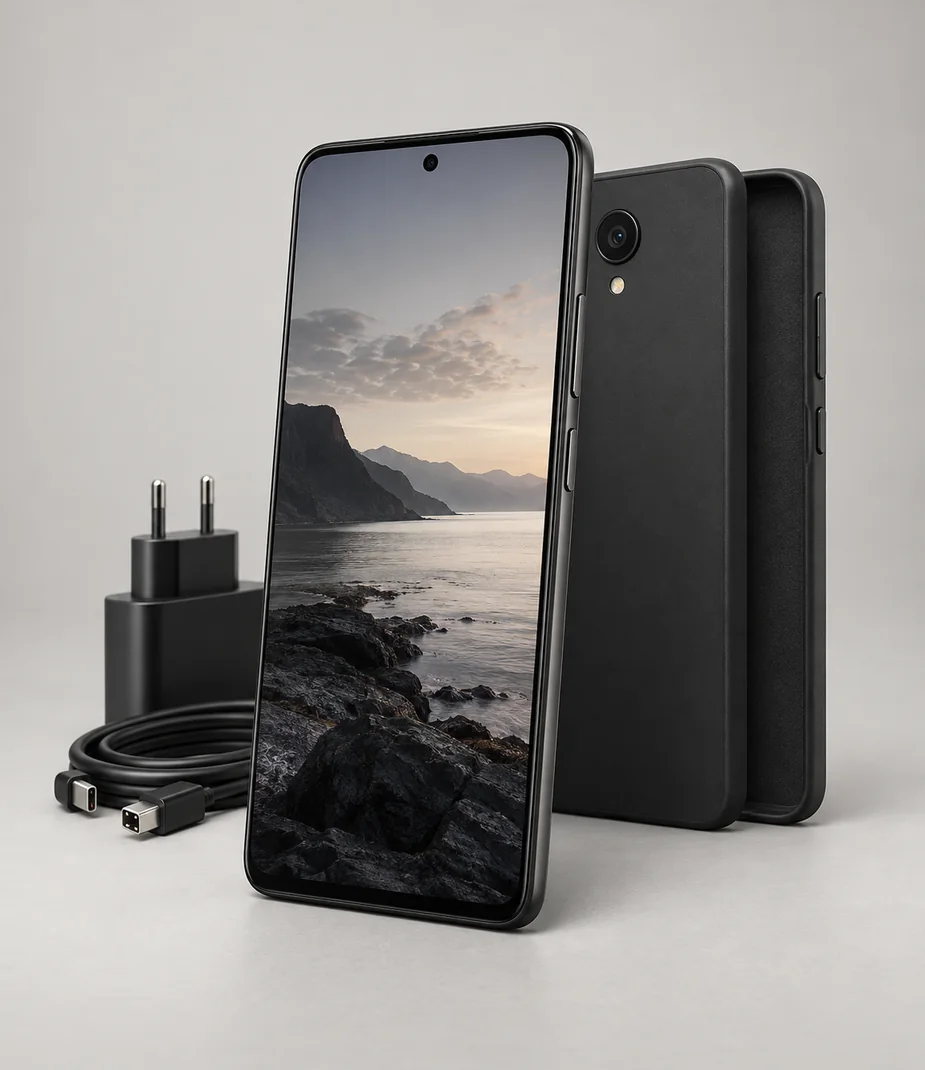
The catalog's supplied-items list names the included power supply where one is part of the kit. Do not replace it with a lower-rated phone charger because the connector fits. A real machine may charge slowly, stop charging under load or reject an unsupported profile; follow its documentation rather than experimenting with an unknown supply.
Test the work you actually do
Connect the planned setup before moving the desk. Confirm the display mode, run a representative project and check that the battery does not steadily drain under the expected load. Try wake-from-sleep, sound output and any card reader you intend to use.
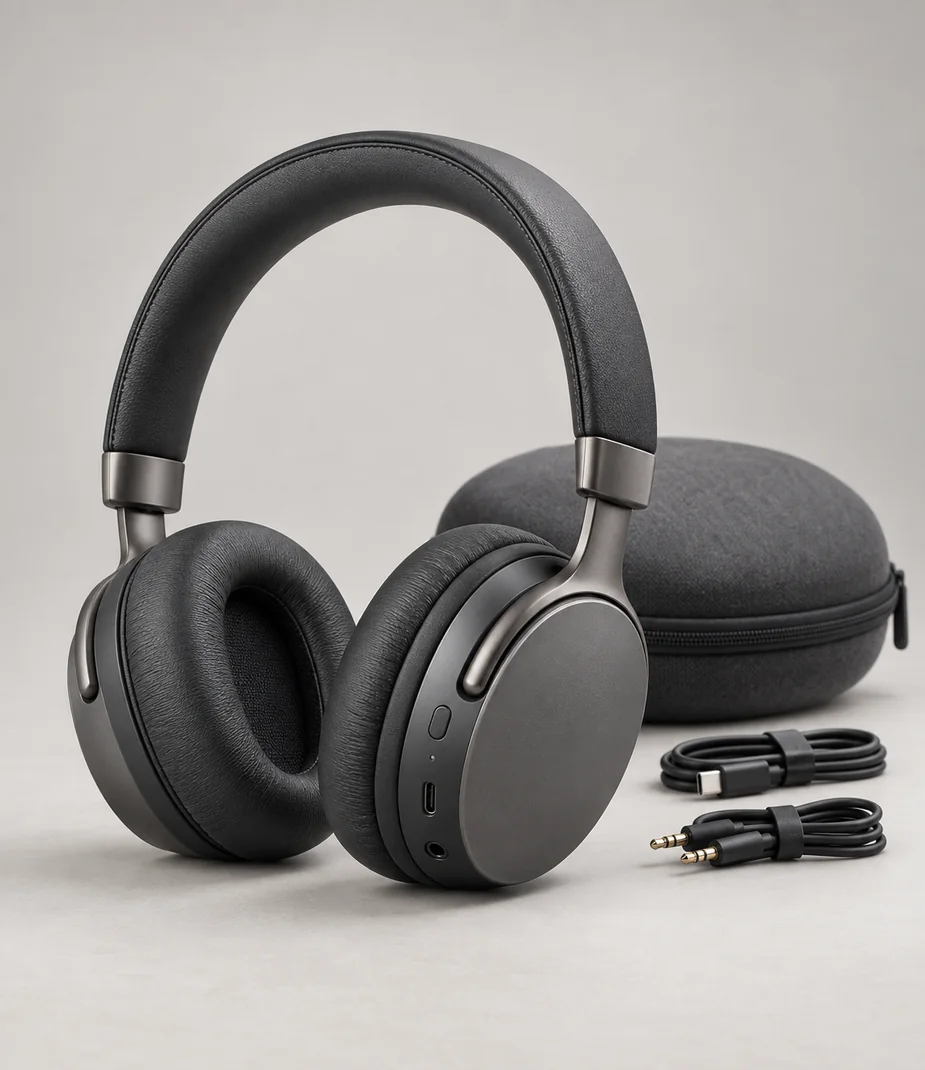
Finally, label the cables by their role. A short charging cable can be perfectly useful while unsuitable for high-speed storage or external video. Keeping a known working cable with its device saves a later setup from becoming a search through visually identical leads.
Before you decide
- Video output and input explicitly supported
- Target resolution and refresh rate checked across the path
- Charging wattage and supported profiles checked
- Correct power supply present in the kit
- Representative workload and wake-from-sleep tested
General planning guidance with illustrative catalog examples; use the actual manufacturer's documentation for real equipment.
Models to read alongside this guide