
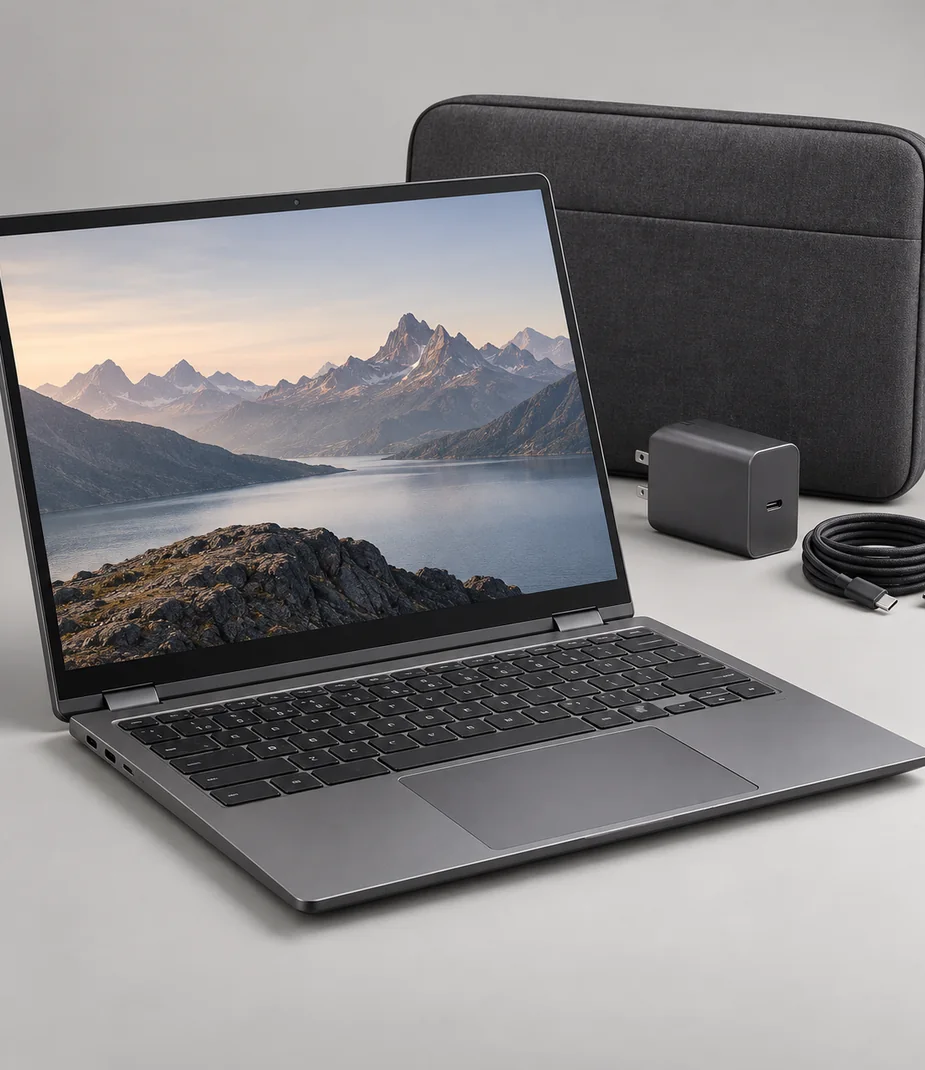
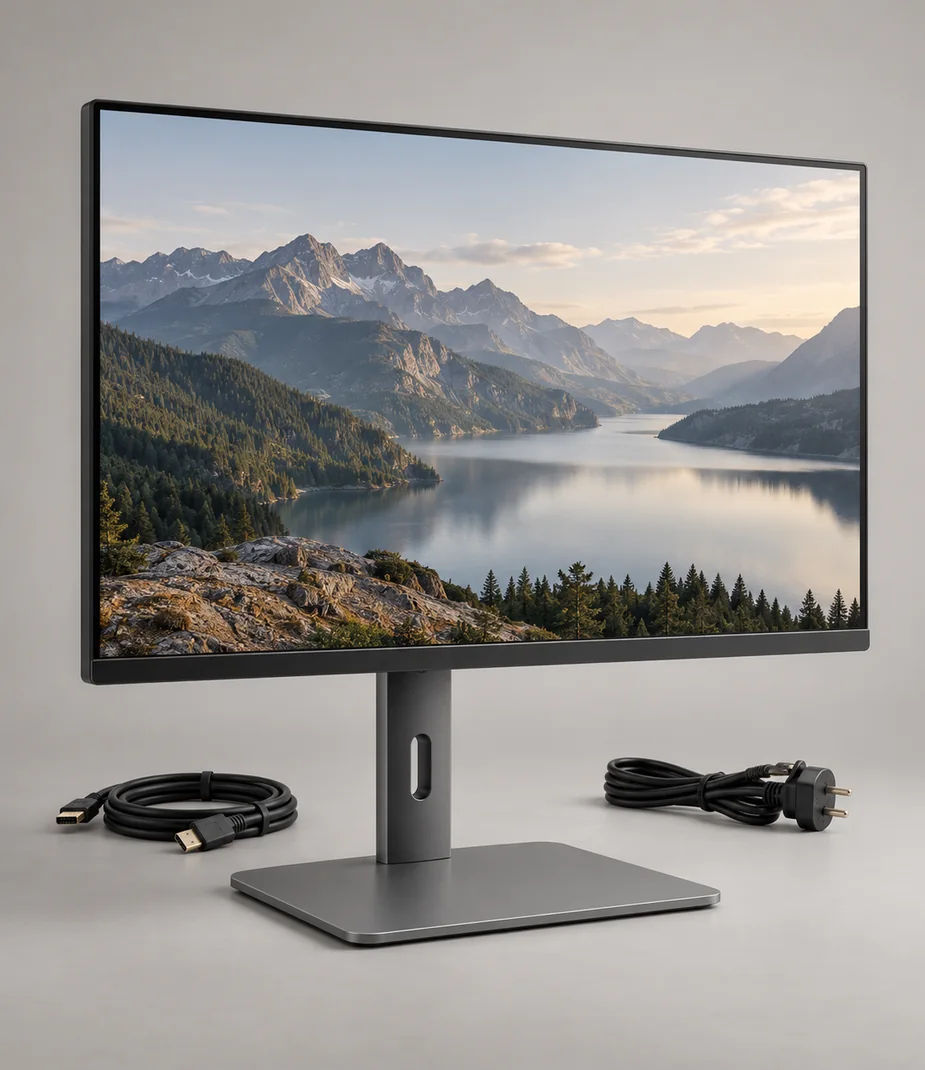



Touch & pen workspaces
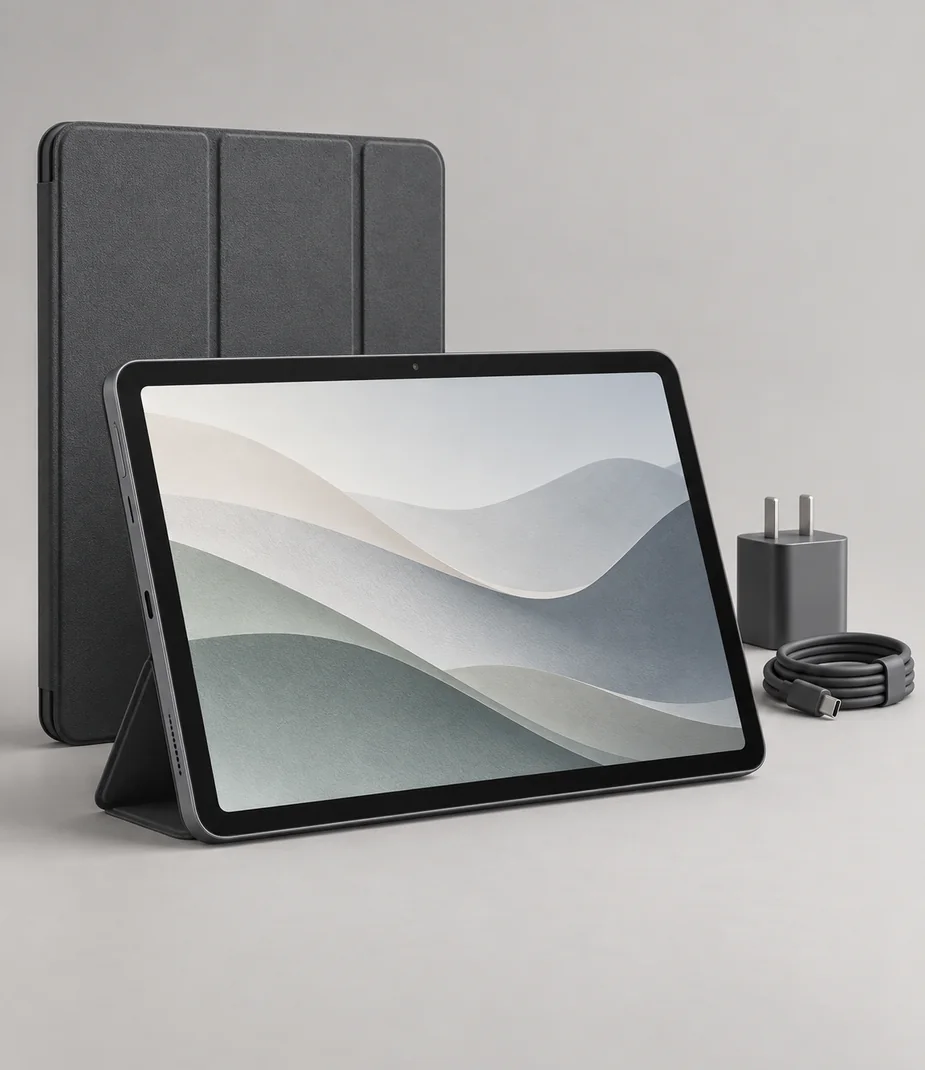
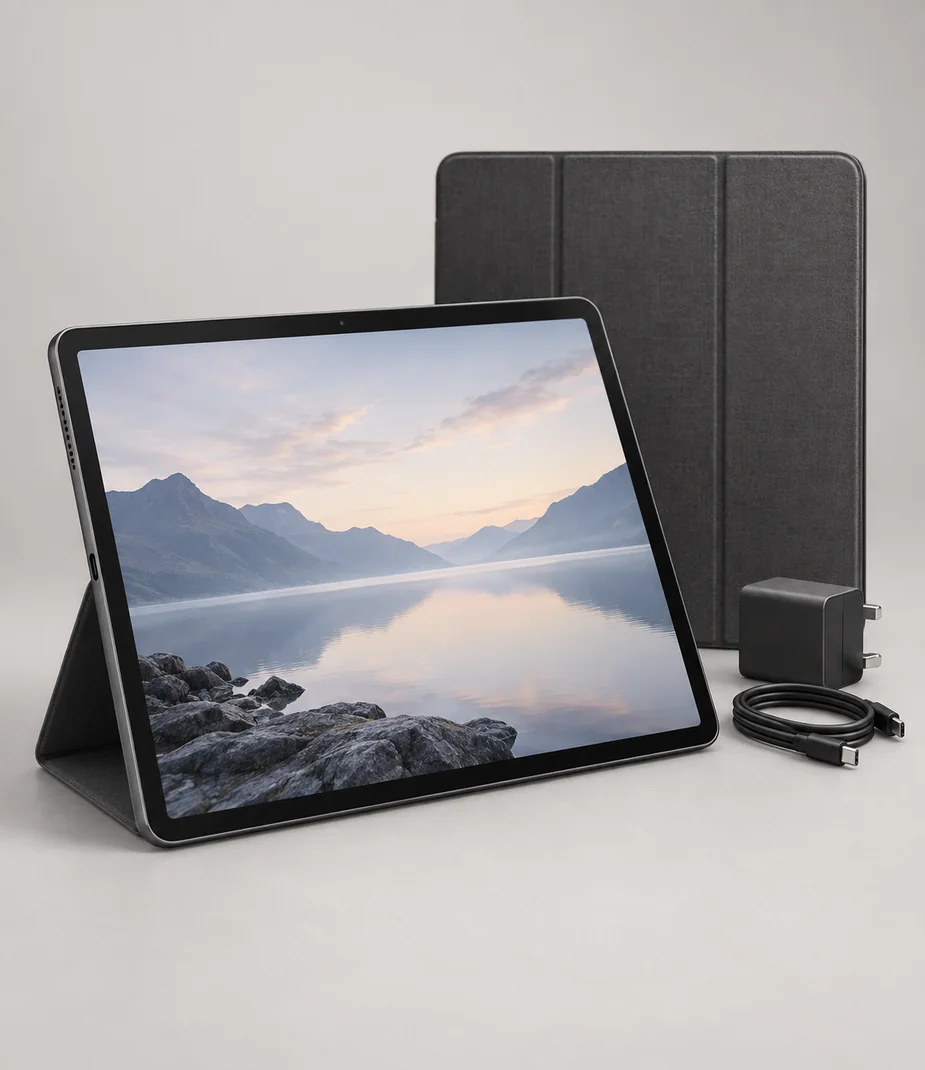
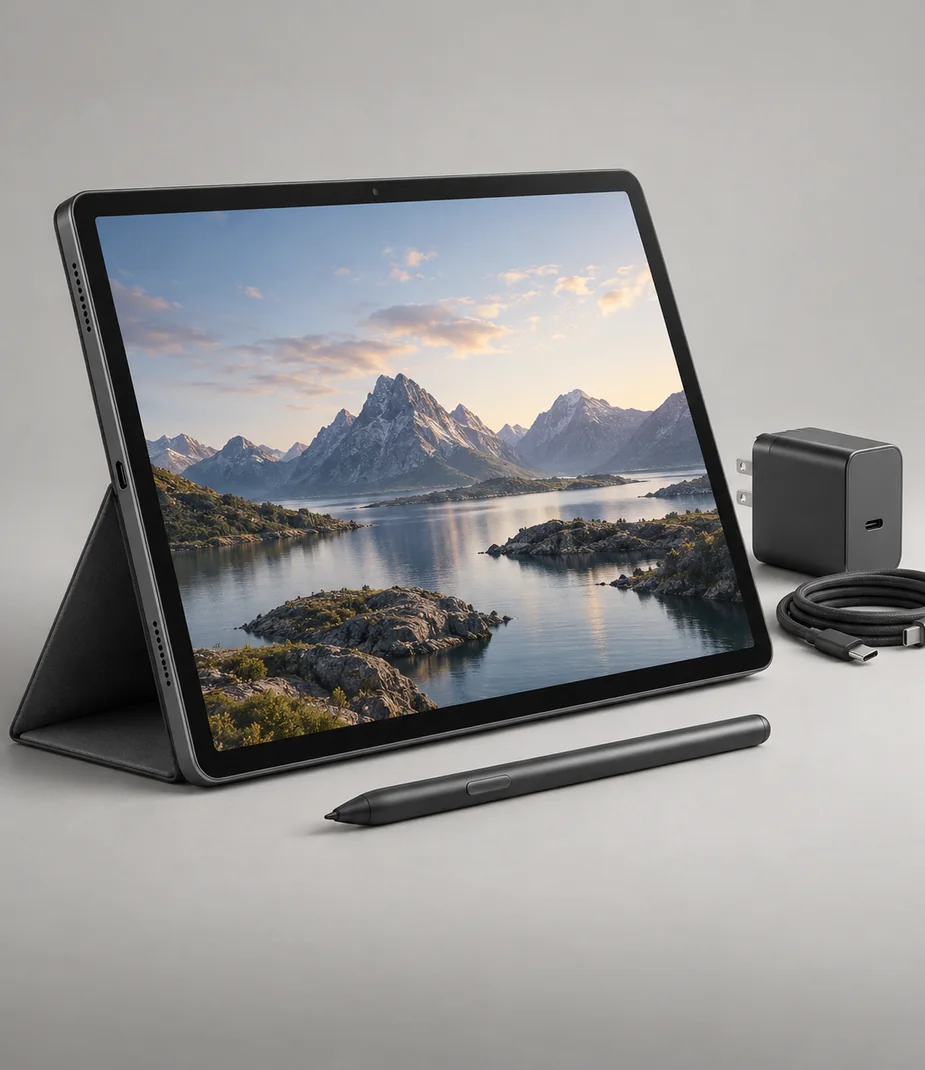
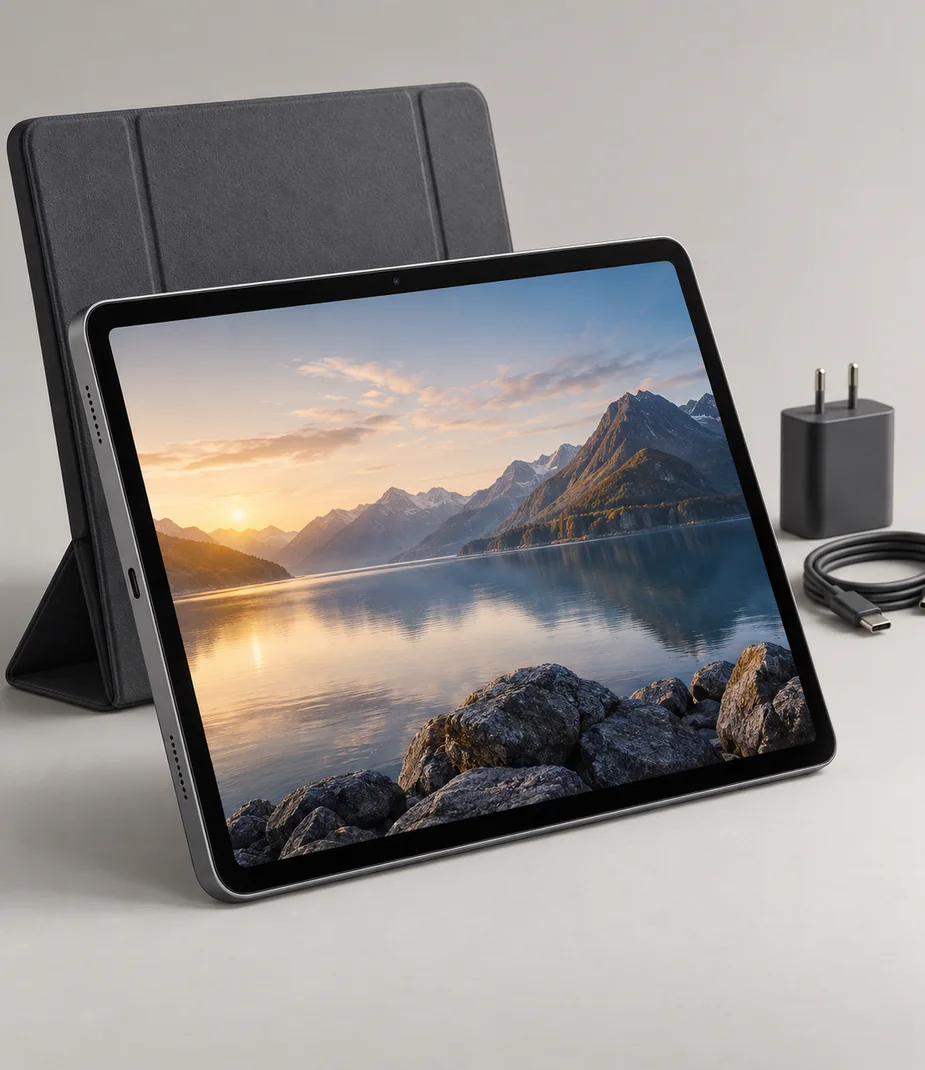
Slate tablets serve reading, annotation and portable document handling. Canvas kits include a matching pen, while Panel puts an OLED viewing surface and storage ahead of active-pen input. All are Wi-Fi devices with explicit storage capacity and no included keyboard.


4 models · page 1
No equipment matches this selection
Clear a filter or try a shorter model name. You can always return to every category.
Browse categoriesBefore choosing a model
Choose the physical page area first when reviewing drawings. Canvas 13 gives more room than Canvas 11, but both benefit from zooming and clear annotation layers for large plans.
The high-capacity Canvas 13 also adds memory. Compare those changes with the real project, while retaining a separate backup of original documents and finished annotations.
Can I use mobile data directly in these tablets?
No cellular modem or SIM service is defined. Prepare files locally or provide a separate Wi-Fi connection.
Is every tablet supplied with a stylus?
No. Canvas includes Slate Pen 2 and a spare nib. Panel uses finger touch and has no active pen in its box.
Useful setup notes
Setup notes
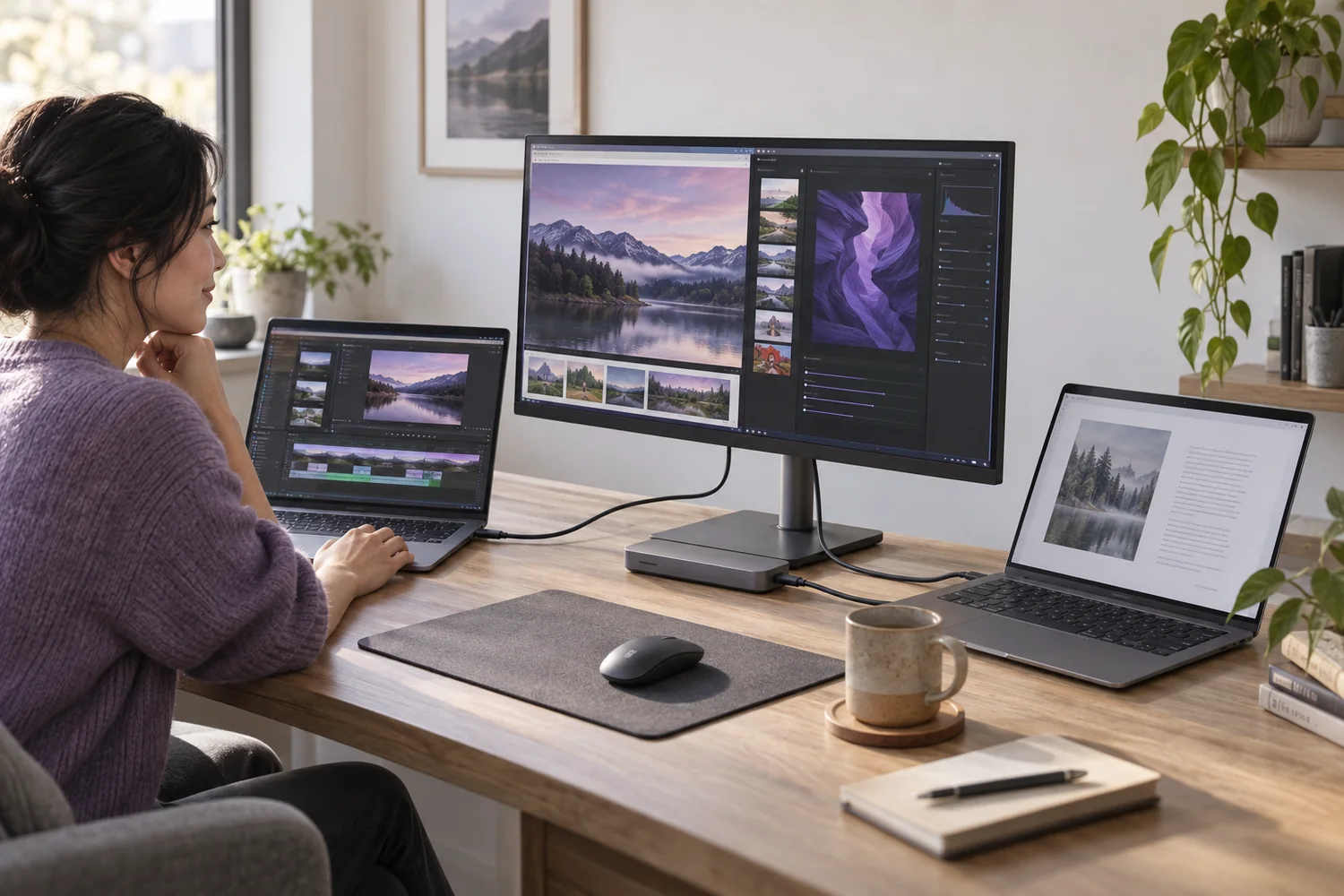
USB-C is the connector, not the complete answer
A single socket can carry different kinds of power, data and video. Check each capability before planning a one-cable desk.
Read the guide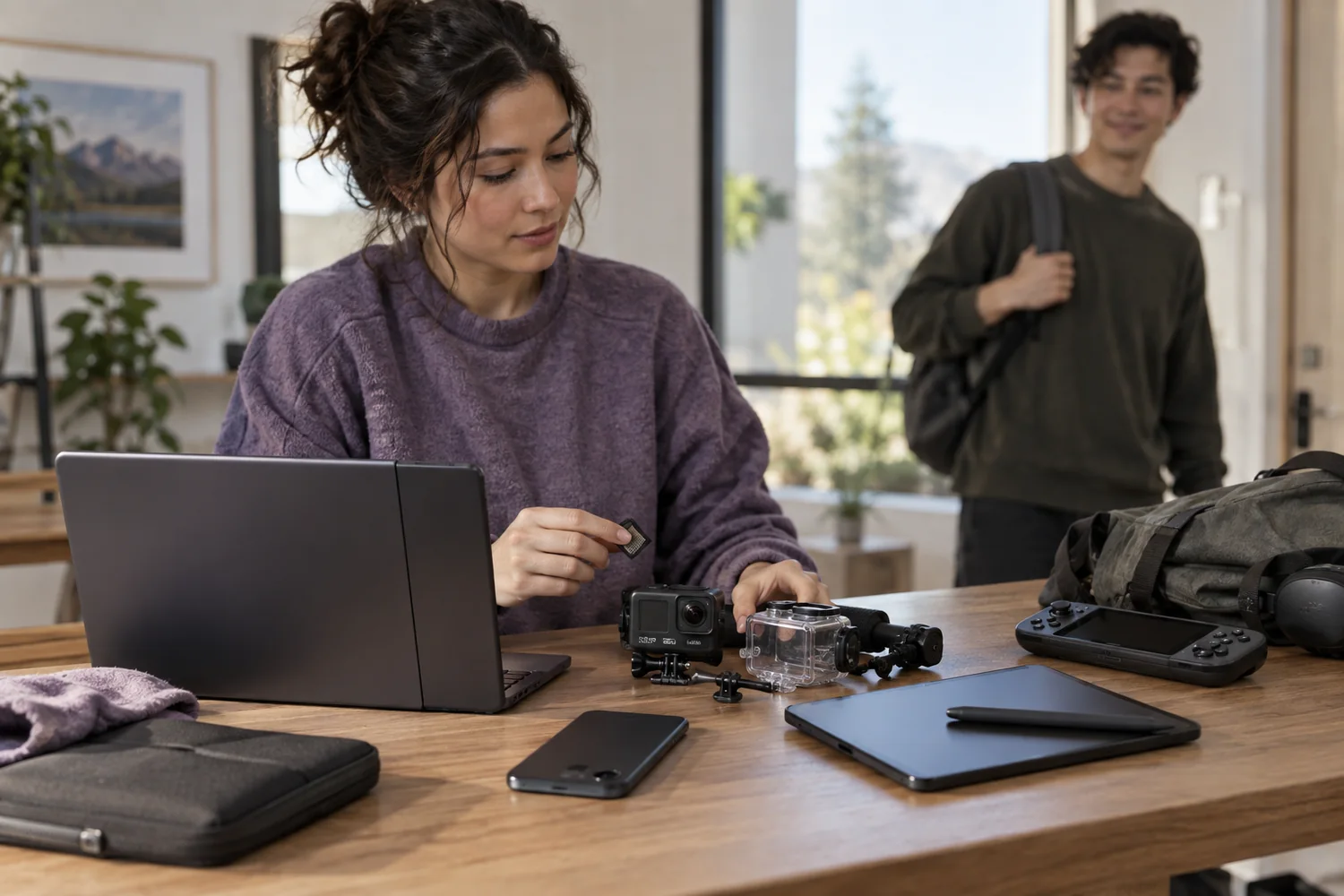
Setup notes
Back up, unlock, then return
A careful handover protects your work and makes the next person's setup possible. Erasure is a sequence, not one button.
Read the guide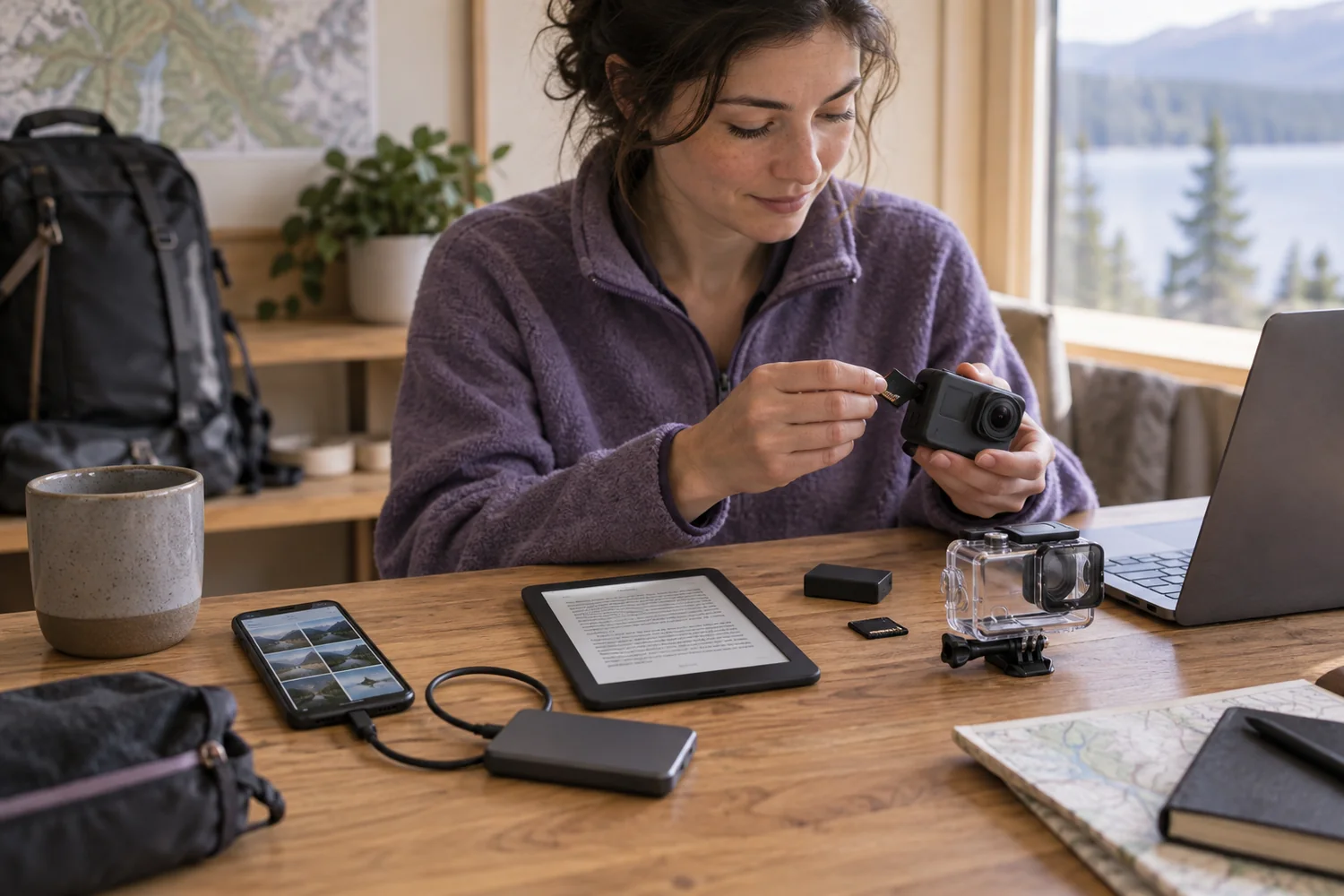
Setup notes
Plan storage for the offline day
A phone, reader or action camera needs enough usable space and a tested route for moving the files you care about.
Read the guide