
4 views planned
Slate · Touch & pen workspaces
Slate Panel 11 256
An OLED reading and media tablet with generous local storage and touch input.
€490.00 to buy
A local equipment plan. No stock is reserved and no payment is collected.
A closer look at Slate Panel 11 256
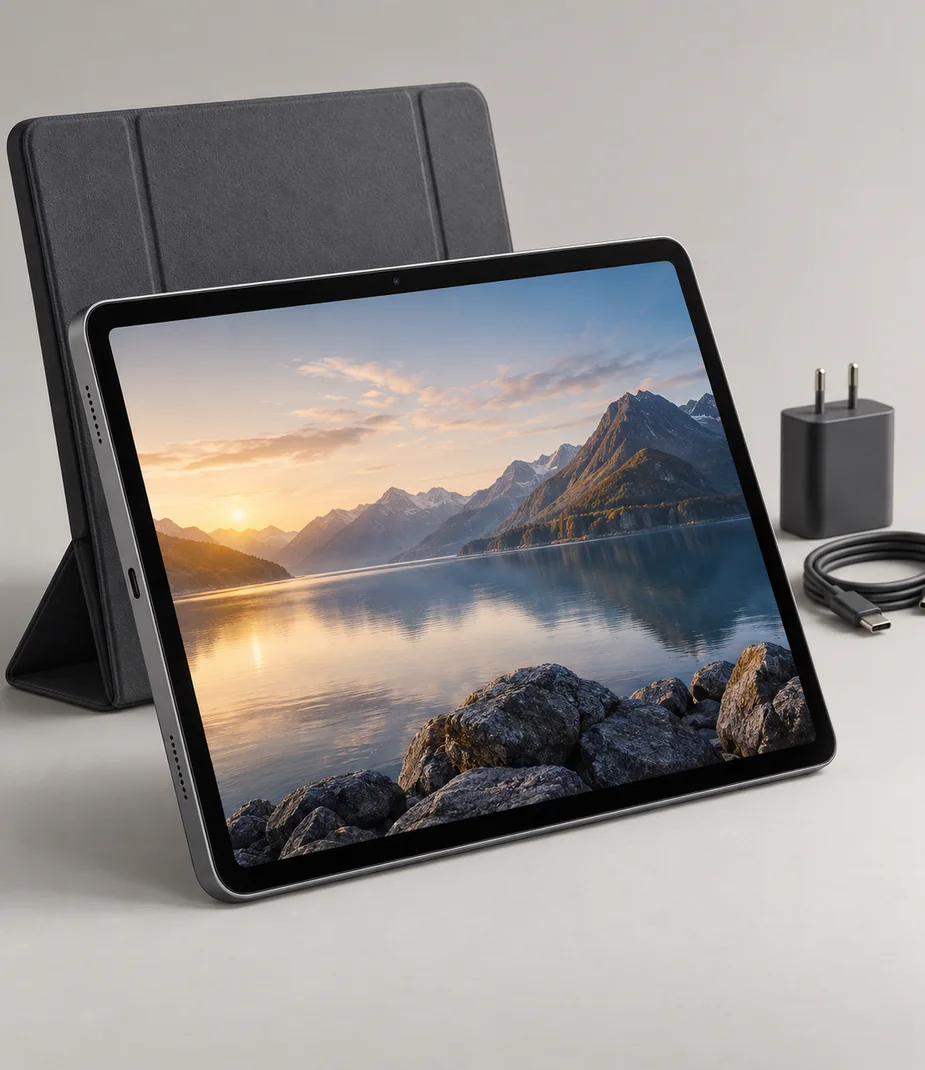
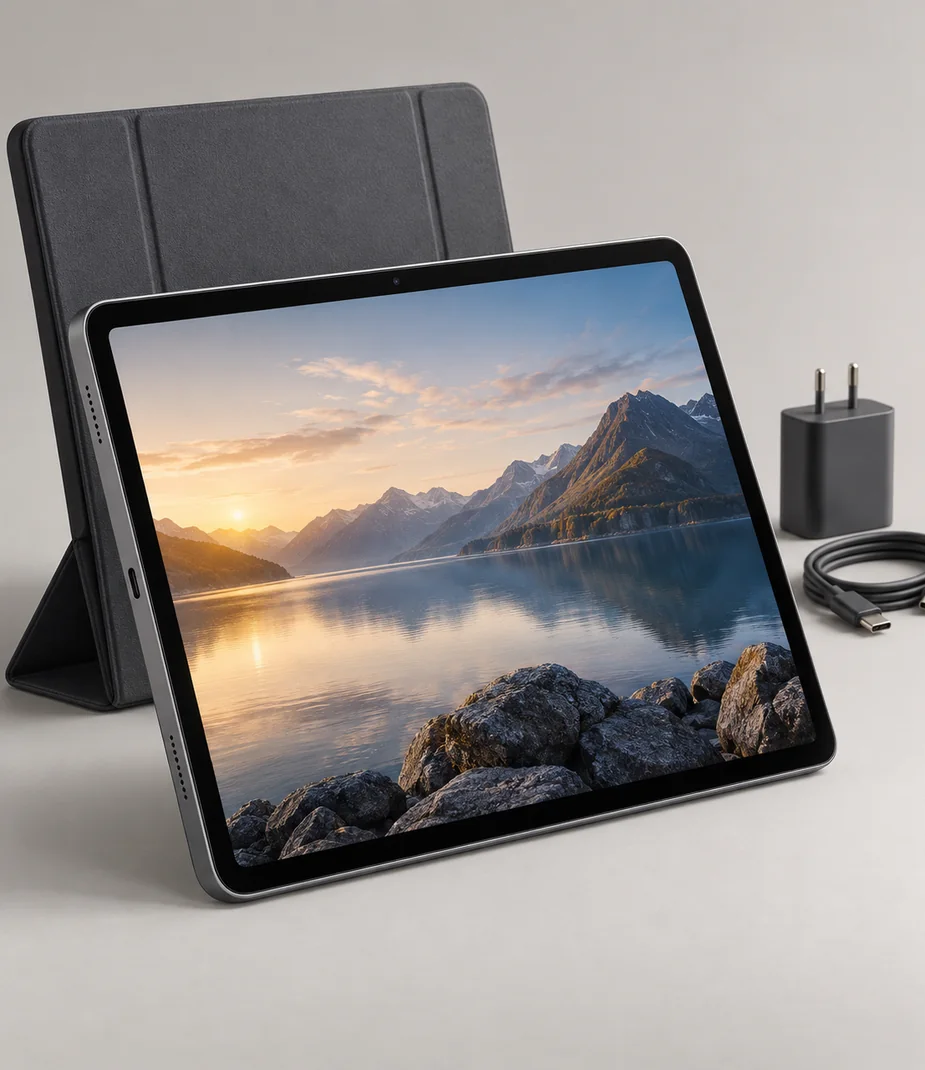
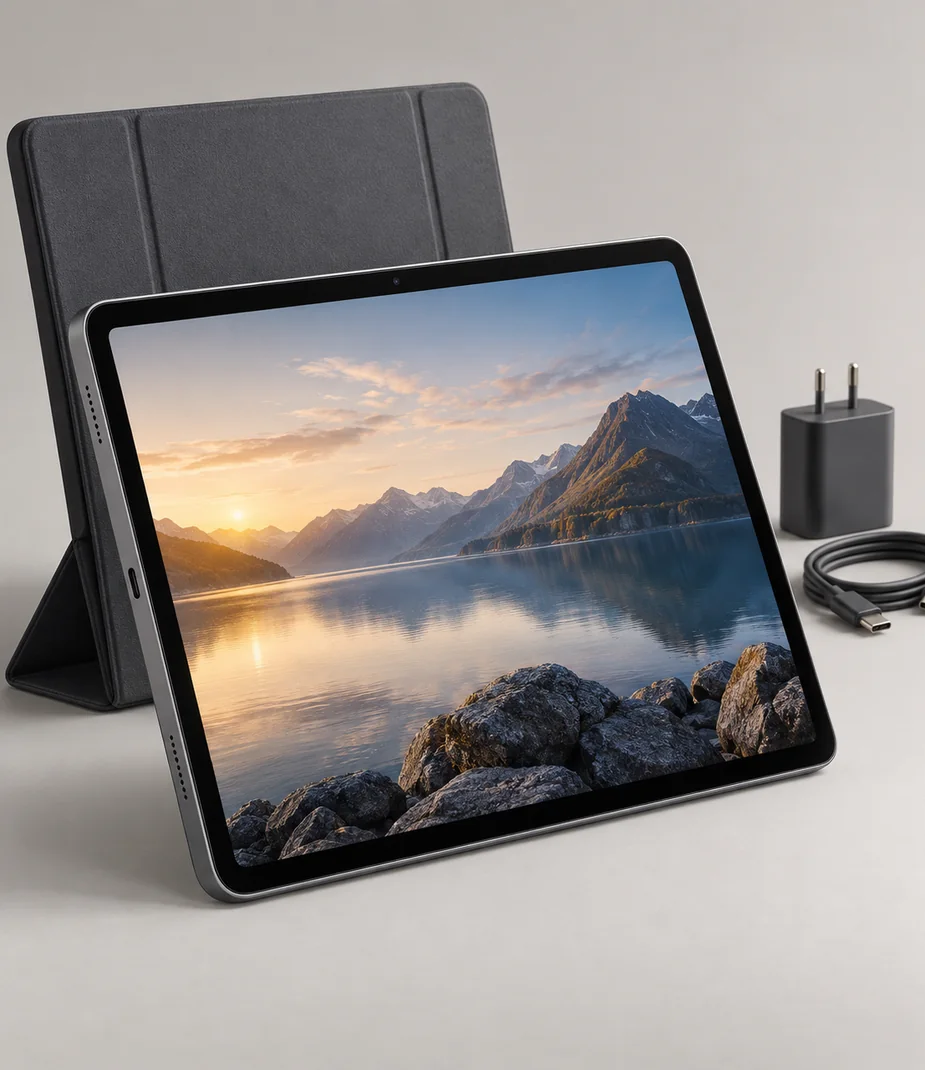
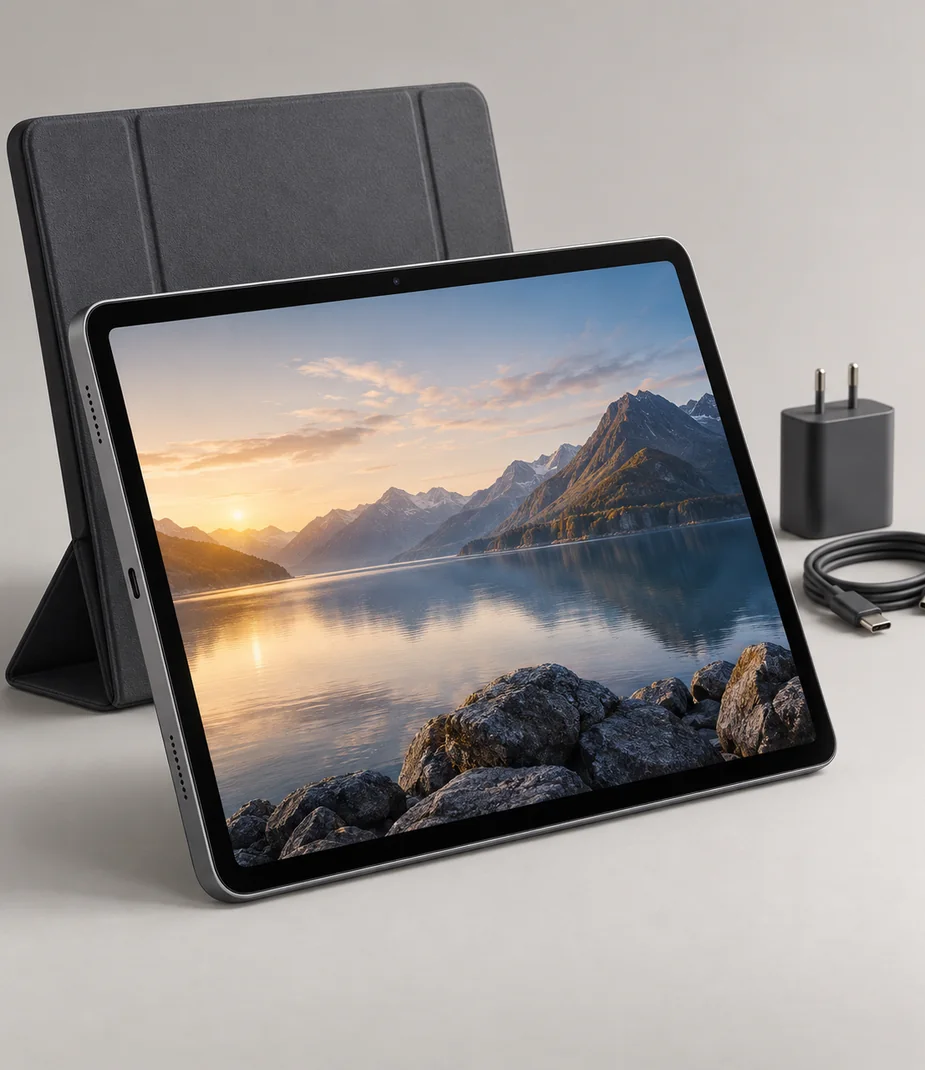
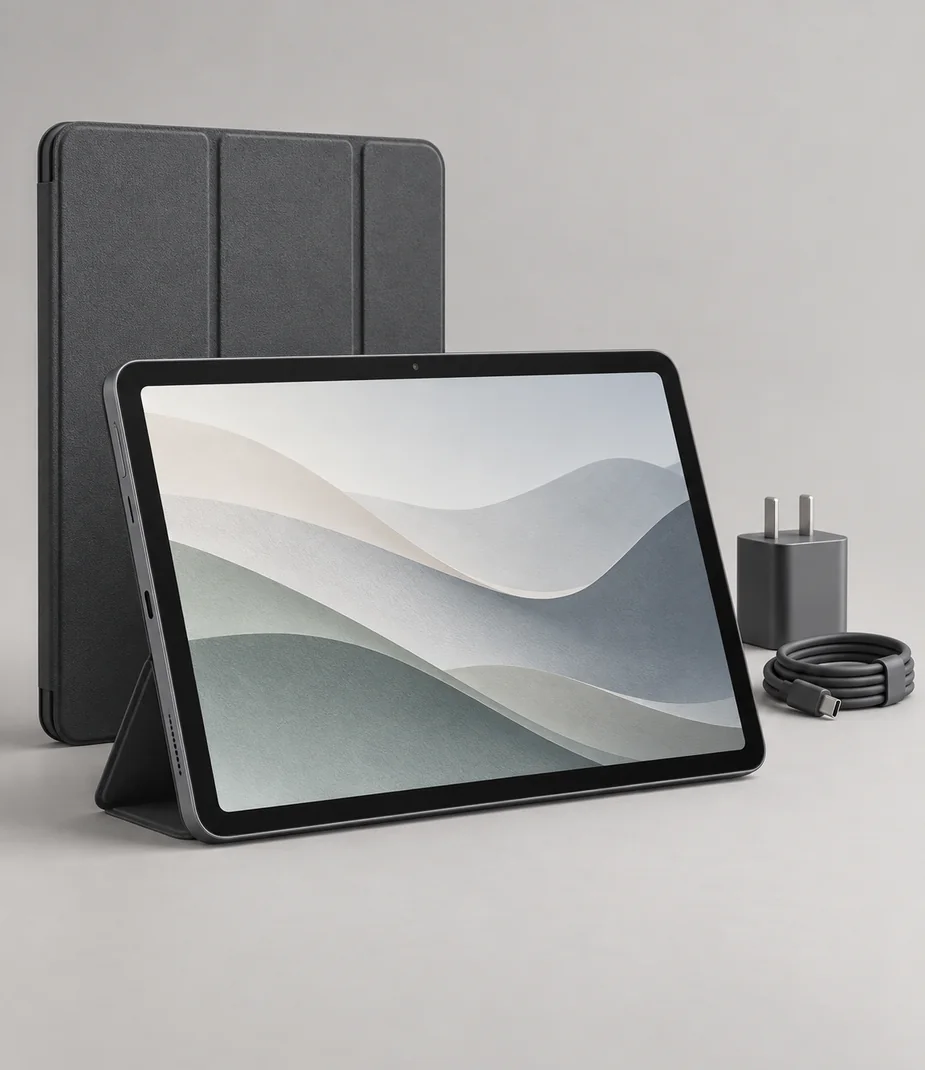
Panel 11 256 prioritises viewing over pen work. Its OLED screen and 256 GB drive suit a curated offline collection of documents and media, with 6 GB memory for ordinary tablet tasks. Unlike the Canvas kits, it has no active pen, so selection should follow the input method actually needed for the project.
Organise offline files before travel and check that the required player or reader can open them. The folio supports viewing at a table, while the 30 W charger and data cable handle power and file transfer. Do not plan a presentation around USB-C video because this tablet does not provide it.
| Term | Per month | Full rent | Refundable deposit | Due at start |
|---|---|---|---|---|
| 1 month | €27.00 | €27.00 | €75.00 | €102.00 |
| 3 months | €25.65 | €76.95 | €75.00 | €100.65 |
| 6 months | €24.30 | €145.80 | €75.00 | €99.30 |
| 12 months | €21.60 | €259.20 | €75.00 | €96.60 |
Full rent excludes the deposit. The initial amount includes the first month and the deposit. Rental does not become ownership.
What comes with this model
- Slate Panel 11 256
- Folding folio cover
- 30 W USB-C PD supply
- USB-C charging/data cable
Technical details
- Screen
- 11 inches, OLED
- Native resolution
- 2560 × 1600
- Memory
- 6 GB
- Fixed storage
- 256 GB
- Wireless
- Wi-Fi and Bluetooth; no mobile modem
- USB-C
- Data and charging; no video output
- Pen input
- Touch only; no active pen supplied
- System
- Slate OS 2, fictional platform
- Charging
- 30 W USB-C PD
- Security
- Local passcode and illustrative fingerprint unlock
Questions about this model
Is this a cellular tablet?
No. Slate Panel 11 256 uses Wi-Fi for network access and has no mobile modem. Prepare files offline or provide a separate network.
What input tools are included?
The kit uses finger touch and includes no active pen. A folding folio is supplied, but a keyboard is separate.
Check this before choosing
Intended uses
- Reading and marking up project documents
- A portable touch workspace
Points to confirm
- No active pen is included, and the USB-C port cannot output video.
- The fictional system has no supplied commercial app licenses; no keyboard or mobile data plan is included.
Make a local setup note
A note for your own equipment plan. It is not a published review and is not sent to anyone.
Alternatives to consider
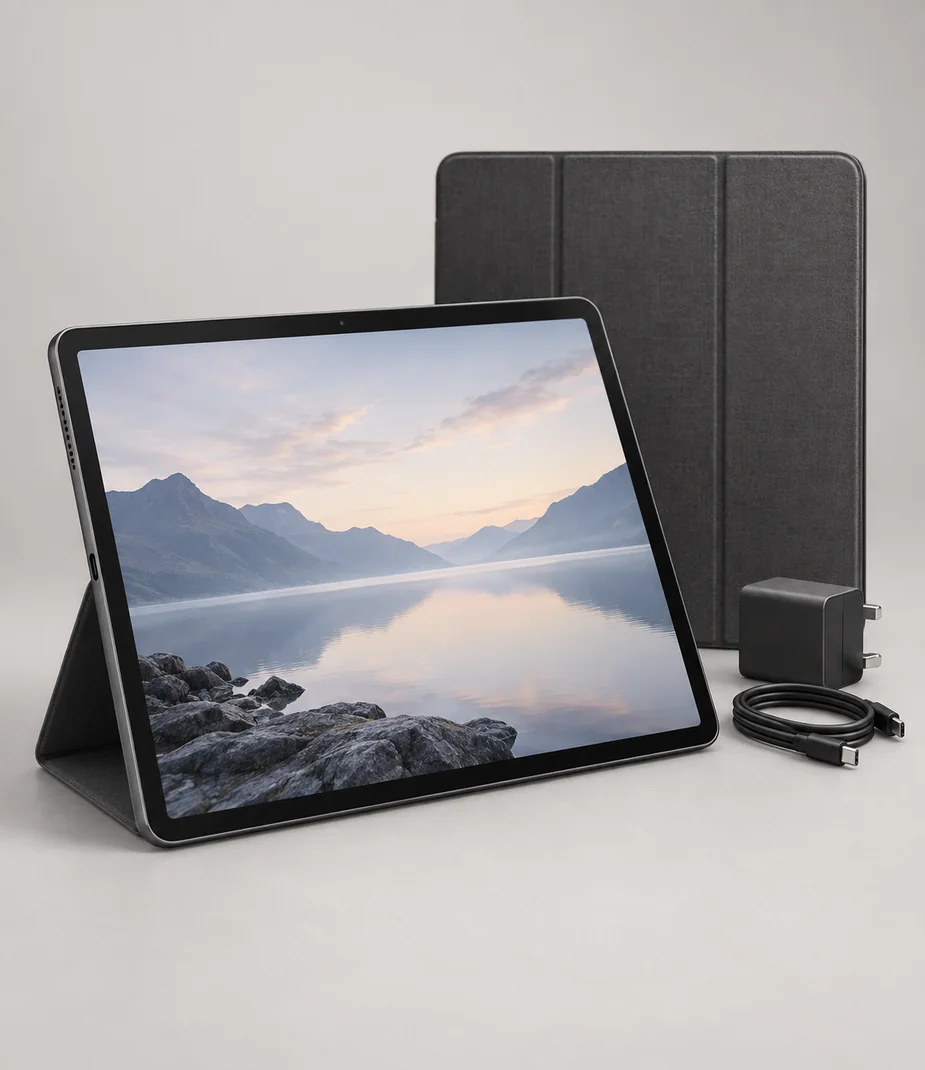
Alternatives illustrate a selection tradeoff; comparison does not imply accessory, media or platform compatibility.
Connections with a reason
Only the named relationships have been defined. Each link states whether it concerns lens fit, signal, input, companion software or file transfer; no universal same-category compatibility is implied.
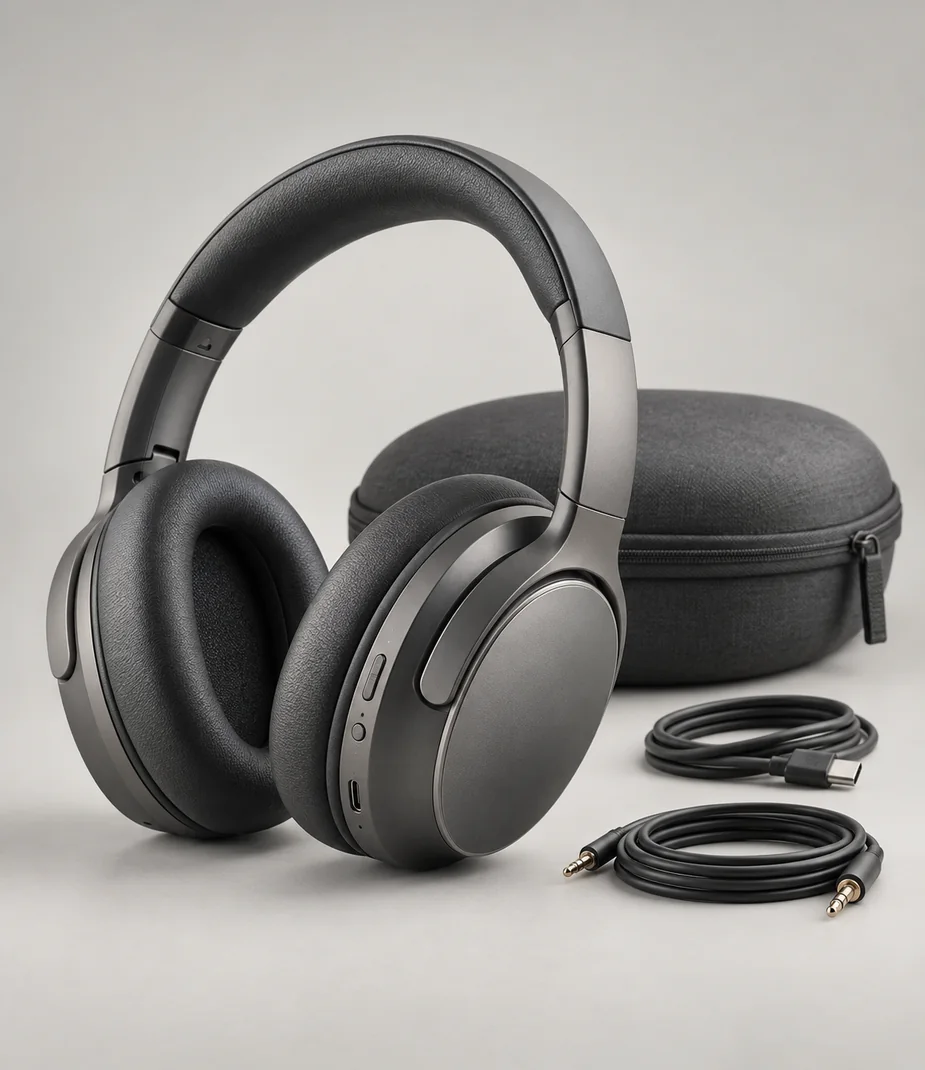
Slate Panel 11 256 sends Bluetooth A2DP audio to Pulse Hush 9. This is an audio link, with no keyboard, pen or video-output compatibility implied.
Read before assembling the kit
Setup notes
USB-C is the connector, not the complete answer
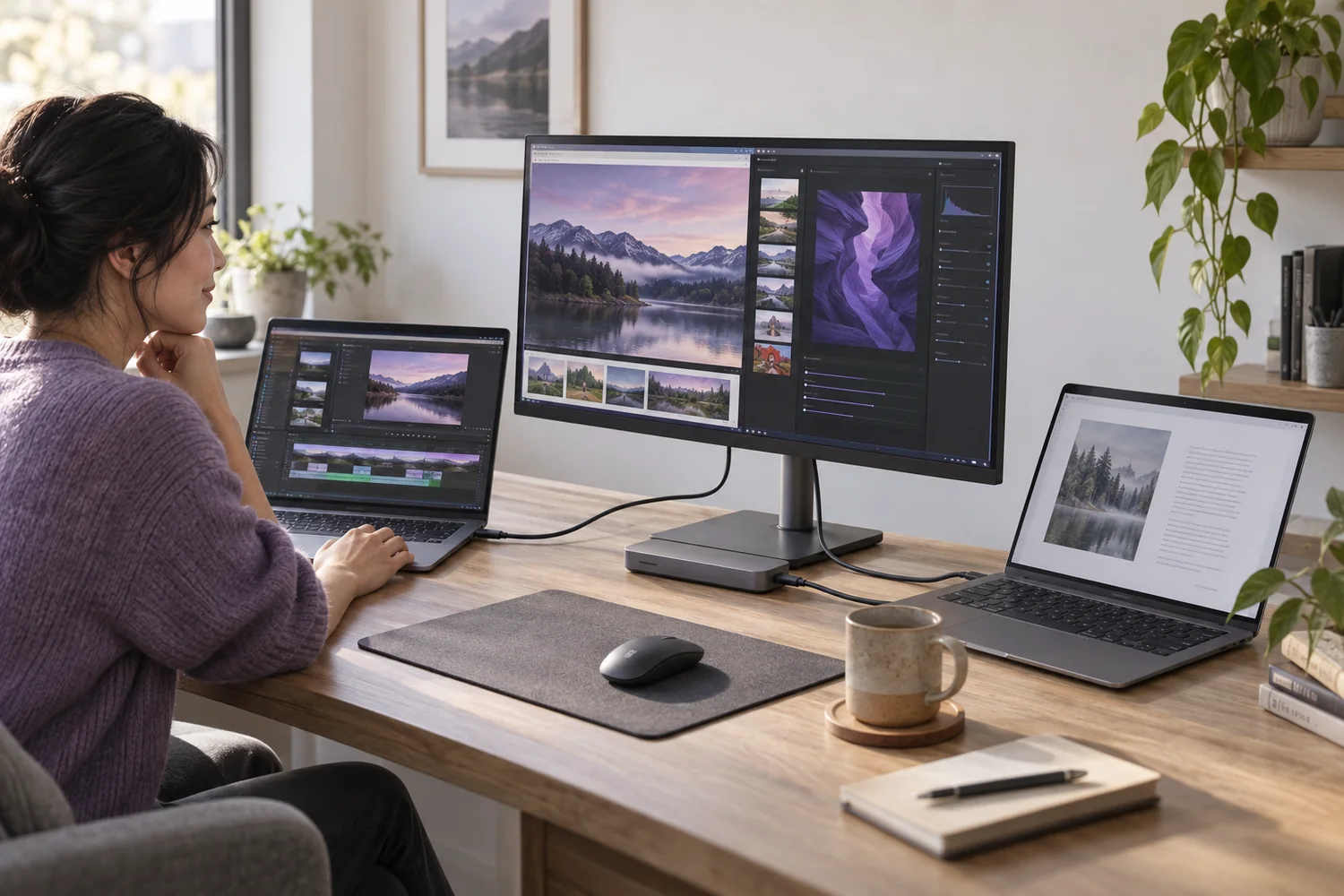
A single socket can carry different kinds of power, data and video. Check each capability before planning a one-cable desk.
Read the guide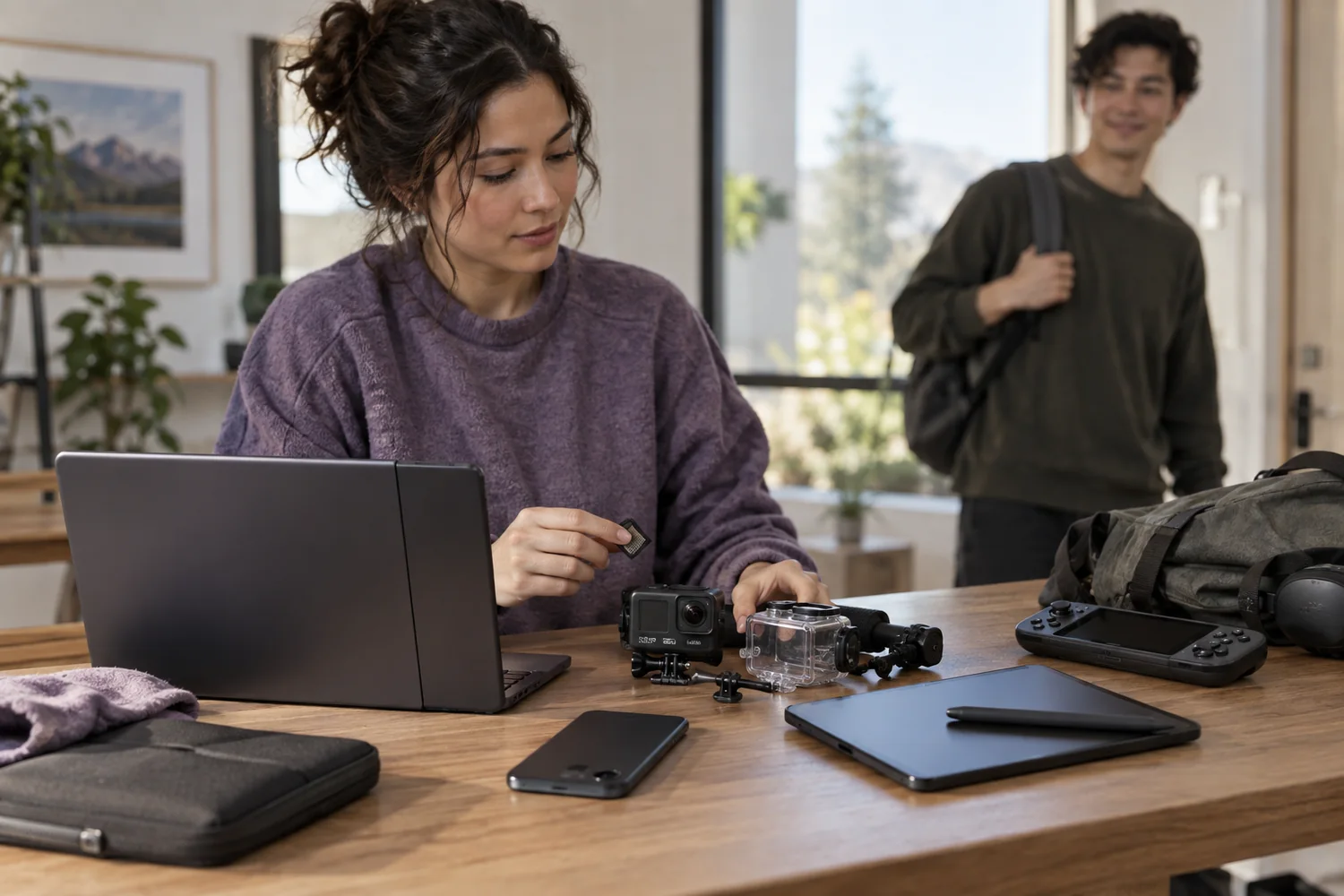
Setup notes
Back up, unlock, then return
A careful handover protects your work and makes the next person's setup possible. Erasure is a sequence, not one button.
Read the guide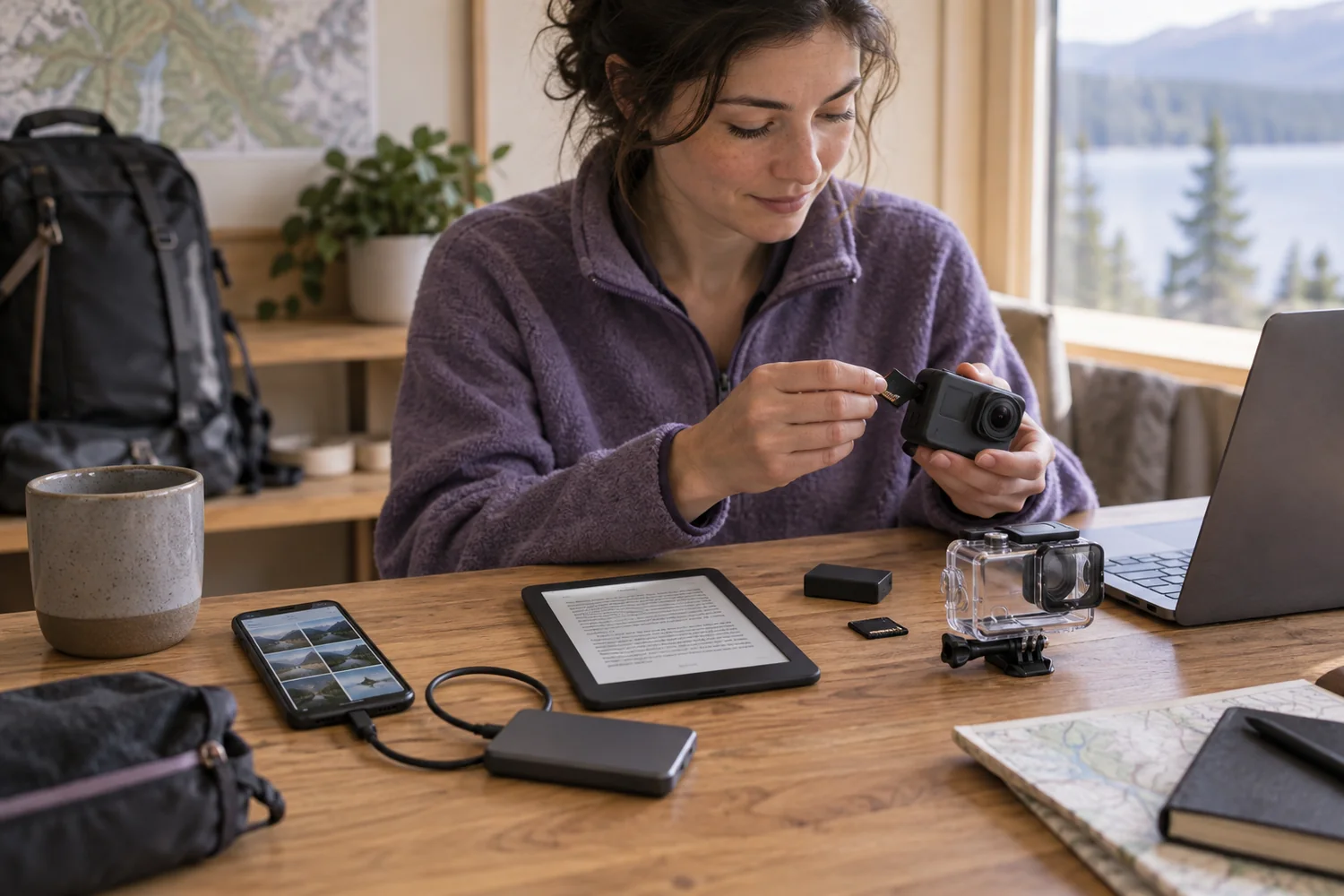
Setup notes
Plan storage for the offline day
A phone, reader or action camera needs enough usable space and a tested route for moving the files you care about.
Read the guide