
Back up, unlock, then return
A careful handover protects your work and makes the next person's setup possible. Erasure is a sequence, not one button.
Circuit & Field editorial desk
Make a backup you have opened
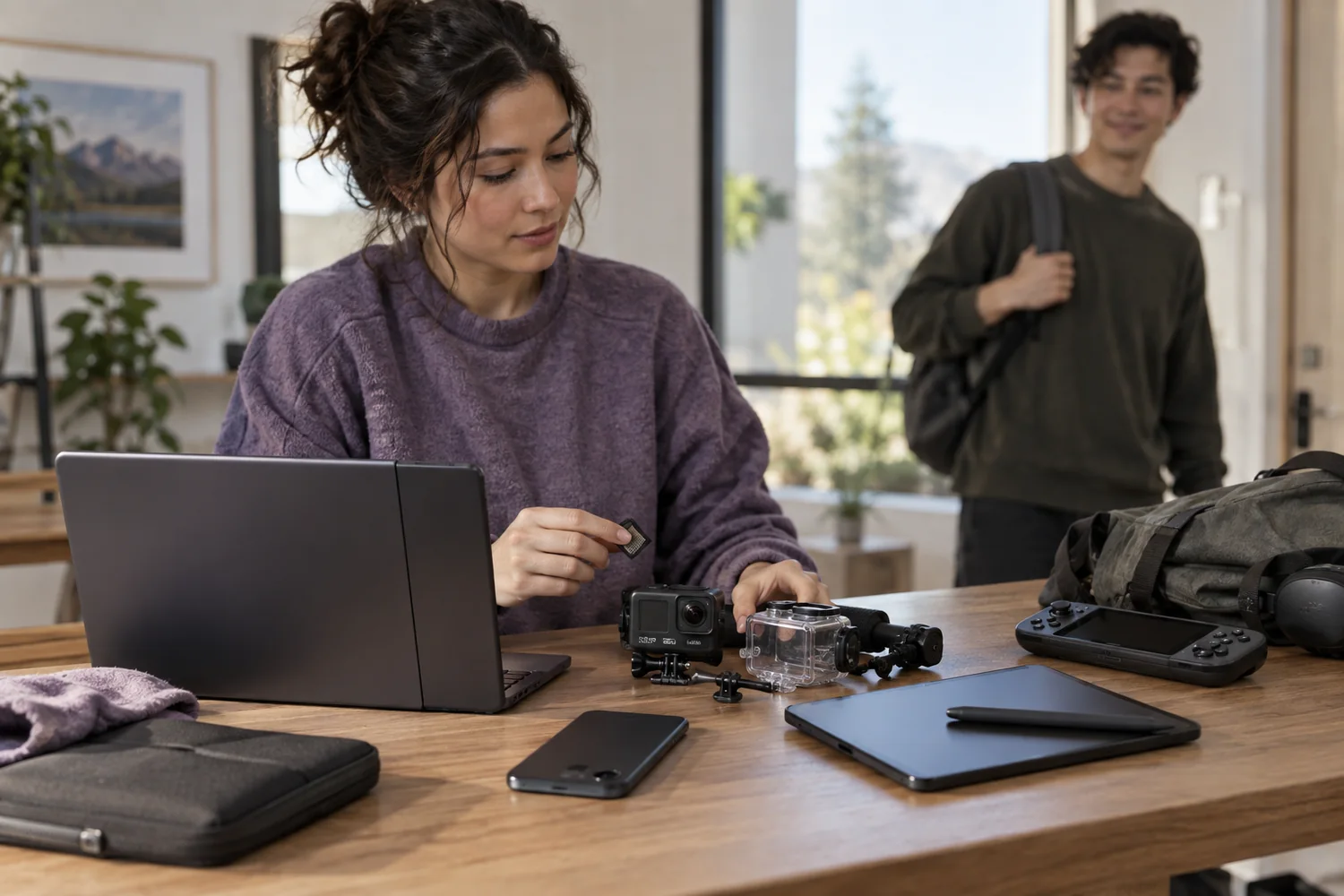
Start while there is enough time to recover from a mistake. Copy the files you need to storage you control, then open representative documents and media from that copy. A folder that appears to have the right size is not the same as a tested backup.
Include material held outside obvious folders: project libraries, export presets, application settings and locally stored recordings. Cloud sync is not automatically a separate backup. Deleting a synchronized file on one device may delete it elsewhere, so understand the service before using deletion as a cleanup method.
Remove the device from your accounts
Sign out of personal services and remove device-finding or activation locks using the manufacturer's procedure. Some devices must still be connected to an account or network to release a lock properly. Do that before the reset, then verify the device is no longer linked where applicable.
Do not give anyone your account password to work around a locked return. A real provider should give you a documented handover process. This site does not collect passwords or operate a device-unlocking service; its checklist helps you identify the step that needs your attention.
Use the correct erase method
Follow the documentation for the actual storage and device. A quick format, a factory reset and a supported secure erase can have different effects. Encrypted storage may rely on key destruction, while removable media may need its own procedure. No generic checklist can certify that every medium has been sanitized.
Remove personal memory cards, SIMs and external drives, unless they are explicitly part of the returned kit. For sensitive material, use an appropriate organizational or specialist procedure and verify its result. Do not assume that turning off a device or deleting a user profile removes every file.
Check the physical handover
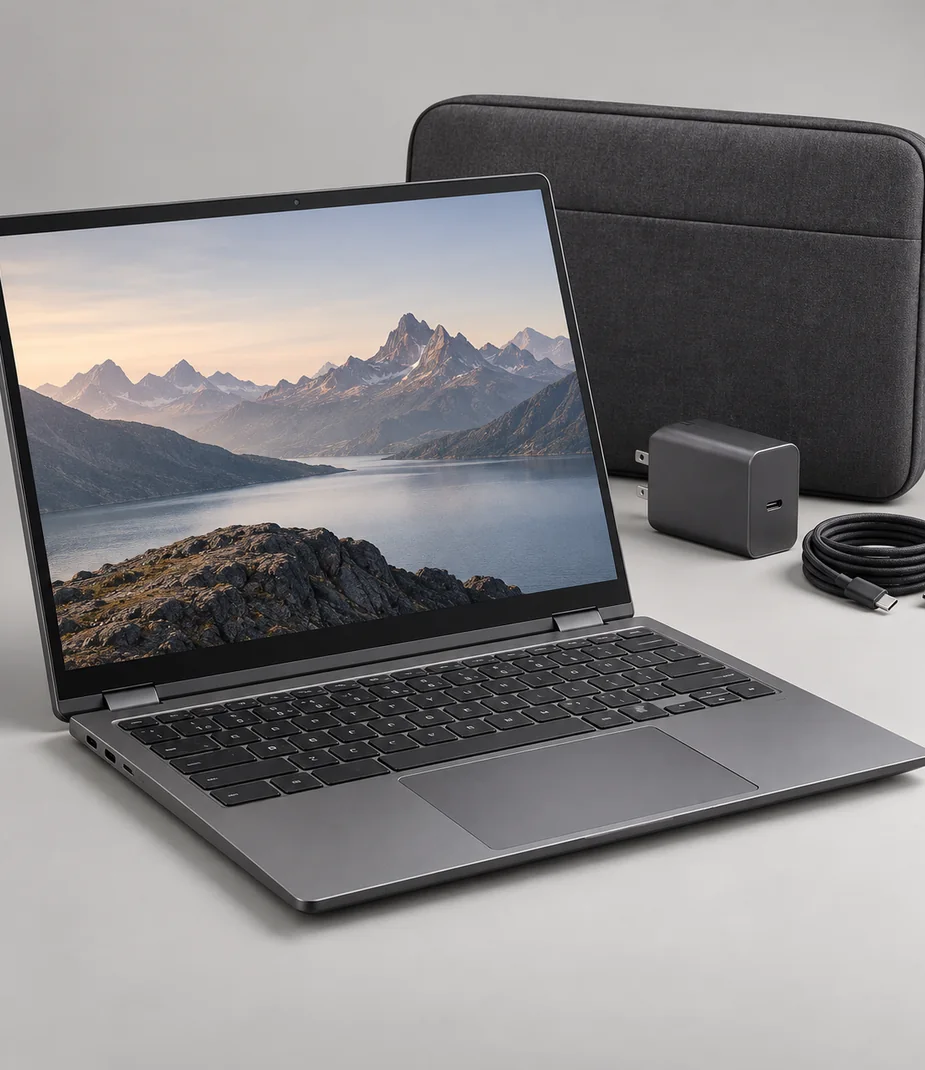
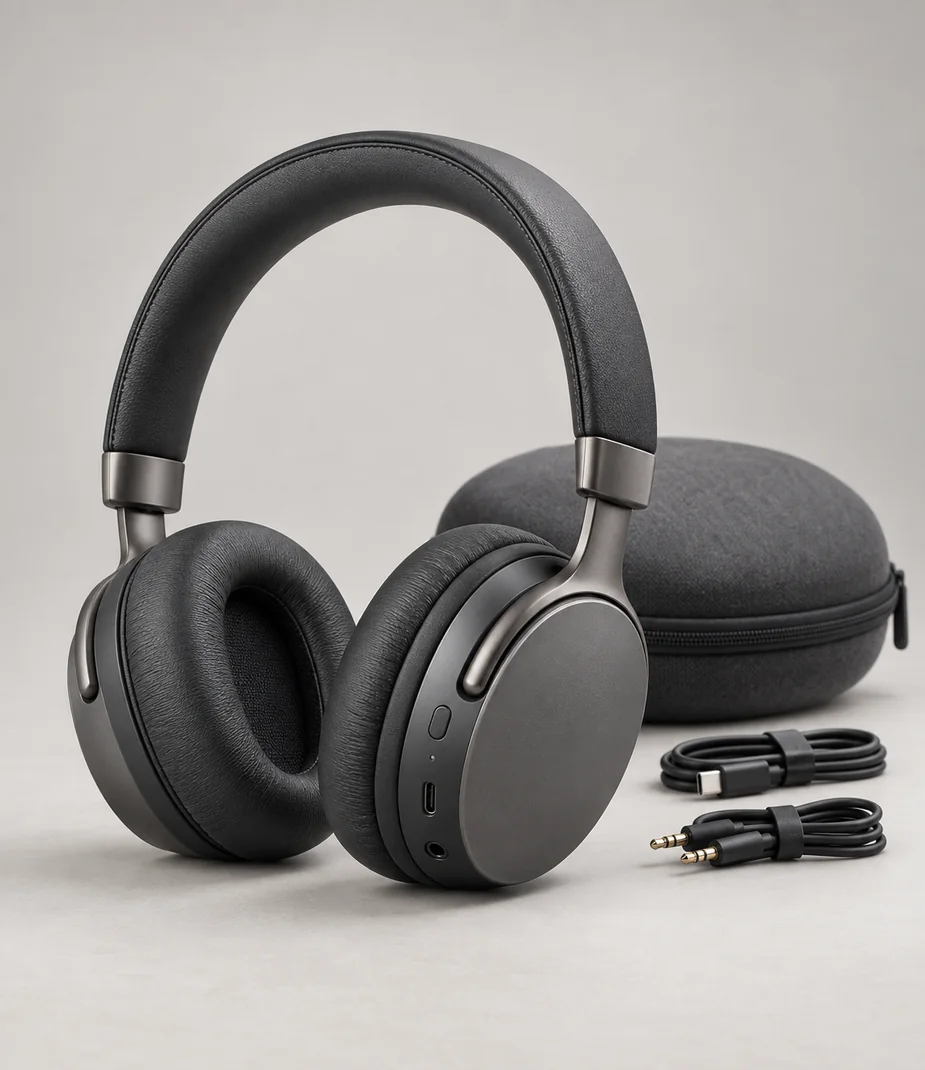
Let the device complete its reset and confirm that it reaches the expected setup state without requesting your account. Record the serial or kit identifier in your own handover notes where appropriate, and count the supplied items against the original list.
Inspect the case, screen and connections, note existing marks honestly and pack the correct charger with the device. A return checklist should describe condition and contents rather than claim the equipment is faultless. Keep your tested backup until you are satisfied that the handover and your own work are complete.
Before you decide
- Representative files opened from the backup
- Accounts and activation locks removed appropriately
- Documented erase procedure completed
- Personal SIMs and storage removed
- Expected setup state and complete kit checked
General planning guidance with illustrative catalog examples; use the actual manufacturer's documentation for real equipment.
Models to read alongside this guide
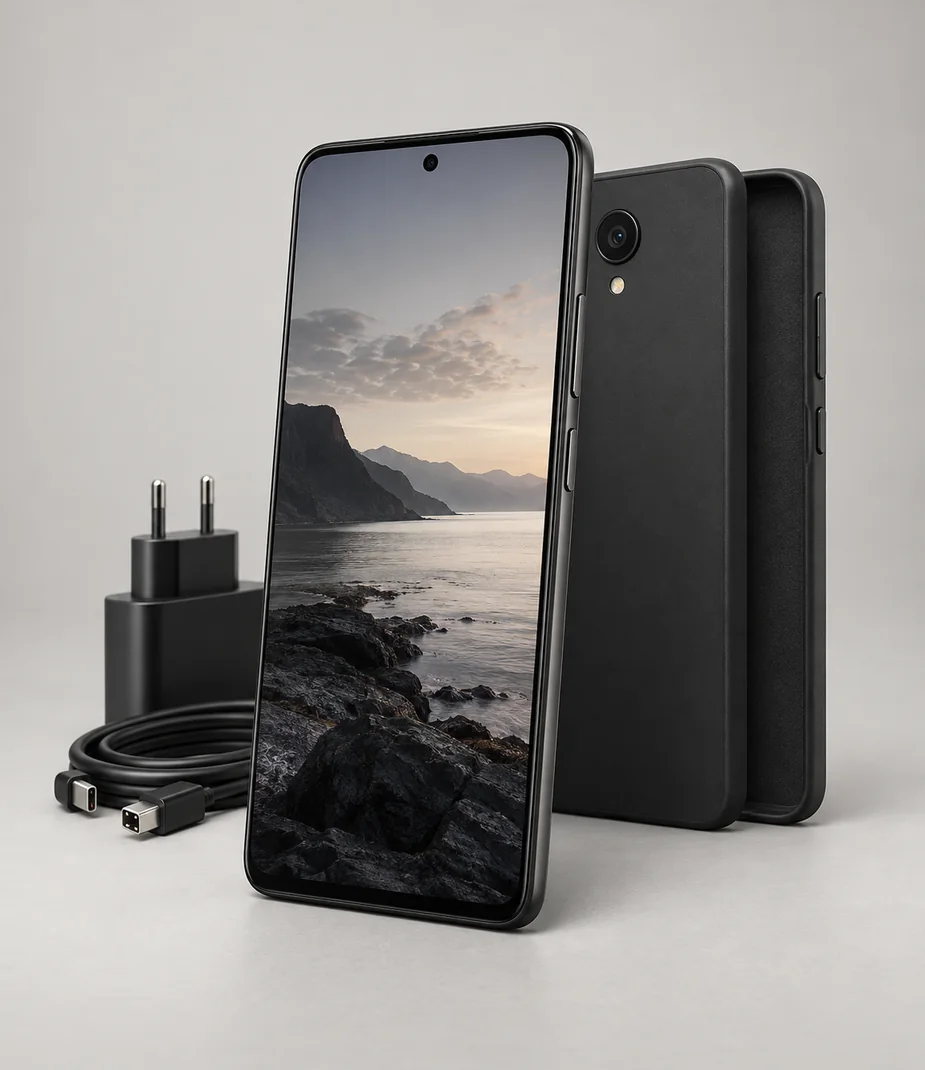
Slate · Phones for everyday projects
Slate Meridian 5 128 Onyx
From €15.20 / month · 12 months
€310.00 to buy

Luma · Action clips & instant prints
Luma Action 4 Black
From €10.40 / month · 12 months
€169.00 to buy