



Computers for working desks
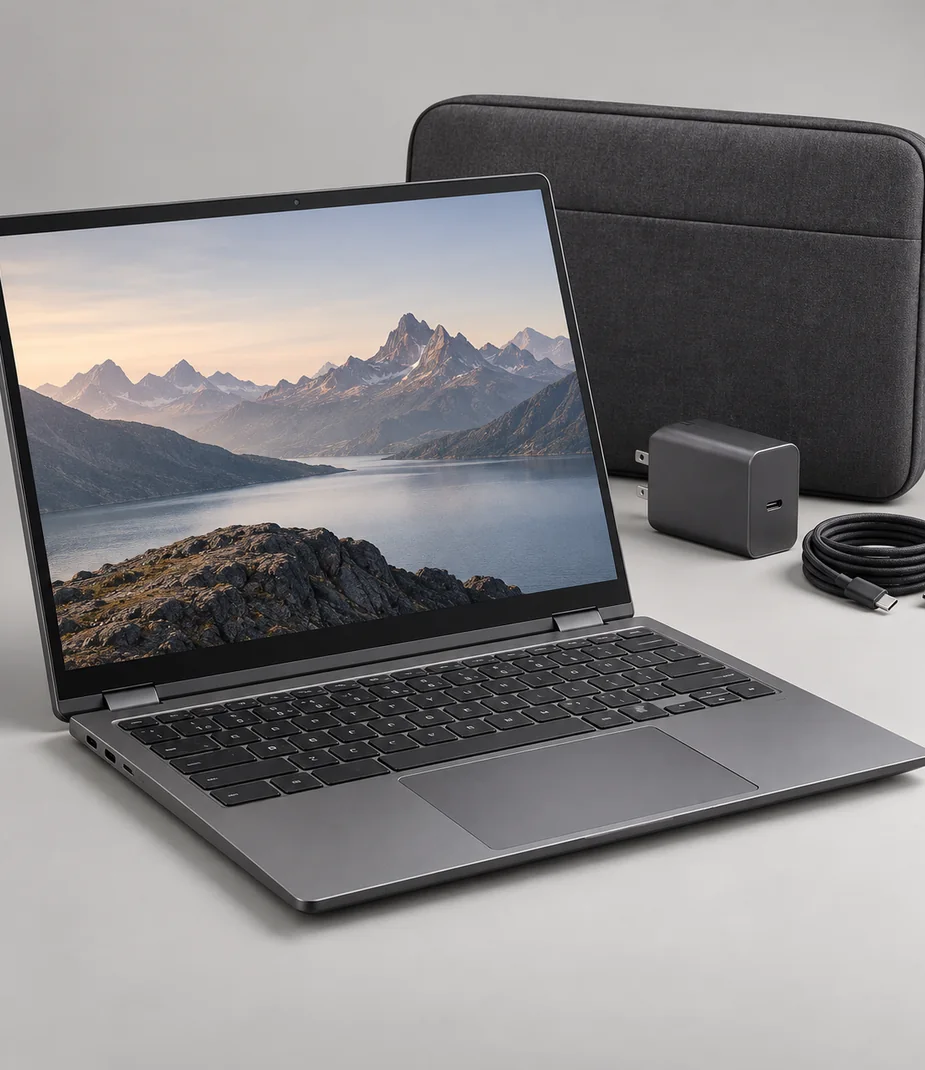
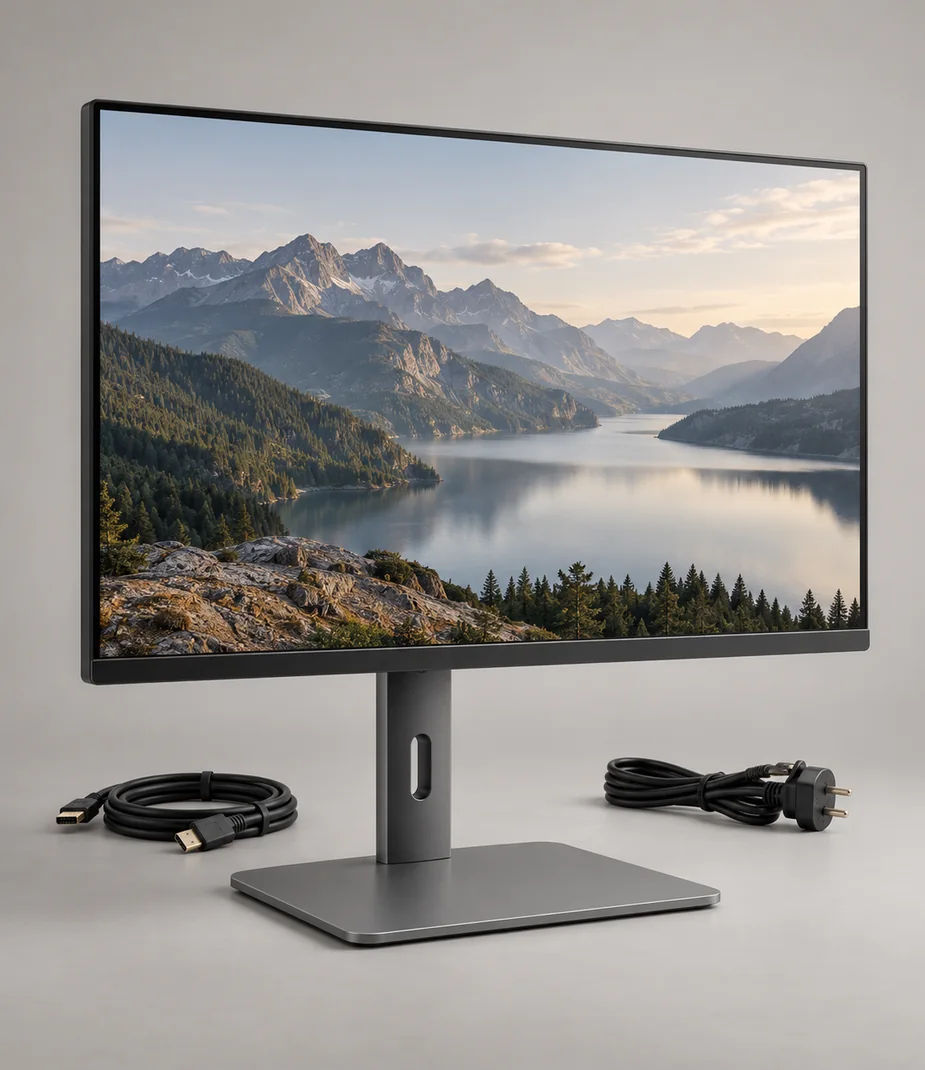
Choose a computer by the files and connections it must handle, then decide how often it needs to move. Vela notebooks and all-in-ones cover different desk patterns; Arc monitors add workspace only when the computer provides a matching video output.


17 models · page 2
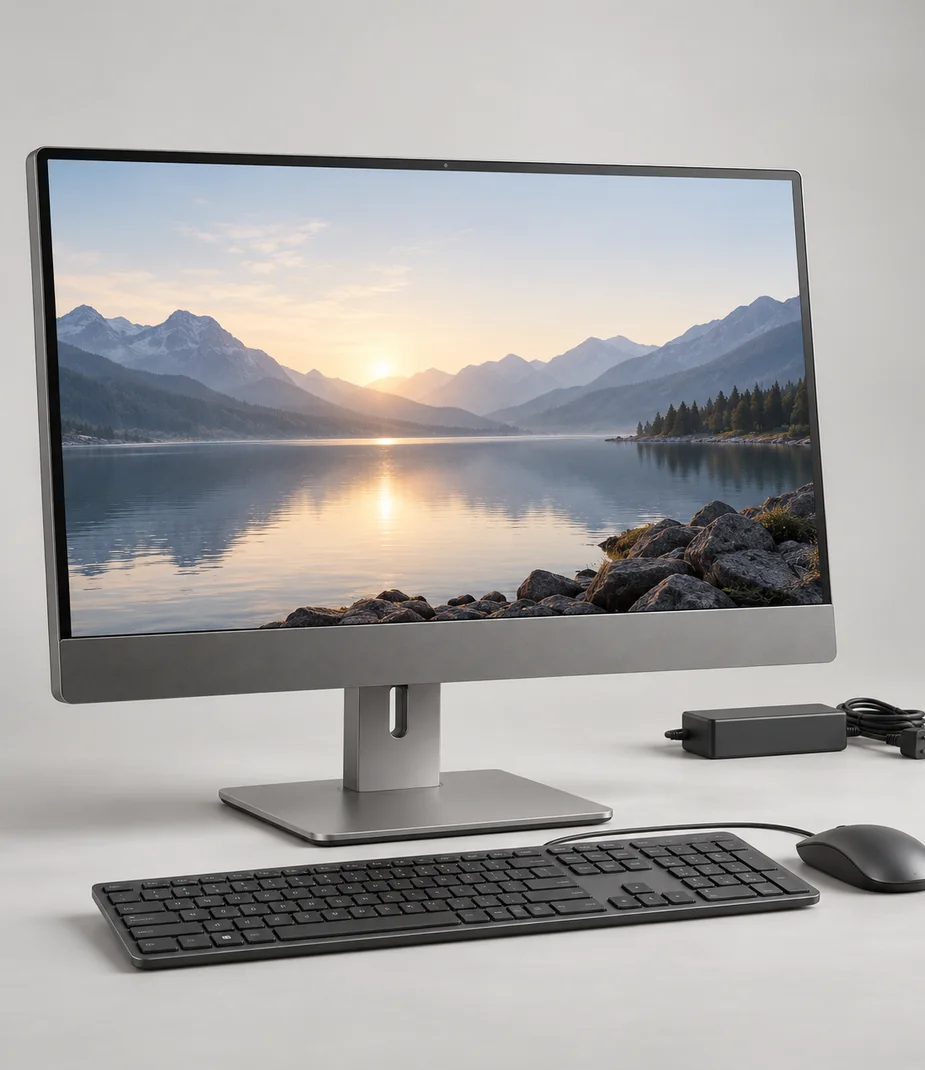
Vela · A complete screen-and-computer desk
Vela Studio 22 S
From €43.20 / month · 12 months
€1,090.00 to buy
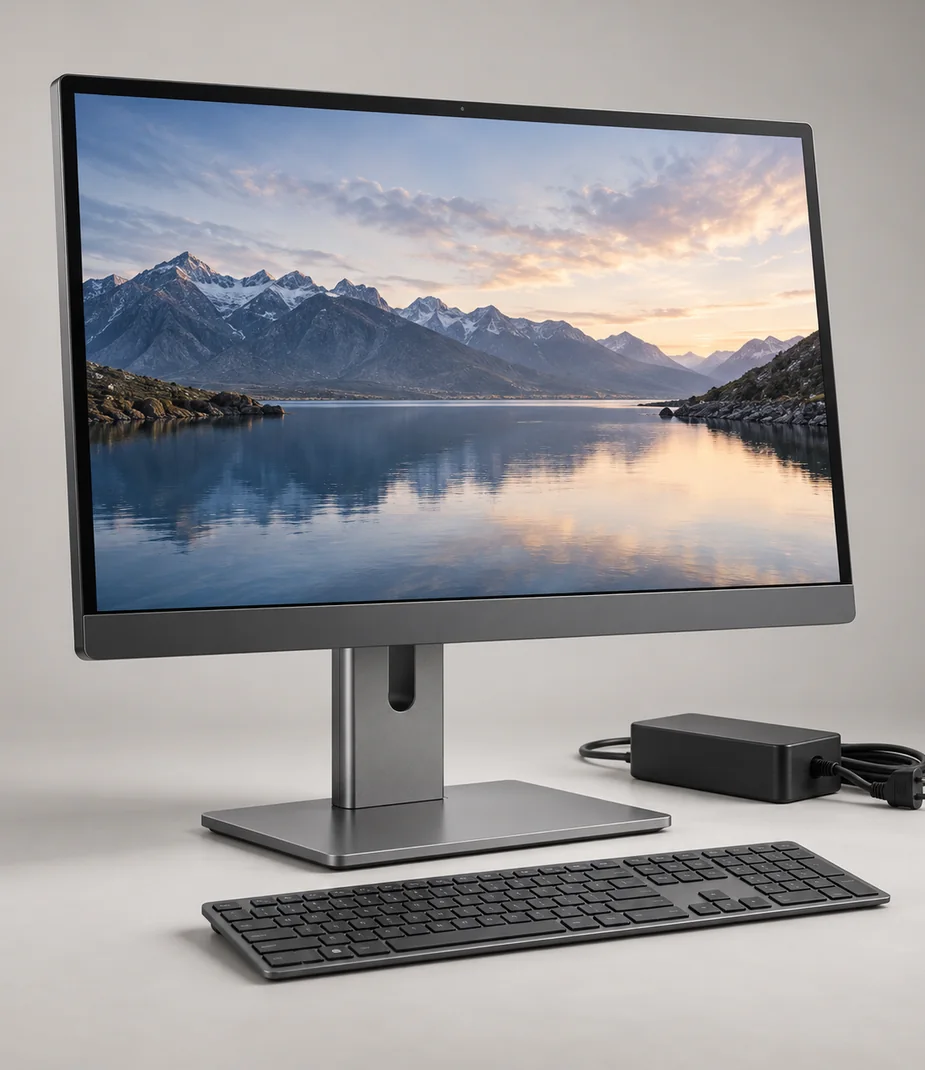
Vela · A complete screen-and-computer desk
Vela Studio 27 H
From €87.20 / month · 12 months
€2,390.00 to buy
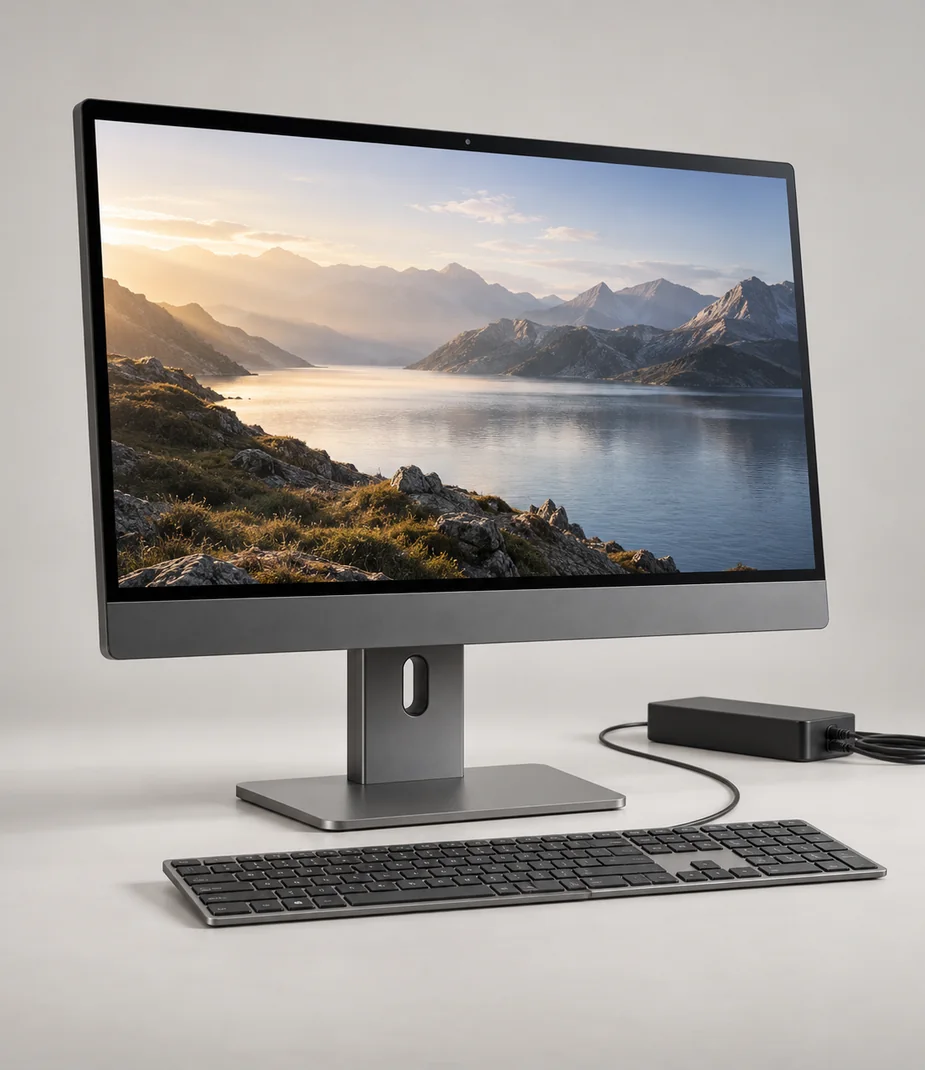
Vela · A complete screen-and-computer desk
Vela Studio 27 M
From €71.20 / month · 12 months
€1,890.00 to buy
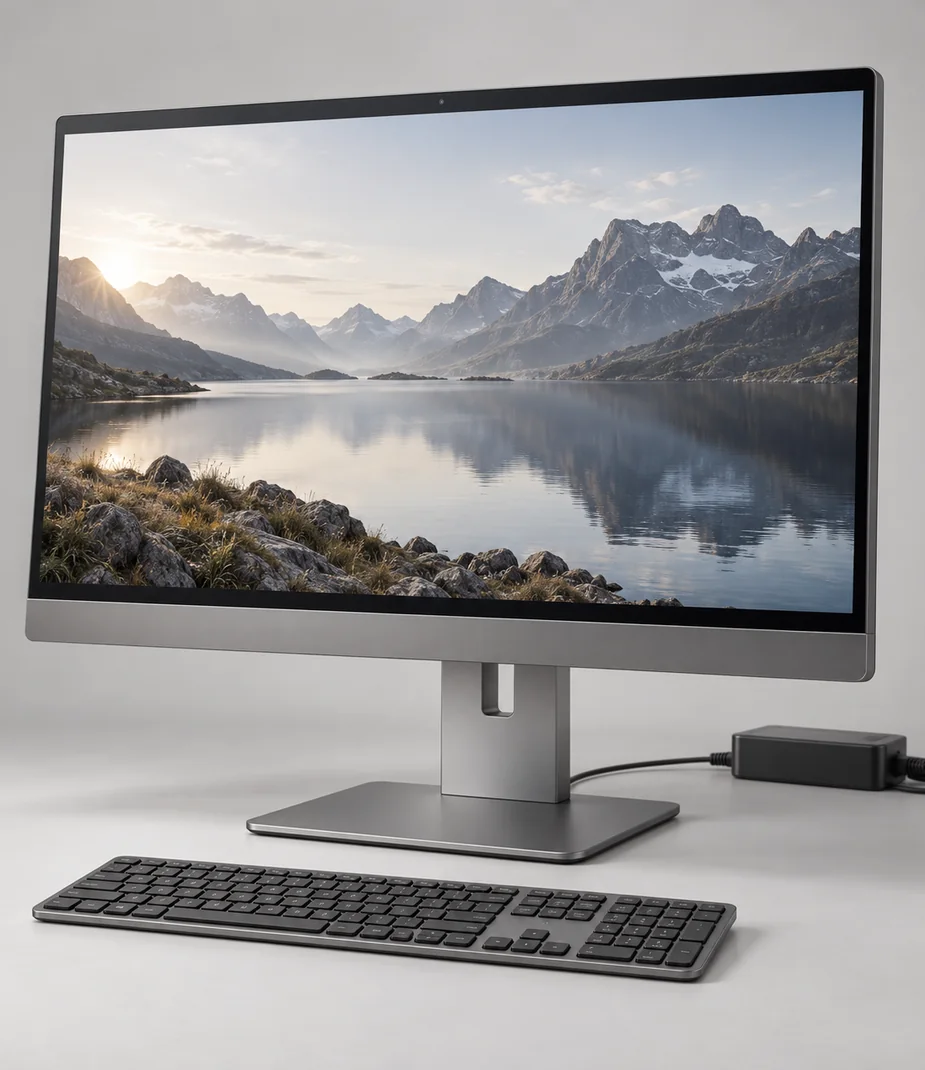
Vela · A complete screen-and-computer desk
Vela Studio 27 S
From €57.60 / month · 12 months
€1,490.00 to buy
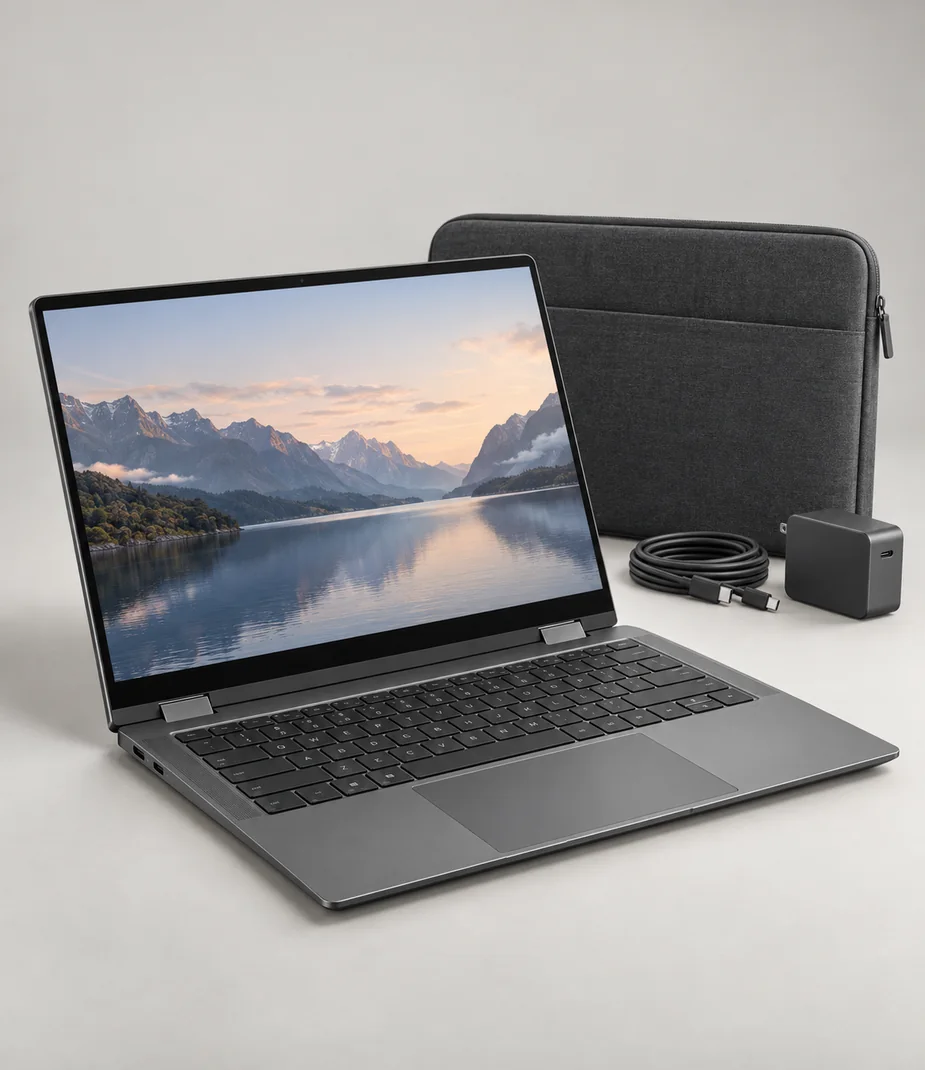
No equipment matches this selection
Clear a filter or try a shorter model name. You can always return to every category.
Browse categoriesBefore choosing a model
Estimate the active project size and leave storage free for temporary files. A larger internal drive is still a single copy, so plan backup separately.
Match memory and screen area to the job. A compact high-specification laptop may still be less comfortable than a larger display for long timelines or two-page work.
Will any USB-C cable connect a monitor?
No. The computer must provide video output and the cable must carry it. The declared Arc monitors do not charge a laptop through USB-C.
Does an all-in-one accept another computer’s picture?
The Vela Studio models have display outputs, not inputs. Their built-in screens cannot serve as standalone laptop monitors.
Useful setup notes

Setup notes
USB-C is the connector, not the complete answer
A single socket can carry different kinds of power, data and video. Check each capability before planning a one-cable desk.
Read the guide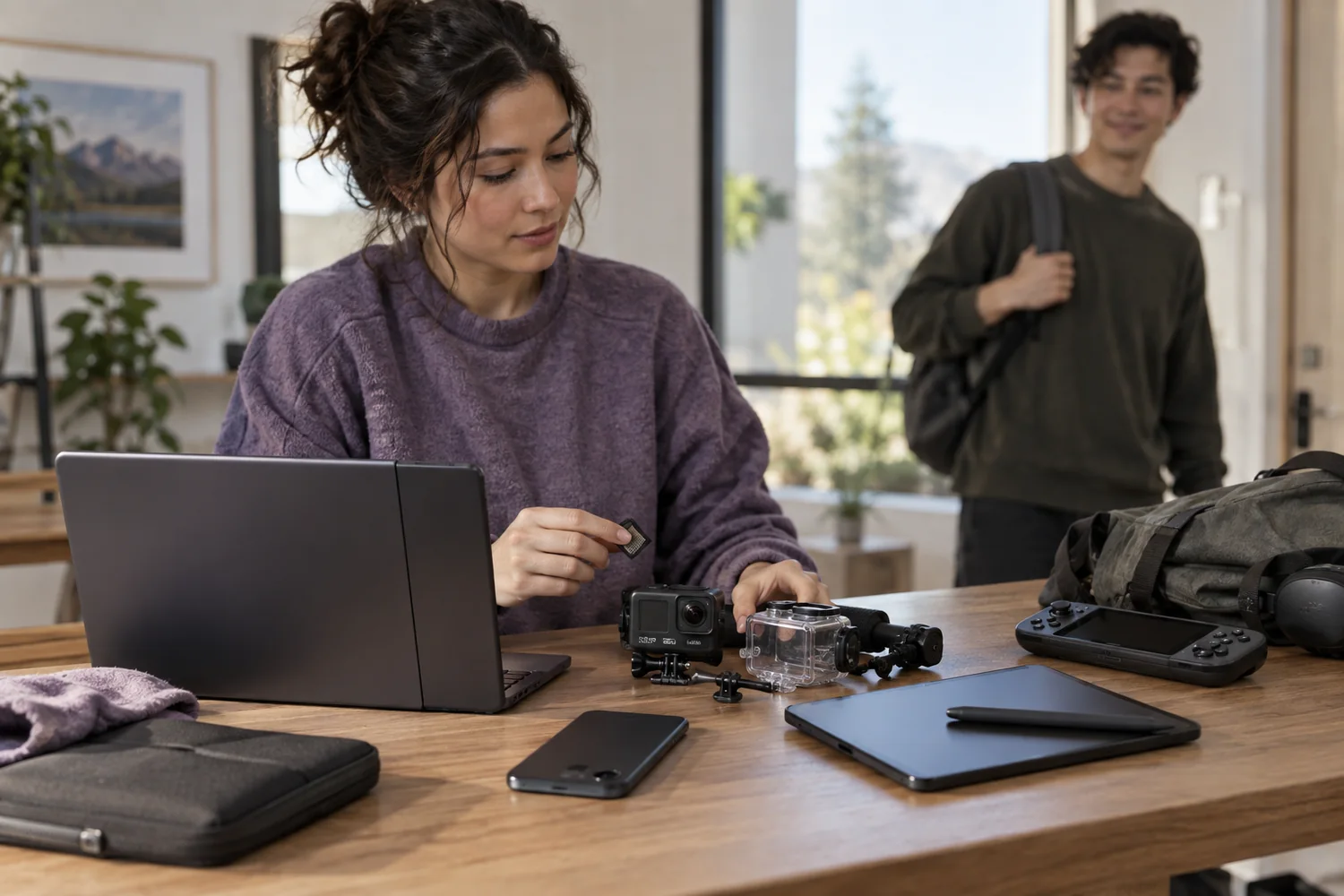
Setup notes
Back up, unlock, then return
A careful handover protects your work and makes the next person's setup possible. Erasure is a sequence, not one button.
Read the guide
Setup notes
Compare the commitment, not just the monthly price
A clear equipment budget separates rent, purchase, refundable deposits and the timing of the first payment.
Read the guide